WooCommerce Email Template Customizer
Customise WooCommerce transaction emails with a visual builder, branded styling, responsive layouts and reusable content for customer communications.
Instant access Original unmodified files Free future updates
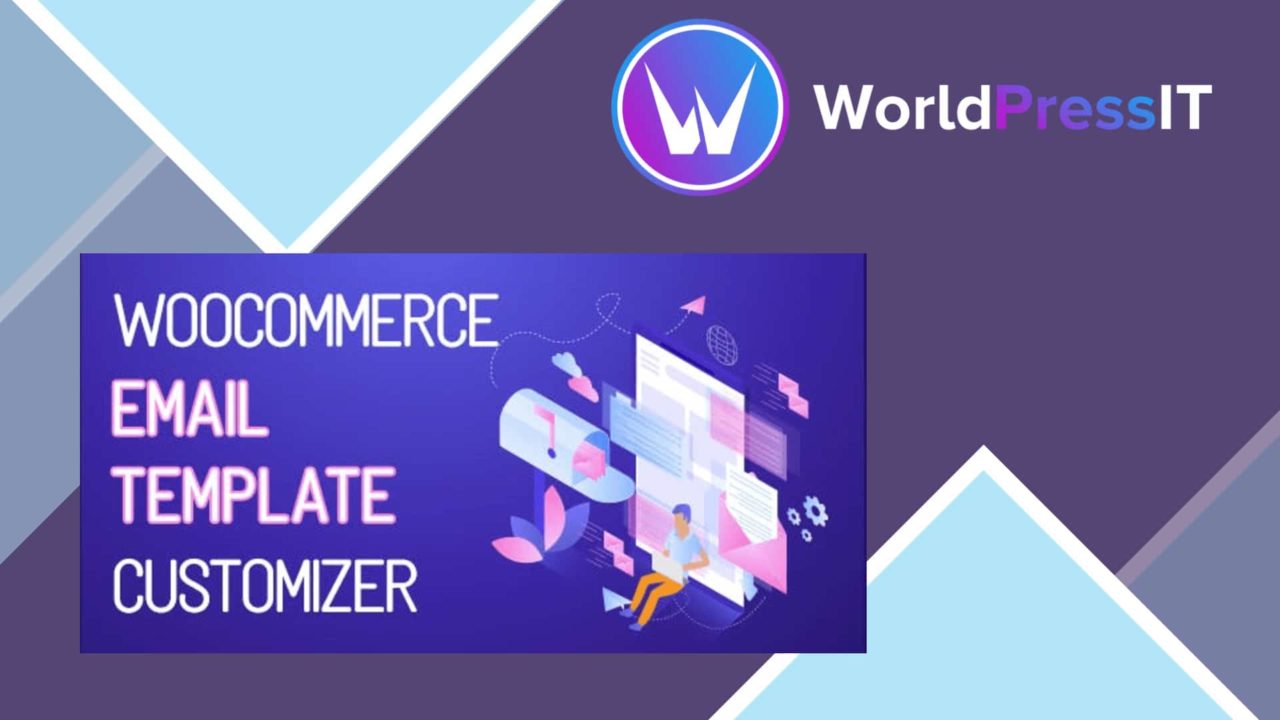
WooCommerce Email Template Customizer replaces WooCommerce’s generic transaction-email presentation with a visual editing workflow. Its focus is practical: assemble an email with drag-and-drop controls, apply your branding, and prepare messages such as order confirmations and shipping notifications without writing code.
Branded email design
The central benefit is control over the parts of an email customers actually see. Logo placement, colours and styles can be adjusted to match the store rather than leaving every message with an unrelated default appearance. That matters across the full order journey, where confirmation and shipping messages are part of the customer experience rather than isolated system notices.
The editor combines layout controls with content elements, giving store owners a way to construct a complete email from visual components. The vendor describes both base elements and WooCommerce-specific elements, so the tool is intended for more than a decorative header. It is built around the data and messages associated with a shop’s transaction emails.
Useful editing controls
The feature set is broad enough to cover the main design tasks:
- Drag-and-drop placement for building email layouts.
- WooCommerce elements for transaction-focused content.
- Editable logo, colour and style settings for brand consistency.
- Preview functionality for checking changes before sending.
- Responsive design intended for phones, tablets and desktop screens.
- Support for multiple languages and currencies.
Previewing before delivery is particularly useful for catching awkward spacing, incomplete branding or an unbalanced layout before a customer receives the message. Responsive output also addresses the different screens used to read order-related email, although the supplied information does not describe the available device previews or testing controls.
Beyond the template
The plugin also includes built-in analytics for email performance and engagement. That gives store owners a way to consider what happens after an email is sent, rather than treating design as the only concern. The feature description does not specify which reports or engagement measures are included, so this is best viewed as an additional monitoring layer rather than a clearly defined reporting system.
Support for popular WooCommerce extensions is another useful part of the offer. A shop using extra order or fulfilment tools has a reason to look for compatibility beyond the standard WooCommerce email set. The wording remains general, however, and does not identify the extensions or the elements each one contributes.
What to weigh
A visual builder reduces the need for code, but it still leaves someone responsible for email hierarchy, copy, spacing and brand consistency. Dragging elements into place is simpler than editing templates directly; it does not remove the design decisions behind a readable transactional message. Stores with many email types will also need a clear approach to keeping styles consistent across those templates.
The analytics feature is underspecified, with no stated list of reports or measures, so it should not be treated as a replacement for a dedicated email reporting platform without checking the detail first. Compatibility is similarly described at a high level: “popular WooCommerce extensions” is useful guidance, but not a guarantee for a particular extension or custom order flow. Language and currency support is present, yet the feature list does not explain how translated content or regional formatting is managed.
Who it suits
This plugin fits WooCommerce owners who want branded transaction emails and prefer an editor over direct template code. It is most relevant to stores that need order confirmations, shipping notifications and related messages to carry a consistent visual identity, with responsive presentation and a preview step included in the workflow.
It is a less certain choice for teams seeking detailed analytics documentation, named integrations or highly controlled template development. For those users, the important decision points are the exact WooCommerce elements available, the extension compatibility required by the store, and the depth of the reporting included.
The verdict
Download WooCommerce Email Template Customizer and see for yourself
You get the full WooCommerce Email Template Customizer release (v1.4.4), ready to install, plus every update that follows. One click and it is yours.
Download WooCommerce Email Template Customizer v1.4.4- Instant download
- Original developer files
- Updated 18 Nov 2026
Related reviews
Browse all
AffiliateWP
Affiliate referral tracking, commission management and performance reporting for WordPress sites building their own part…
FluentAffiliate Pro
Run an in-house affiliate programme in WordPress with tracked links, coupon referrals, configurable commissions, payouts…
Paid Memberships Pro – AWeber Add On
Connect Paid Memberships Pro with AWeber to sync member data, segment contacts by membership level, and enrol members in…