WooCommerce Print Orders and Address Labels
Print shipping labels and packing slips from WooCommerce orders, with bulk processing, branded templates, and support for USPS, UPS, and FedEx.
Instant access Original unmodified files Free future updates
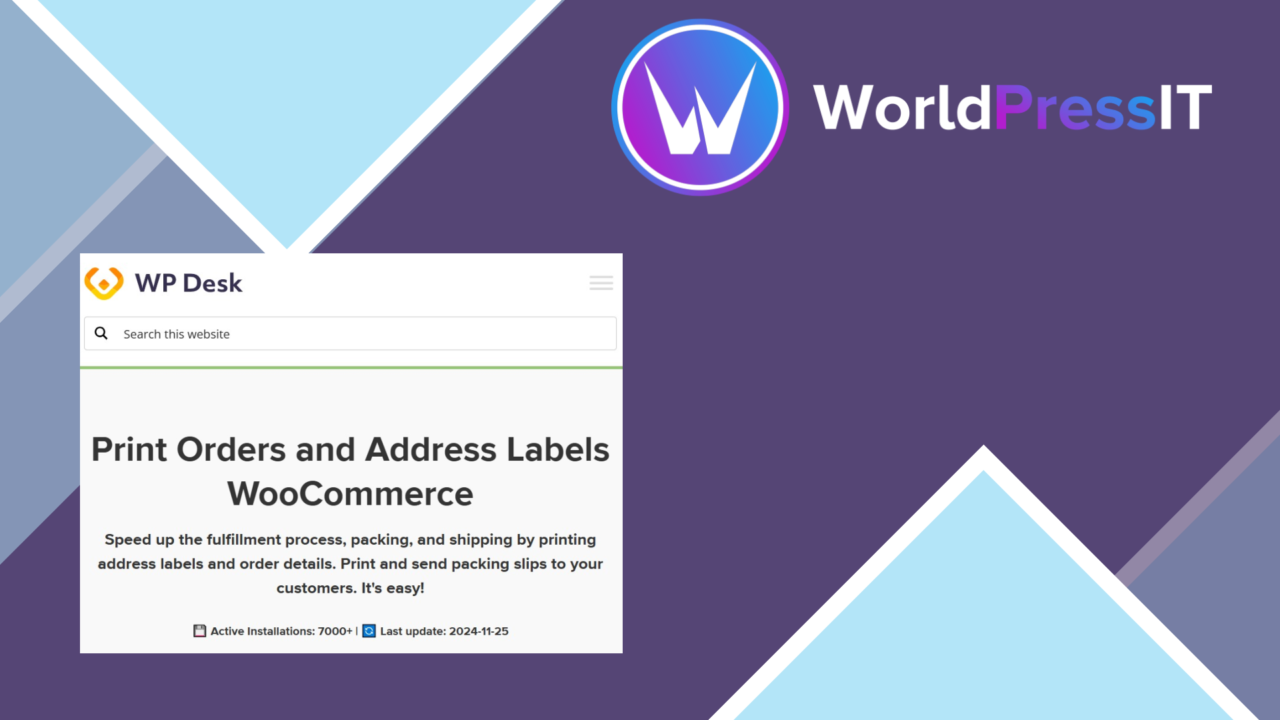
WooCommerce Print Orders and Address Labels is built around a narrow but important part of order fulfilment: turning WooCommerce order data into shipping labels and packing slips. It brings those print actions to the orders page, giving store staff a more direct way to prepare paperwork without copying addresses into a separate process.
Order paperwork in WooCommerce
The plugin focuses on the documents that sit between a paid order and a parcel leaving the warehouse. Shipping labels provide the address information needed for dispatch, while packing slips give the customer and fulfilment staff a record of what belongs in the package. Keeping both options close to the order interface is particularly useful for stores that handle fulfilment from the WordPress admin rather than from a separate warehouse system.
This is a practical operations tool rather than a broad order-management suite. Its value comes from reducing the number of steps involved in producing routine paperwork and from keeping the print action associated with the relevant WooCommerce order.
Bulk printing for fulfilment
Single-order printing is covered, but the bulk printing option is the more significant feature for a busy dispatch queue. Staff processing several orders at once can select a group of orders and prepare their labels or packing slips together instead of opening and printing each order individually. That workflow is suited to batch-based fulfilment, where orders are picked, checked and packed in groups.
The interface is described as user-friendly and requires no coding for its stated setup. That should make the plugin approachable for store owners and fulfilment staff who need a straightforward printing layer rather than another technical system to maintain.
Templates and carrier support
Customisable label templates give stores control over the format used for printed labels. The feature is intended to accommodate branding and business requirements, so the printed paperwork does not have to follow a single fixed presentation. The plugin also lists support for three familiar carriers:
- USPS shipping labels
- UPS shipping labels
- FedEx shipping labels
The vendor also states that label formats receive automatic updates as carrier requirements change. That is relevant for stores that need their documents to remain aligned with changing carrier formats, although the supplied information does not specify the exact template controls or update process.
What to weigh
The carrier list is specific rather than universal. USPS, UPS and FedEx are named, but there is no stated coverage for regional couriers, postal services outside that group or custom carrier formats. Stores using another delivery provider should treat compatibility as an open question rather than assume that the general compatibility claim covers it.
The plugin is also described as a printing solution, not as a complete shipping platform. The supplied details do not mention postage purchasing, shipping-rate comparison, parcel tracking, carrier account management or dispatch status synchronisation. Those tasks would remain outside the stated feature set. Finally, templates are customisable, but the available controls, supported paper sizes and layout limits are not explained, so complex warehouse paperwork requirements need confirmation before adoption.
Who it suits
This plugin is a sensible fit for WooCommerce stores that already manage orders in WordPress and need a clearer route from order record to printed paperwork. It is most relevant to businesses processing several parcels in a batch, using USPS, UPS or FedEx, and wanting branded or tailored label layouts.
It is less suited to a business looking for an end-to-end shipping platform. For that audience, the important question is not whether it prints an address label, but whether it covers the carrier, postage and tracking work surrounding that label. On the information available, WooCommerce Print Orders and Address Labels earns consideration as a focused fulfilment utility with bulk printing at its centre.
The verdict
Download WooCommerce Print Orders and Address Labels and see for yourself
You get the full WooCommerce Print Orders and Address Labels release (v1.4.37), ready to install, plus every update that follows. One click and it is yours.
Download WooCommerce Print Orders and Address Labels v1.4.37- Instant download
- Original developer files
- Updated 8 Nov 2026
Related reviews
Browse all
WooCommerce AJAX Products Filter
Let shoppers narrow WooCommerce catalogues by attributes, categories, tags, taxonomies and price without waiting for a f…

WooCommerce Checkout Field Editor and Manager Pro
Customise WooCommerce checkout fields with drag-and-drop positioning, conditional visibility, validation and tailored la…
Order On WhatsApp for WooCommerce
Send WooCommerce carts to a store’s WhatsApp number as pre-filled messages, giving shoppers a conversational alternative…