WooCommerce Product Table
A searchable, filterable WooCommerce table for stores that need customers to compare products, sort results and add items without browsing a long catalogue.
Instant access Original unmodified files Free future updates
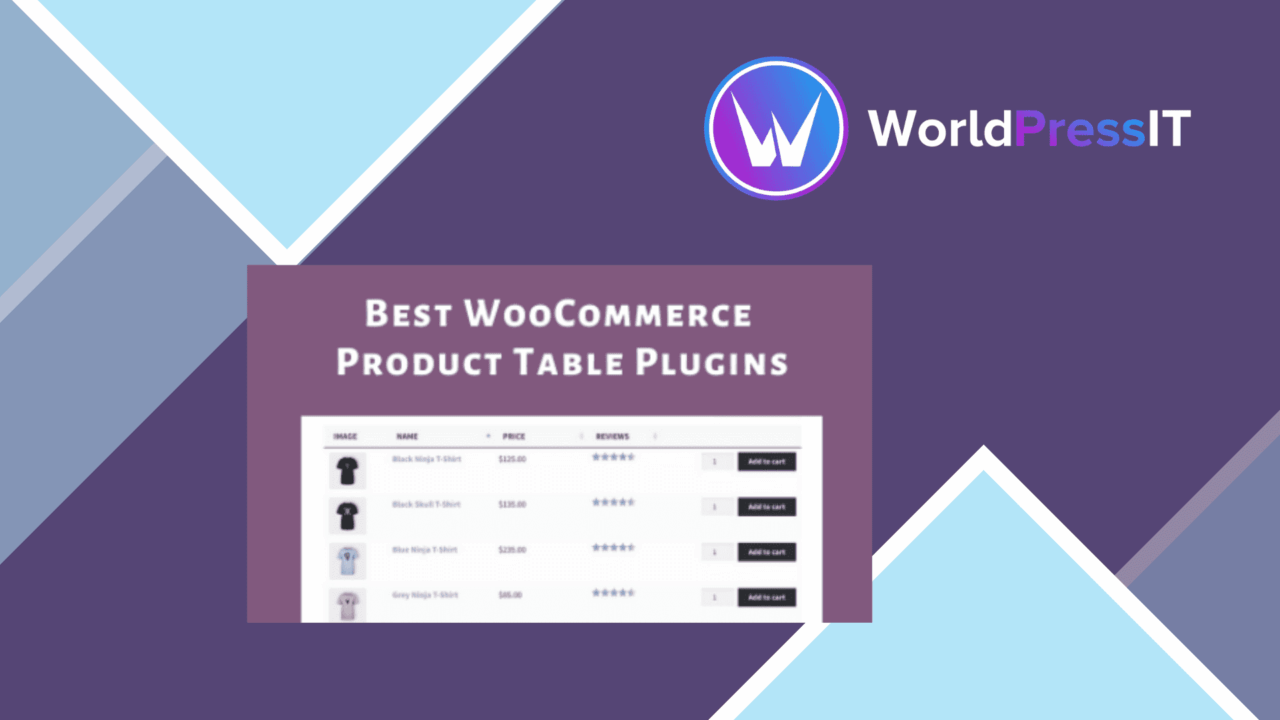
WooCommerce Product Table changes the way a shop presents its catalogue by placing products in a searchable, filterable table rather than relying only on conventional product pages or grids. It is aimed at stores where customers need to scan several items, compare basic details and reach the right product quickly. The approach suits large inventories, rapid ordering forms, wholesale catalogues and food-service menus particularly well.
A different catalogue view
The central feature is a configurable product table that supports both grid and list presentation. That gives store owners a choice between a denser catalogue for quick selection and a more visual arrangement for shoppers who need more room around each item. The plugin remains tied to WooCommerce, so the table is intended to sit within an existing shop rather than act as a separate catalogue system.
This format is most useful when the product name, price and other selected details are enough to guide a purchase. A customer looking through related items gets a consistent row or card for each product instead of moving between individual product pages. For wholesale ordering or a menu-style shop, that reduction in page changes is a practical reason to consider a table layout.
Search, filters and sorting
Browsing tools are the strongest part of the feature set. Customers can search for a specific product and filter the displayed catalogue, which is more useful than asking them to work through every item in a long archive. Sorting options cover price, popularity and date, giving shoppers several ways to arrange the same product list.
- Search tools for locating particular products.
- Filters for narrowing the visible catalogue.
- Sorting by price, popularity or date.
- Grid or list views for different catalogue styles.
- Quick view for checking product details without leaving the table.
Quick view adds another useful layer to this workflow. Customers can inspect product information without abandoning the table, then return to the same catalogue position. That keeps the table as the main browsing surface instead of turning every selection into a separate navigation step.
Product details in context
The plugin supports simple, variable and grouped products, so the table is not limited to one basic WooCommerce product type. It also supports custom fields and columns, allowing a shop to place additional information beside the standard product data. That matters for catalogues where a useful comparison depends on an attribute that is not prominent in a default shop listing.
The practical decision is which information deserves table space. Product tables work best when columns answer an immediate buying question, such as which variation or specification separates one item from another. Custom fields and columns provide room for that information, while the search, filter and sort controls help customers work through it.
Responsive presentation
The table has responsive behaviour for different screen sizes, including mobile displays. That is important for a component built around rows and columns, since a desktop arrangement rarely transfers directly to a narrow screen. A responsive table gives the product catalogue a better chance of remaining usable across devices, although the amount of information shown still needs careful planning.
For stores serving customers who already know what they want, the combination of a compact product list, filters and quick view creates a focused ordering path. For a more editorial shop where every product needs a large image, extended description and extensive persuasion, the table is a less natural primary display.
What to weigh
The table format trades product storytelling for comparison speed. A dense list is efficient for shoppers choosing among known items, but it gives less space to rich descriptions and visual merchandising than a conventional product page or image-led catalogue. That is a design trade-off rather than a missing feature.
There is also a risk of information density. Custom columns make the table more informative, yet each additional field competes for space, particularly on smaller screens. Responsive behaviour addresses the screen-size problem, not the underlying choice of which details belong in the table. Stores need a restrained column plan and a clear filter structure to keep the catalogue readable.
Who it suits
WooCommerce Product Table is a sensible fit for shops organised around selection and repeat ordering: wholesale catalogues, restaurants, food suppliers and stores with related products that customers need to compare. Its support for several WooCommerce product types broadens the range of catalogues it can represent, while search, filtering, sorting and quick view keep the browsing process centred on one page.
It is less compelling as the sole presentation for a small, highly visual catalogue where each product deserves a full, image-led introduction. For the right inventory, though, it offers a clear alternative to making customers navigate a long sequence of product pages.
The verdict
Download WooCommerce Product Table and see for yourself
You get the full WooCommerce Product Table release (v5.0.0), ready to install, plus every update that follows. One click and it is yours.
Download WooCommerce Product Table v5.0.0- Instant download
- Original developer files
- Updated 23 Oct 2026
Related reviews
Browse all
WooCommerce Elavon Converge Payment Gateway
Process card, eCheck and other Elavon payments through WooCommerce, with tokenized records, multi-currency support and o…

Aelia Tax Display by Country for WooCommerce
Country-aware WooCommerce tax display using IP geolocation, with support for multiple tax classes and configurable prici…

GetPaid Multi-Currency
Multi-currency pricing for WordPress stores, with location-based detection, automatic exchange-rate updates, payment gat…