WooCommerce Variation Swatches and Photos
Replace WooCommerce variation dropdowns with colour swatches and product images, giving shoppers a clearer way to choose sizes, colours and other options.
Instant access Original unmodified files Free future updates
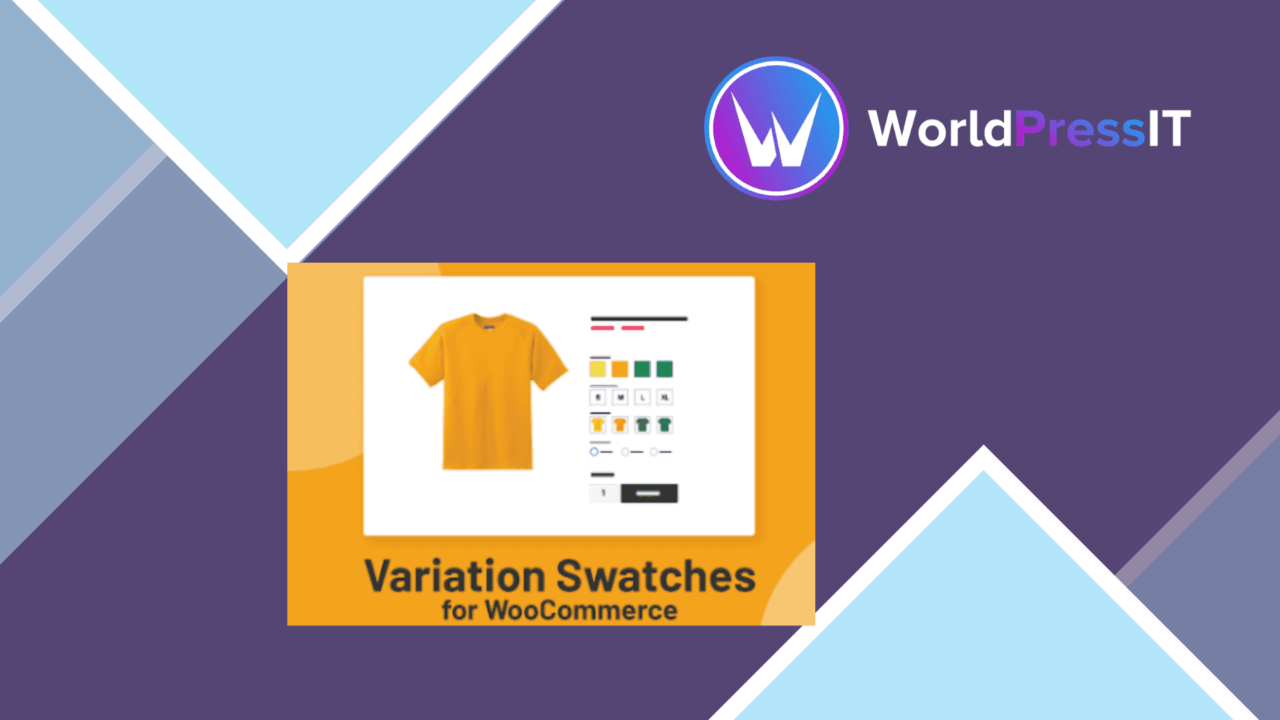
Standard WooCommerce variation selectors are functional, but a text list does little to show the difference between a red shirt and a blue one, or between two visually similar product options. WooCommerce Variation Swatches and Photos replaces those routine dropdowns with a more visual selection interface for variable products, using colour swatches, images and configurable presentation styles.
What it changes
The plugin is aimed at stores where the appearance of an option matters before a customer adds a product to the basket. Colour attributes can be represented with swatches rather than plain text, while product images give shoppers a more direct reference for variations that differ by pattern, finish, shape or overall appearance. That makes the selector part of the product presentation instead of leaving it as a separate form control.
This approach is most useful for catalogues with several visual choices. A clothing shop can show colour options as coloured markers, while a furniture or accessories shop can associate variation choices with images. Size and other attributes remain part of the variable-product setup, but the swatch and photo treatment gives the customer more context around each choice.
Visual controls
The feature set covers the main pieces needed to adapt the selector to a shop’s existing design:
- Colour swatches replace standard dropdown entries for suitable product attributes.
- Images can be associated with individual variations to show their appearance.
- Swatch shapes, dimensions and styles are customisable.
- Tooltips provide extra information when a shopper hovers over a variation.
- Product galleries can work alongside the variation display.
- The interface is designed for mobile devices as well as larger screens.
Those controls give the store owner more than a single fixed swatch layout. Shape and size settings are useful when small circles do not suit the product, while tooltips provide a place for additional labels or descriptions without placing every detail directly beside the selector.
Product presentation
Photos are the stronger part of the concept for products where colour alone is not enough. A thumbnail or variation image can communicate a material, print or design change more accurately than an attribute name. Used with the product gallery, the variation selector also has a clearer relationship with the rest of the product page: the shopper chooses an option and has visual material available to help assess it.
The vendor also describes compatibility with existing WooCommerce themes and plugins, along with Elementor and the Storefront theme. That makes the plugin a practical fit for shops already using those parts of the WooCommerce ecosystem, although the quality of the final presentation will still depend on the theme’s product-page design and the images supplied for each variation.
Where it falls short
The visual approach brings extra catalogue work. Every colour or image-based option needs a considered swatch, suitable dimensions and, where relevant, a matching variation photo. A shop with many products and attributes will have more presentation details to maintain than it would with ordinary text dropdowns.
There is also a limit to what the feature list tells us about the underlying variation workflow. The plugin describes the display layer in detail, but it does not claim to simplify creating attributes, managing stock or handling complex variation rules. Those responsibilities remain part of WooCommerce, so this is a presentation enhancement rather than a complete variable-product management system.
Who it suits
WooCommerce Variation Swatches and Photos suits product catalogues where customers need to see options before choosing them. Fashion, furniture, décor, accessories and other visually differentiated products stand to gain the most from colour markers and variation images. It is less compelling for stores whose attributes are primarily technical values that are already clear as text.
For the right catalogue, the plugin gives variation selectors a more informative role and offers enough control to fit different product-page designs. Its value rests on the quality and consistency of the swatches and photos behind it: the tool provides the display options, while the store owner supplies the visual information that makes those options useful.
The verdict
Download WooCommerce Variation Swatches and Photos and see for yourself
You get the full WooCommerce Variation Swatches and Photos release (v3.1.17), ready to install, plus every update that follows. One click and it is yours.
Download WooCommerce Variation Swatches and Photos v3.1.17- Instant download
- Original developer files
- Updated 1 Sep 2026
Related reviews
Browse all
WooCommerce Elavon Converge Payment Gateway
Process card, eCheck and other Elavon payments through WooCommerce, with tokenized records, multi-currency support and o…

Aelia Tax Display by Country for WooCommerce
Country-aware WooCommerce tax display using IP geolocation, with support for multiple tax classes and configurable prici…

GetPaid Multi-Currency
Multi-currency pricing for WordPress stores, with location-based detection, automatic exchange-rate updates, payment gat…