WorldPressIT Automatic Updater
Automates plugin and theme updates in WordPress, with per-item controls, rollback support and logs for site owners who want less manual maintenance.
Instant access Original unmodified files Free future updates
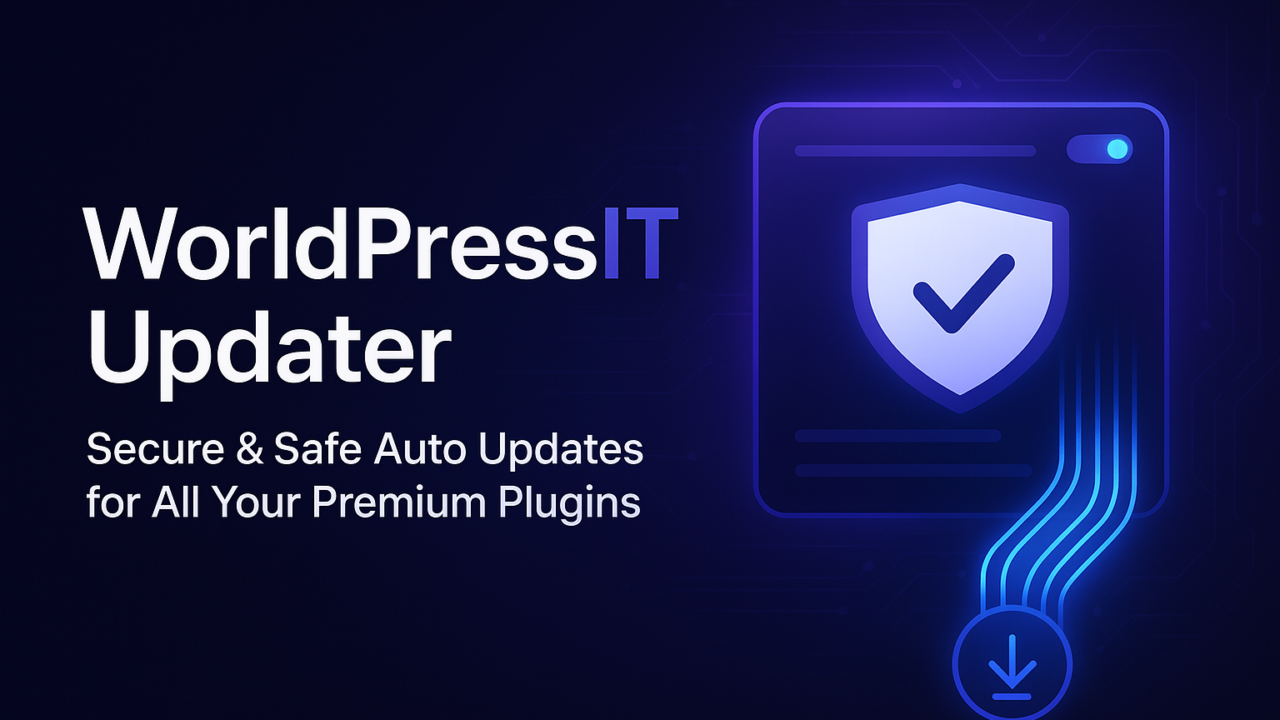
WorldPressIT Automatic Updater is a WordPress plugin for reducing the routine work of keeping installed plugins and themes current. It puts update decisions in the WordPress dashboard, combining automatic maintenance with settings that let an administrator choose which items receive updates.
Update control
The central feature is automatic updating for installed plugins and themes. That suits sites where regular maintenance is important but manual checks are easy to postpone. Rather than treating every extension identically, the plugin provides customisable update settings, so administrators can select the items that should update automatically.
That choice is useful for a mixed WordPress installation. A site might want routine updates handled without intervention while keeping closer control over other components. The vendor presents the settings as part of the dashboard interface, keeping the main configuration within the same administration area used for managing the rest of the site.
What it handles
- Automatic updates for installed WordPress plugins and themes.
- Customisable rules for choosing which items update automatically.
- Compatibility with the latest WordPress versions.
- A rollback feature for reverting to an earlier version after compatibility problems.
- Detailed update logs for reviewing changes and troubleshooting.
- A WordPress dashboard interface designed for straightforward administration.
The feature set covers both the routine action and the record of that action. Automatic updates address the repetitive part of maintenance, while logs give administrators a place to track changes when investigating a problem. Rollback support adds a recovery path when a newly updated component does not work with the rest of the installation.
Recovery and records
Rollback is the feature that separates this from a simple automatic-update switch. Reverting to a previous version is relevant when a plugin or theme introduces a compatibility issue, particularly on sites with several interconnected components. The detailed logs support that process by recording update activity and providing information for troubleshooting.
The latest-WordPress compatibility claim also places the plugin in a maintenance role rather than a narrow single-plugin updater. It is intended to oversee both plugins and themes from one place, which gives an administrator a broader view of changes across the site.
What to weigh
Automatic updates trade manual workload for less direct control over timing. On a site where plugin and theme changes need to be reviewed together, applying updates without that review can create compatibility work at an inconvenient time. The per-item settings help manage this, but they require an administrator to decide which components belong in the automatic group.
Rollback is reassuring, though the supplied information does not explain how many previous versions are retained or how the restoration process works. The same applies to the update logs: their presence is useful, but the vendor does not describe their format, filtering options or retention period. These omissions matter to teams that need a defined maintenance record rather than a basic history of changes.
Who it suits
This plugin fits site owners and developers who manage WordPress installations with several plugins and themes and want to reduce repetitive update checks. It is especially relevant where a dashboard-based selection process, rollback option and update history are more useful than a completely hands-off switch.
Sites with a strict staging and approval process should treat the automatic settings as a policy decision, not a substitute for that process. For smaller sites that accept automatic maintenance, the combination of selected updates, rollback support and logs provides a focused set of controls without expanding into unrelated site-management features.
The verdict
Download WorldPressIT Automatic Updater and see for yourself
You get the full WorldPressIT Automatic Updater release (v1.4.1), ready to install, plus every update that follows. One click and it is yours.
Download WorldPressIT Automatic Updater v1.4.1- Instant download
- Original developer files
- Updated 22 Nov 2026
Related reviews
Browse all
Easy Digital Downloads Recurring Payments
Recurring billing for Easy Digital Downloads stores, with flexible subscription plans, payment gateway support, subscrib…
PublishPress Checklists Pro
Required publishing steps appear in the WordPress editor, helping authors complete key tasks before posts and pages move…

PostX Pro
Build Gutenberg post grids, lists, and carousels with query filters, pagination, and responsive layouts for blogs, magaz…