WP MAPS PRO
Interactive Google Maps for WordPress sites, with custom markers, directions, filters and location listings for businesses, travel content and property pages.
Instant access Original unmodified files Free future updates
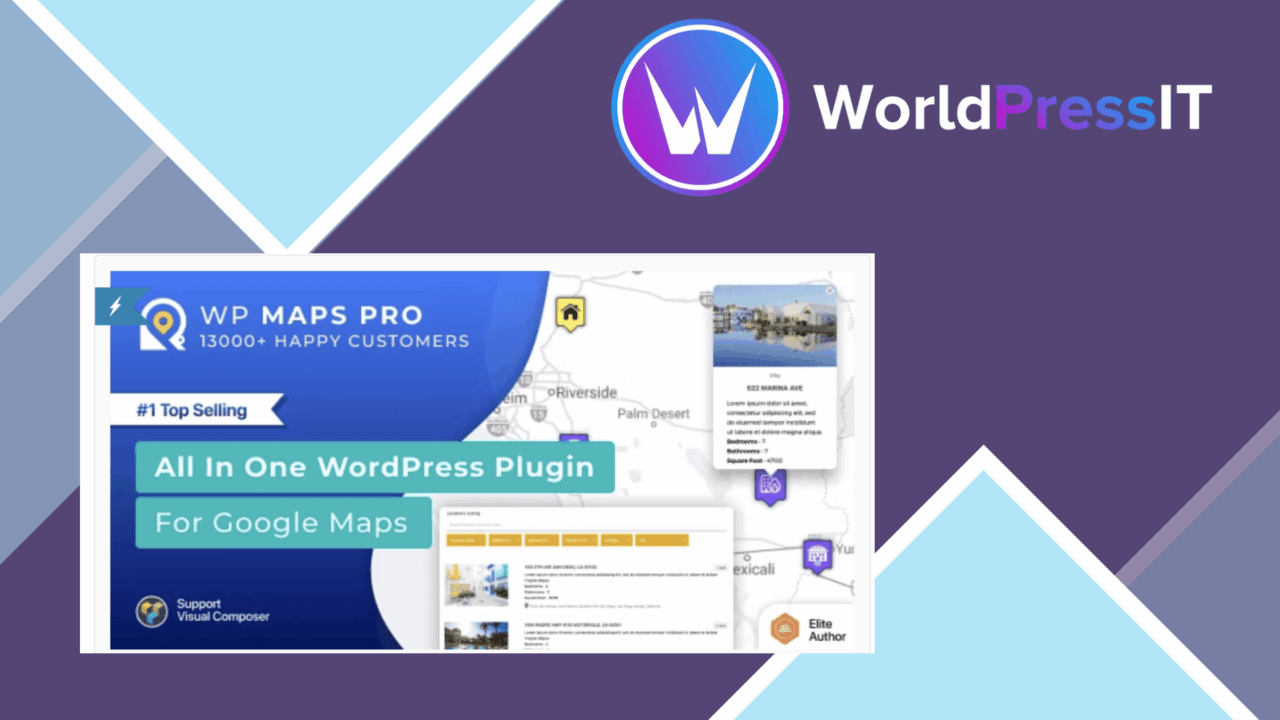
Interactive Google Maps are the focus here, with tools for presenting places, routes and points of interest inside WordPress content. WP MAPS PRO is aimed at businesses, travel sites and real estate projects that need more than a single pinned address, combining location data, visitor directions and map presentation controls in one plugin.
Map building tools
The plugin supports multiple maps from one management interface, so separate maps can be prepared for different pages, branches or groups of locations. Google Maps API integration provides the underlying map service and real-time map updates. Map markers can use custom icons, giving a restaurant, office, hotel or property listing a visual identity beyond the standard pin.
Presentation is also configurable. Several map styles are available, while traffic, satellite and terrain layers let visitors view the same information in different ways. Responsive behaviour is included for mobile and tablet screens, which matters for maps that are often consulted away from a desktop.
Locations and listings
WP MAPS PRO goes beyond manually placing isolated markers. The feature set includes listings, custom messages, nearby locations, filters and support for locations based on custom post types. That combination gives a directory-style site a way to connect map points with its existing WordPress content rather than treating the map as a separate graphic.
Marker clustering is useful for maps containing many nearby points: instead of presenting every marker at once, locations can be grouped to keep the map view organised. Routes and directions add a practical layer for visitors choosing between branches, venues or properties.
Visitor-facing features
Directions provide step-by-step navigation to a selected location, which makes the map more useful than a static contact-page embed. Filters and nearby-location tools help visitors narrow a collection of places, while custom messages provide space for location-specific information. These features suit a property catalogue, a travel guide with several stops, or a business site with multiple service areas.
The blend of filters, listings and custom post-type locations is the strongest part of the feature set. It gives content editors several ways to organise places and gives visitors more than one route to the information they need.
Working with WordPress
Theme and page-builder integration is listed as part of the plugin’s compatibility scope, so maps are intended to sit within existing WordPress layouts rather than requiring a separate mapping page. Multiple maps also help sites with different content structures: a branch finder, an events map and a property map can be managed as distinct map projects.
The available controls cover both the map canvas and the information around it. Editors can choose a visual style, select layers, assign marker icons and add location-oriented content. That makes WP MAPS PRO more suitable for an information-rich location section than for a page that only needs one address and a short directions link.
What to weigh
The Google Maps API is a central dependency, so the mapping experience remains tied to Google’s service and its API configuration. The plugin adds WordPress controls around the map, but it does not remove the need to account for that external mapping layer when planning a site.
The breadth of the feature set is another trade-off. Multiple maps, listings, custom post-type locations, filters, clustering, layers, routes and directions create more choices than a basic embed. A small site with one address may find that scope unnecessary, while an editor managing several location types will have more to organise before the map structure is clear.
Who it suits
WP MAPS PRO fits sites where locations are part of the content model rather than an occasional detail. Businesses with several branches, travel publishers with places to present, real estate sites with property points and directory-style projects all have a clear reason to use its listing and filtering tools.
It is less compelling for a simple contact page that needs one marker and an address. For those projects, the attraction lies in the broader map toolkit: custom markers, multiple styles, directions, layers, nearby locations and structured WordPress locations in one place.
The verdict
Download WP MAPS PRO and see for yourself
You get the full WP MAPS PRO release (v6.0.4), ready to install, plus every update that follows. One click and it is yours.
Download WP MAPS PRO v6.0.4- Instant download
- Original developer files
- Updated 30 Oct 2026
Related reviews
Browse allPaid Memberships Pro – Member Directory Add On
A member directory add-on for Paid Memberships Pro, with searchable profiles, privacy controls, grid or list layouts, an…

JobSearch
A WordPress job board for publishing vacancies, collecting CVs, managing employer applications, and helping candidates f…
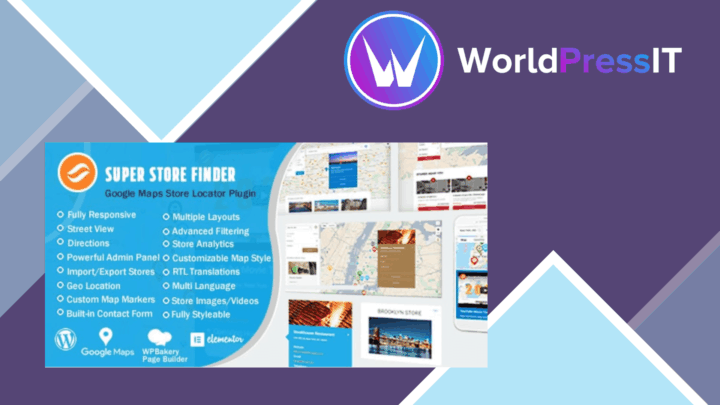
Super Store Finder for WP
A responsive Google Maps store locator for businesses with multiple locations, combining category and distance filters w…