WP Sheet Editor WooCommerce Orders Pro
Manage WooCommerce orders in a spreadsheet-style editor with bulk changes, filters, custom columns, CSV transfers, notes, and order-status actions.
Instant access Original unmodified files Free future updates
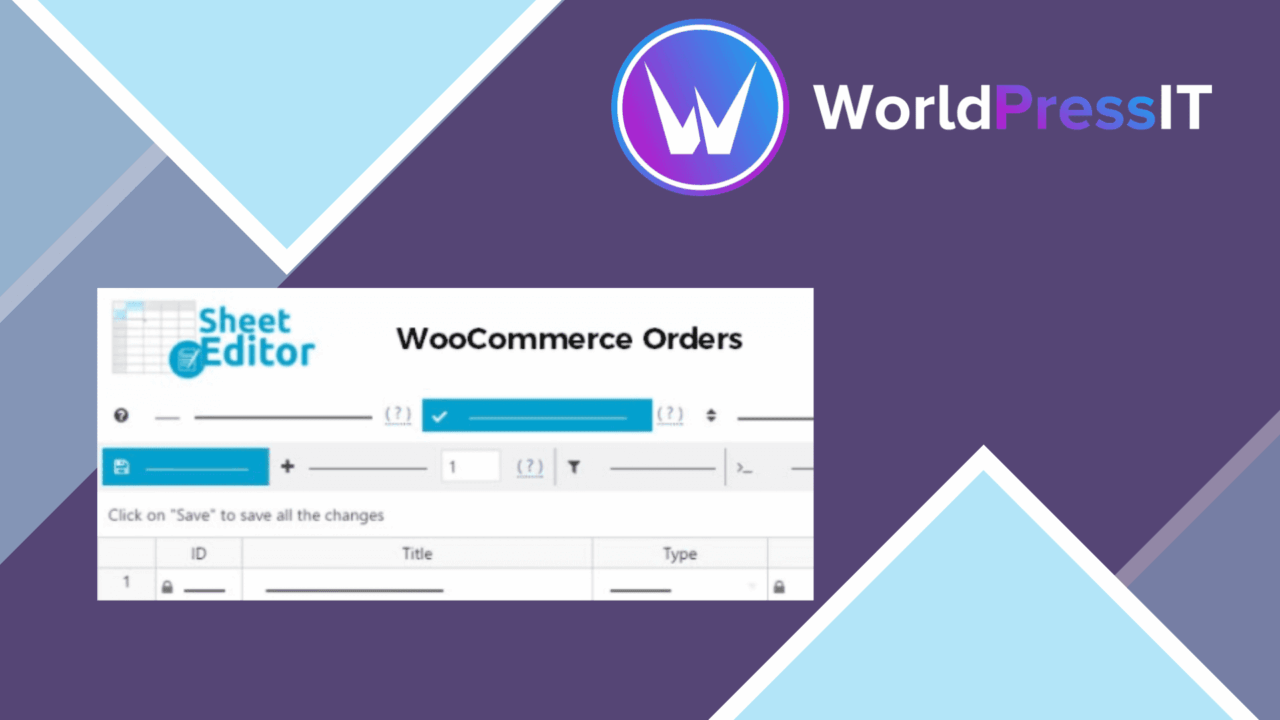
WP Sheet Editor WooCommerce Orders Pro puts WooCommerce orders into a spreadsheet-style workspace. The focus is practical administration: finding groups of orders, changing several records together, and keeping the fields relevant to your operation in view. It is aimed at stores where order management involves more than opening orders one at a time.
A faster order view
The central idea is a grid that presents order data in rows and columns. Instead of moving through separate order screens for each change, store managers get a consolidated view of customer details, order status, payment methods, and other order information. That layout suits routine work such as reviewing recent orders, correcting repeated values, or preparing a group for the next processing step.
Columns are customisable, so the workspace does not have to show every available field at once. A manager concerned with fulfilment can keep status and customer information close at hand, while another workflow might give more space to payment details or internal order data. The useful part here is not the spreadsheet metaphor by itself, but the ability to shape the grid around the information being checked.
Bulk changes and filters
Bulk editing is the plugin’s main time-saving feature. Multiple orders can be modified simultaneously, and bulk actions include updating order statuses and sending emails. That gives repetitive administrative work a more direct route than editing each order separately, particularly when a set of orders shares the same next action.
Filtering narrows the order list by date, status, or customer. Those filters provide straightforward ways to isolate a particular period, find orders waiting at a certain stage, or locate a customer’s records. The result is a workspace for targeted changes rather than a static table of every order in the shop.
- Filter orders by date, status, or customer.
- Show selected columns for customer details, order status, payment methods, and other order information.
- Apply bulk status changes across multiple orders.
- Send emails as part of bulk order actions.
- Edit custom fields and order notes alongside standard order data.
Data beyond the grid
CSV import and export extends the editor beyond the WordPress dashboard. Exported order data gives a separate working copy for data management, while import supports bringing prepared changes back into the order workflow. This is relevant for stores that already use spreadsheet-based processes for review, handoffs, or record preparation.
Support for custom fields and order notes adds room for store-specific information. Orders often carry operational details that do not fit neatly into a standard status or payment field, and the stated support for these fields lets the sheet include more of the information a team uses in its own process.
WooCommerce connection
The plugin is designed to work directly with WooCommerce rather than presenting a separate order database. The vendor also describes compatibility with current WordPress and WooCommerce versions. In practical terms, its value rests on bringing the existing WooCommerce order records into a more editable interface, while leaving the shop’s order-management context in place.
What to weigh
A spreadsheet interface favours batch administration, but it is less specialised than a dedicated order screen. Staff who need the full context of one order at a time, rather than a row-based overview, will still need to work through individual order details in the usual WooCommerce environment. The grid is strongest for repeated changes and organised review, not every kind of fulfilment decision.
CSV import and export also adds a handoff between the store and an external file. That is useful for structured data work, but it introduces another step to manage and makes column selection and data handling important parts of the process. Finally, the feature list describes broad order support rather than specialist fulfilment, warehouse, or reporting tools, so stores looking for those functions will need more than this editor.
Who it suits
This plugin fits WooCommerce stores with frequent order administration, especially teams that repeatedly filter orders, update shared statuses, send groups of emails, or maintain custom notes and fields. It is a focused productivity layer for the order records already in WooCommerce. Stores with only occasional orders may find the spreadsheet approach unnecessary, while busier operators have a clearer reason to organise their work around bulk edits and a configurable order grid.
The verdict
Download WP Sheet Editor WooCommerce Orders Pro and see for yourself
You get the full WP Sheet Editor WooCommerce Orders Pro release (v1.4.0), ready to install, plus every update that follows. One click and it is yours.
Download WP Sheet Editor WooCommerce Orders Pro v1.4.0- Instant download
- Original developer files
- Updated 21 Oct 2026
Related reviews
Browse all
WP Sheet Editor WooCommerce Products Premium
Edit WooCommerce products in a spreadsheet-style grid, with bulk changes, filters, CSV tools and support for custom prod…

WP Sheet Editor WooCommerce Coupons Premium
Bulk-create, edit, filter and export WooCommerce coupons from a spreadsheet-style editor instead of managing each code i…

WooCommerce Direct Checkout PRO
Bypasses the WooCommerce cart and sends shoppers towards checkout, with field controls, guest purchasing and post-checko…