XT Variation Swatches for WooCommerce
Replaces WooCommerce variation dropdowns with colour, image and label swatches, giving shoppers a clearer way to choose product options on phones and desktops.
Instant access Original unmodified files Free future updates
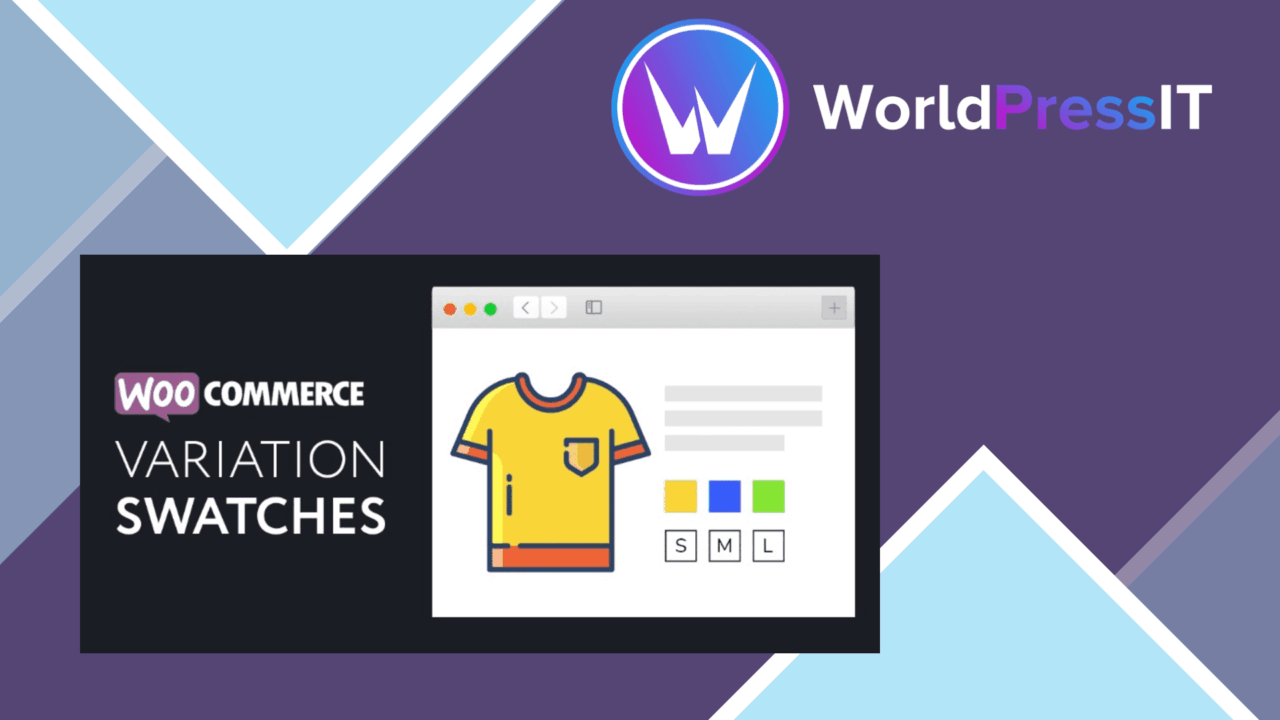
XT Variation Swatches for WooCommerce replaces the standard WooCommerce variation selector with visual choices for colours, images and labels. That makes the difference between product options visible on the product page instead of forcing shoppers to interpret a list of dropdown values. The plugin is aimed at stores selling products where appearance, size or another selectable attribute needs to be understood before purchase.
Clearer product options
The central feature is a swatch-based presentation for WooCommerce variable products. Store owners can choose between colour samples, picture-based choices and text labels, then adjust the swatch styling to fit the shop’s design. A colour swatch suits a shirt or paint catalogue; an image swatch gives a product photo more context; a label keeps options such as sizes readable without requiring a visual asset for every value.
This approach puts the available alternatives beside the product rather than hiding them in native menus. Customers can recognise the option they want at a glance, which is particularly useful when two variation names are similar or when a colour name does not communicate much on its own.
Controls for the catalogue
XT Variation Swatches includes controls for deciding where the visual selector appears. Swatches can be enabled or disabled for specific products or categories, so a store does not have to apply the same treatment to every item. That distinction matters for mixed catalogues: a fashion range may benefit from image and colour choices, while a product with a short list of technical options may be clearer with labels.
Tooltips add another layer of information to each variation. They provide space for additional detail without putting a longer description into every swatch, keeping the selector compact while giving shoppers context when they inspect an option.
Responsive presentation
The plugin is designed to keep its swatches usable across devices. Responsive behaviour matters here because a selector that works on a wide product page still needs to remain legible and tappable on a phone. The vendor also lists compatibility with popular themes and plugins, along with Elementor compatibility, which gives shops using those tools a practical starting point for fitting the selector into an existing product layout.
The interface is presented as easy to configure, and the available style settings give store owners room to match the swatches to the surrounding design rather than accepting a fixed appearance. That makes the plugin more useful than a simple replacement for the default WooCommerce control: it combines the selection method with presentation controls.
What to weigh
Visual selectors introduce more catalogue work than plain dropdowns. Each colour, image or label needs to be meaningful and maintained, and image-based variations require suitable pictures. A shop with many attributes or a long list of values also needs to keep the selector orderly; replacing a dropdown with a large group of swatches does not remove the underlying complexity.
The vendor describes compatibility with popular themes and plugins rather than promising identical results across every setup. The visual result therefore depends on the store’s theme, product layout and other extensions. Stores using a heavily customised WooCommerce template should allow time to check spacing, styling and the behaviour of the swatches alongside their existing product controls.
Who it suits
XT Variation Swatches is a focused choice for WooCommerce stores whose customers benefit from seeing product alternatives. It suits clothing, accessories, home goods and other catalogues where colour, imagery or concise labels communicate more quickly than a dropdown. The per-product and per-category controls also work for stores with mixed product types.
It is less compelling when variations are few, purely technical or already self-explanatory in a standard selector. For a visually driven catalogue, though, the combination of colour, image and label swatches, tooltips, responsive presentation and selective application addresses the specific weakness of hiding important choices inside dropdown menus.
The verdict
Download XT Variation Swatches for WooCommerce and see for yourself
You get the full XT Variation Swatches for WooCommerce release (v1.9.11), ready to install, plus every update that follows. One click and it is yours.
Download XT Variation Swatches for WooCommerce v1.9.11- Instant download
- Original developer files
- Updated 22 Oct 2026
Related reviews
Browse all
WooCommerce Elavon Converge Payment Gateway
Process card, eCheck and other Elavon payments through WooCommerce, with tokenized records, multi-currency support and o…

Aelia Tax Display by Country for WooCommerce
Country-aware WooCommerce tax display using IP geolocation, with support for multiple tax classes and configurable prici…

GetPaid Multi-Currency
Multi-currency pricing for WordPress stores, with location-based detection, automatic exchange-rate updates, payment gat…