YayMail
Customise WooCommerce transaction emails with a drag-and-drop builder, branded content blocks, templates, previews and test messages for customer-facing notifications.
Instant access Original unmodified files Free future updates
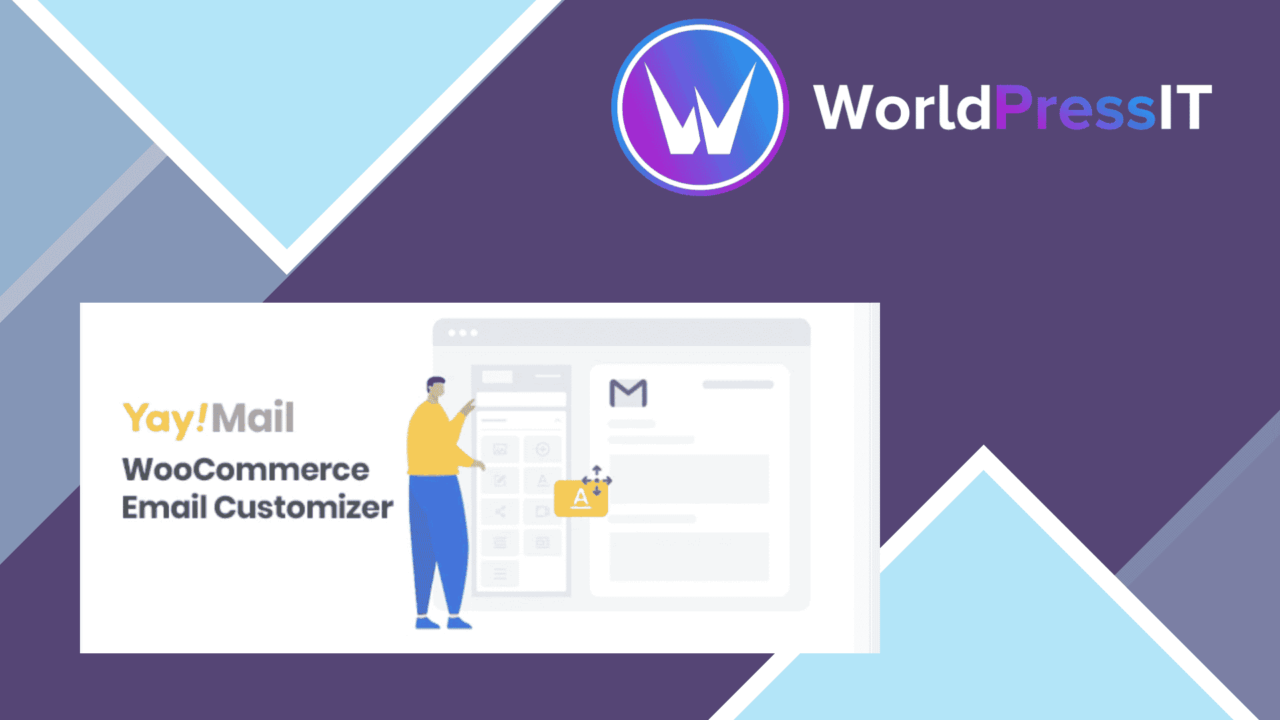
YayMail replaces WooCommerce’s standard transactional email presentation with a visual customisation layer. Its focus is straightforward: give store owners a way to carry branding, imagery and calls to action into the messages customers receive after an order or other WooCommerce event.
A branded email layer
WooCommerce’s default emails are functional, but their generic presentation does little to reinforce a shop’s identity. YayMail addresses that gap with a drag-and-drop editor for WooCommerce email templates. Instead of working around fixed layouts, you can arrange content and adjust the parts customers see in a notification.
The plugin is aimed at visual control rather than email analytics or campaign management. Its value sits in the presentation of transactional messages: making order-related communication look more like an extension of the storefront and less like an untouched system email.
What you can build
The feature set covers the main ingredients needed for a branded message. The editor supports text, images, buttons and social media links, giving a template more structure than a plain notification with a logo added at the top.
- Drag-and-drop editing for custom WooCommerce email layouts.
- Pre-built templates for different WooCommerce notifications.
- Text, image, button and social media elements.
- Real-time preview while changes are made.
- Test emails for checking a design before it is sent.
- Responsive layouts for desktop and mobile recipients.
Pre-built templates provide a starting point for common notifications, while the individual content elements leave room for brand colours, promotional messaging and links to social channels. The preview and test-email tools also create a useful review step before a revised template reaches customers.
Support for varied shops
YayMail includes support for multiple languages and right-to-left layouts. That makes the feature set relevant to stores serving customers in different regions, especially where a left-to-right template would create awkward spacing or reading order.
It also lists integration with Elementor and WPBakery. That is notable for site owners already using either page builder, although the plugin remains focused on WooCommerce email communications rather than general page design. Responsive design is included as part of the email output, which suits transactional messages that customers open across different screen sizes.
What to weigh
A visual email builder introduces another design layer to maintain. The freedom to adjust each notification is useful, but it also creates more decisions than the fixed WooCommerce templates: layouts, content blocks and branding need to be kept consistent as the shop changes. Stores with many notification types will have more templates to review.
The page-builder integrations add flexibility, but they also make the editing workflow less singular than a standalone email editor. Elementor and WPBakery users should still account for a separate email-focused system rather than assuming their regular page layouts transfer directly. Finally, a real-time preview and a test message improve the review process, but they are not a substitute for checking important emails in the mail clients and languages relevant to a particular customer base.
Who it suits
YayMail fits WooCommerce stores that regard order emails as part of their customer experience rather than as purely technical notices. It is especially relevant for brands that need images, buttons, social links or more deliberate typography in their transactional communication, and for shops serving multilingual or right-to-left audiences.
It is less compelling for a store happy with WooCommerce’s standard templates or one that sends only simple, text-led notifications. For everyone else, the combination of visual editing, notification-specific templates, previews and test messages gives the email side of a WooCommerce shop a clearer design process.
The verdict
Download YayMail and see for yourself
You get the full YayMail release (v4.4.4), ready to install, plus every update that follows. One click and it is yours.
Download YayMail v4.4.4- Instant download
- Original developer files
- Updated 1 Sep 2026
Related reviews
Browse all
Affiliate Forms
Affiliate registration and campaign forms for Ninja Forms, with click, conversion and earnings tracking to help manage a…
Brave Popup Builder PRO
Create targeted WordPress popups with visual editing, timed and behavioural triggers, email integrations, A/B testing an…
MailChimp for WooCommerce Memberships
Connect WooCommerce memberships and subscriptions to MailChimp for member segmentation, targeted campaigns, opt-in forms…