YellowPencil
Visual CSS editing for WordPress themes and pages, with live changes to typography, colour, spacing, layouts, animations and responsive presentation.
Instant access Original unmodified files Free future updates
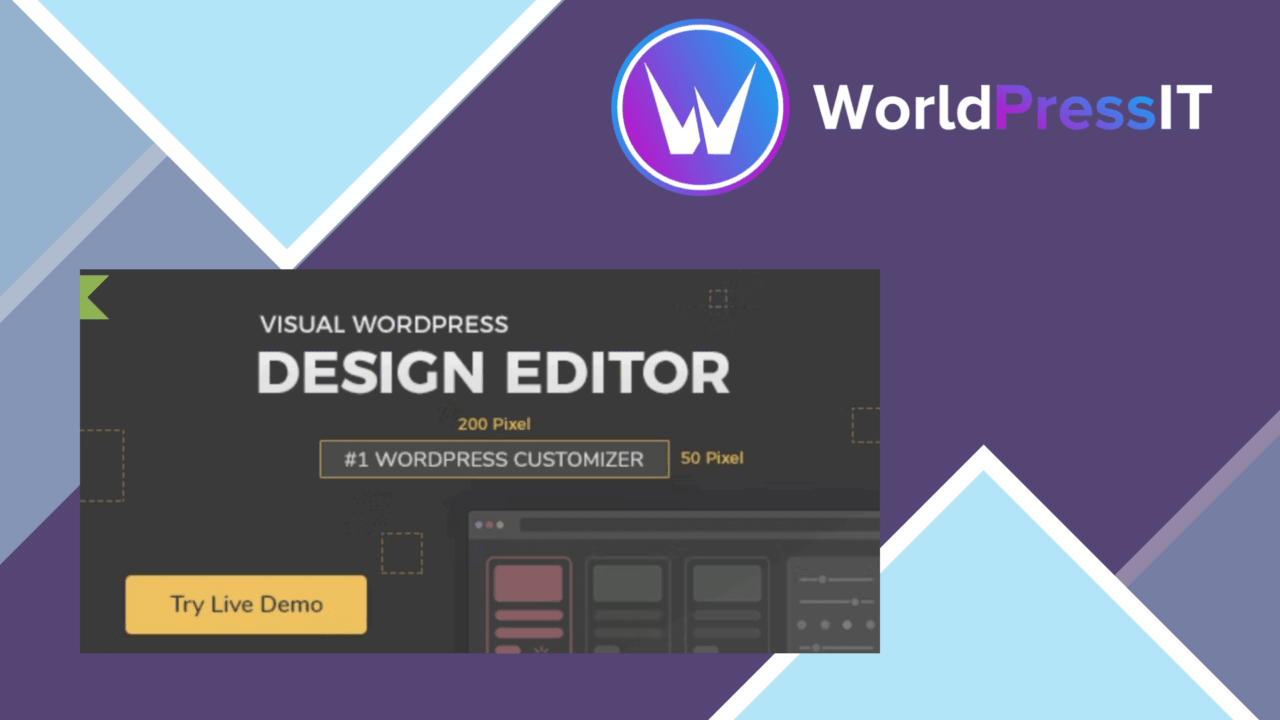
YellowPencil is a visual CSS editor for WordPress sites. Instead of starting with a stylesheet, you select an element and adjust its appearance through an editing interface, with changes visible as you work. The approach is aimed at people who need detailed design control but do not want every small adjustment to begin with hand-written CSS.
Visual CSS editing
The central workflow is direct: click the part of a page that needs attention, then adjust its styling. YellowPencil generates custom CSS for specific elements, giving the editor a way to target individual design details rather than applying only broad theme settings. That makes it suitable for refining a theme or page where the existing controls do not reach far enough.
The feature set covers more than basic colour changes. Typography settings address the appearance of text, while the broader collection of CSS properties covers sizing, positioning, animations and transitions. In practice, that gives a visual editor enough range for both small corrections and more deliberate interface styling.
What it changes
- Fonts and other typography settings for text elements.
- Colours, sizes and element placement.
- Custom CSS rules for specific page elements.
- Animations and transitions for supported design effects.
- Responsive styling tools for different device presentations.
- Pre-built design templates for starting a styling pass.
- A one-click reset option for reverting changes.
This combination is useful when a page is close to the desired result but still needs visual refinement. Templates provide a starting point, while element-level controls leave room for more precise adjustments. The reset option also gives an obvious escape route when an experiment produces a result worth abandoning.
Responsive control
Responsive tools are an important part of the offer rather than an afterthought. A font size, position or spacing choice that looks right on a desktop view can present a different problem on a smaller screen, so device-aware styling belongs in the same workflow. YellowPencil is intended to keep those presentation changes within the visual editor.
The plugin also presents itself as compatible with popular WordPress themes. That broad target suits sites built around existing themes rather than a single proprietary design system. The supplied information does not name the supported themes, so compatibility for a particular theme remains something to confirm before making a large set of changes.
Where it falls short
A visual interface reduces the need to write CSS, but it does not remove the need to understand what is being changed. When theme rules overlap, a user still has to reason about selectors, inheritance and the difference between a local adjustment and a wider design rule. The editor makes the action more accessible; it does not turn CSS behaviour into a simple set of independent switches.
The breadth of the controls also brings maintenance decisions. Individual styling changes can solve a page-level problem quickly, yet a site with many separately edited elements can become harder to standardise than one managed from a carefully organised stylesheet. The stated reset feature offers a quick reversal, but the supplied description does not mention change history or selective rollback. Finally, the theme integration claim is general rather than a documented compatibility list, which leaves unusual themes and complex styling systems less certain.
Who it suits
YellowPencil fits site owners, designers and developers who want immediate visual feedback while adjusting an existing WordPress theme or page. It is particularly relevant for typography, colour, spacing, positioning and responsive presentation work that falls outside a theme’s normal settings. Users comfortable with CSS will gain a faster visual route to familiar adjustments, while beginners get a practical interface for learning how individual design properties affect a page. It is less suited to teams that need a tightly governed, code-first styling system across a large site, where centralised rules and a documented change process matter more than point-and-click editing.
The verdict
Download YellowPencil and see for yourself
You get the full YellowPencil release (v7.6.8), ready to install, plus every update that follows. One click and it is yours.
Download YellowPencil v7.6.8- Instant download
- Original developer files
- Updated 19 Nov 2026
Related reviews
Browse all
Custom Post Type UI Extended
Display custom post type entries in Gutenberg or shortcode layouts, with field controls, filtering, ordering and network…
MEC Event API Addon
Connect Modern Events Calendar to external applications with API endpoints, JSON exports, scripts and domain controls fo…
MainWP Pro
Centralise custom code across several WordPress sites from one MainWP dashboard, with categories, conditional rules, imp…