Admin Menu Editor Pro
Customise, reorder and rename the WordPress admin menu, with role-based visibility, custom icons and reusable configurations for cleaner dashboards.
Instant access Original unmodified files Free future updates
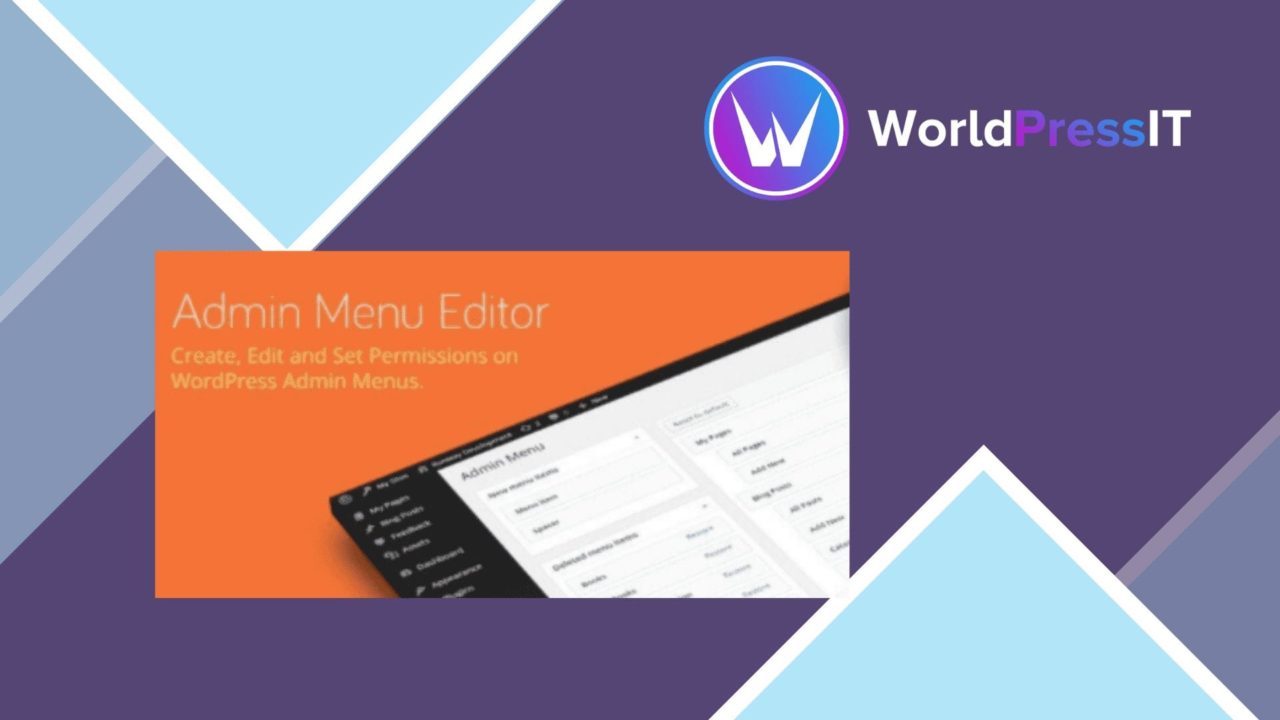
Customising the WordPress dashboard is the central job here: Admin Menu Editor Pro gives site owners and developers controls for rearranging, hiding and renaming admin menu items. The result is a more focused working area for people who do not need to see every post type, taxonomy or installed feature.
A clearer dashboard
The drag-and-drop interface addresses the practical problem of a menu that has grown around plugins, custom post types and multiple workflows. Moving frequently used entries into a more logical order reduces the amount of searching required in the sidebar. Renaming items is useful when WordPress terminology does not match the language used by an organisation, client or editorial team.
Custom icons add another visual cue to the menu. That is a modest feature, but it matters on a busy dashboard where several entries compete for attention. The plugin also includes a reset option, so a revised arrangement has a defined route back to the default menu settings.
Role-based visibility
Admin Menu Editor Pro supports different menu views for different user roles. An administrator can hide selected items for one role while leaving them visible for another, which gives an editorial dashboard a different shape from a developer or site-owner dashboard.
This is particularly relevant on sites with several people working in WordPress. A contributor who only handles publishing does not need the same menu as someone managing taxonomies, custom post types or the wider site configuration. The vendor also describes controls based on users or functions, making the role-focused approach the main access-control feature of the product.
Reusable configurations
Export and import support makes the menu arrangement portable. Agencies and developers managing more than one site have a way to reuse a configuration rather than rebuilding the same menu structure manually each time. The feature is also suited to a group of sites that share a common editorial workflow.
Multisite support extends that idea to network-wide menu management. Built-in support for custom post types and taxonomies is important because those entries are often the source of dashboard clutter in larger WordPress installations. Together, these features make the plugin more than a simple tool for moving the standard Posts and Pages links.
What to weigh
Menu visibility is not the same thing as a complete permissions system. Hiding an item improves the interface, but it should not be treated as the only safeguard for sensitive functions or content. Site owners still need to consider the underlying role capabilities when restricting access.
There is also an ongoing maintenance cost. A carefully organised menu reflects the plugins, custom post types and taxonomies present on a site; changes to that structure create another configuration to review. Export and import reduce repeated setup, but they do not remove the need to check that a reused arrangement still makes sense for each site and role.
Who it suits
Admin Menu Editor Pro is a practical fit for agencies, developers and site owners who need different WordPress dashboards for different users. It has the strongest case on sites with several roles, custom post types, taxonomies or a multisite structure. Smaller sites with a short default menu may find the controls unnecessary, while larger sites gain a clearer way to organise the admin area without changing the front end.
The verdict
Download Admin Menu Editor Pro and see for yourself
You get the full Admin Menu Editor Pro release (v2.36), ready to install, plus every update that follows. One click and it is yours.
Download Admin Menu Editor Pro v2.36- Instant download
- Original developer files
- Updated 15 Sep 2026
Related reviews
Browse all
WP Project Manager Pro Business
Task assignment, time tracking, milestones and reports bring project coordination into WordPress for teams that need cle…
LaunchGuard Pro
Build branded coming-soon and maintenance pages, add countdowns and subscription forms, and keep the unfinished site vis…

Auto Infinite Scroll
Automatically load more posts or products as visitors scroll, with controls for loading behaviour, page targeting, image…