UpdraftPlus Backup Plugin
Scheduled WordPress backups, cloud storage, restoration and migration in one plugin, with encryption and multisite support for broader protection.
Instant access Original unmodified files Free future updates
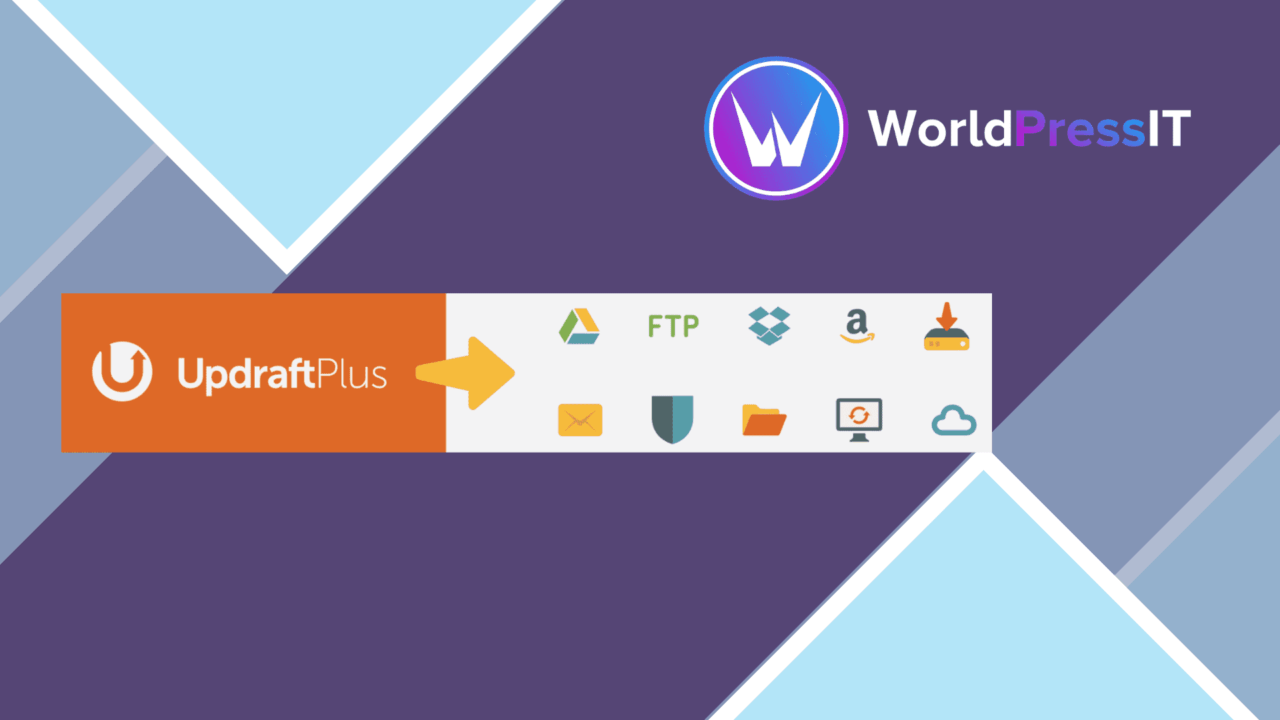
Scheduled WordPress backups are the core of UpdraftPlus Backup Plugin, with restoration, migration and several storage destinations gathered into one administration tool. It is aimed at site owners, developers and businesses that need a repeatable way to protect content and settings rather than relying on occasional manual copies.
Backup control
UpdraftPlus puts regular protection on a schedule of your choice. That matters because backup coverage is only useful when it happens before a problem, not after one. The plugin is designed to automate that routine and report backup status and issues by email, giving an administrator a direct signal when a scheduled job needs attention.
The restore process is presented as a single-click operation. That keeps the recovery path clear for an owner who needs to bring a site back after data loss or corruption. It also gives developers a defined tool for handling recovery without treating every incident as a new manual export exercise.
Storage and security
Remote storage is a central part of the feature set. UpdraftPlus supports Google Drive, Dropbox and Amazon S3, alongside its general support for multiple cloud storage options. Those destinations give a backup a place outside the WordPress installation, which is an important distinction when the site itself is unavailable.
- Scheduled automated backups at an interval you choose.
- Restoration from the plugin interface with a single-click process.
- Cloud storage support including Google Drive, Dropbox and Amazon S3.
- Database encryption for sensitive information.
- Incremental backups that focus on changes to save space and reduce server load.
- Email notifications about backup status and problems.
Incremental backups are useful for sites where repeating a complete backup creates unnecessary storage or server work. Database encryption adds a further protection measure for information held in the database, although the supplied description does not define the encryption settings or coverage in detail.
Migration and multisite
Backup and migration sit beside each other here. The migration feature is intended to simplify moving a site to a new host or domain, so the plugin has a role beyond emergency recovery. A site owner can treat the backup set as part of a planned move rather than keeping separate tools for protection and relocation.
Multisite compatibility extends the same approach to multiple sites from one dashboard. That is a practical fit for administrators responsible for a network, since the product is not limited to a single-site backup workflow. The value of that arrangement comes from having one place to manage the wider backup task.
What to weigh
The broad feature list also creates decisions that a small site may not need. Schedules, cloud destinations, encryption, incremental backups, email reporting and migration all add choices to the backup plan. An owner looking only for an occasional local copy has more configuration to consider than with a narrowly focused export tool.
Incremental backups reduce storage use and server load by recording changes, but they make the backup approach less self-explanatory than a series of complete copies. The supplied information also does not state how long backups are retained, how many restore points are kept, or which parts of a migration can be selected individually. Those details matter when planning recovery, so they should be confirmed before relying on a particular operating procedure.
Who it suits
UpdraftPlus fits WordPress sites where scheduled protection, remote storage and a defined recovery route are more important than a minimal settings screen. It is especially relevant to businesses protecting critical content, developers handling migrations, and multisite administrators who want backup management in one dashboard.
Its strongest case is the combination of automation, cloud destinations, restoration, incremental backups and migration. Sites with simple backup needs may prefer fewer decisions, but organisations that need both routine protection and a way to recover or move a site have a broader set of capabilities to work with.
The verdict
Download UpdraftPlus Backup Plugin and see for yourself
You get the full UpdraftPlus Backup Plugin release (v2.26.7.26), ready to install, plus every update that follows. One click and it is yours.
Download UpdraftPlus Backup Plugin v2.26.7.26- Instant download
- Original developer files
- Updated 23 Sep 2026
Related reviews
Browse all
Gravity Migrate
Moves Gravity Forms data, uploaded files and related add-on settings between WordPress sites, with broader content migra…
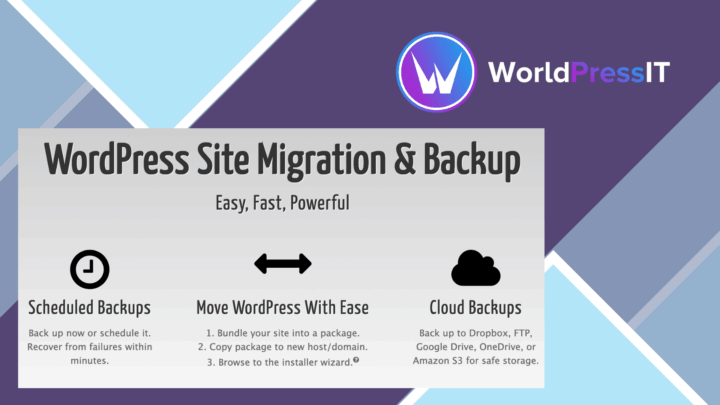
Duplicator Pro Plugin
Site backups, migrations and clones in one WordPress tool, with scheduled jobs, cloud storage integrations and controls…
WP Staging Pro
Create separate WordPress staging sites, clone a live installation, synchronise files and databases, and push approved c…