Duplicator Pro Plugin
Site backups, migrations and clones in one WordPress tool, with scheduled jobs, cloud storage integrations and controls for database replacement.
Instant access Original unmodified files Free future updates
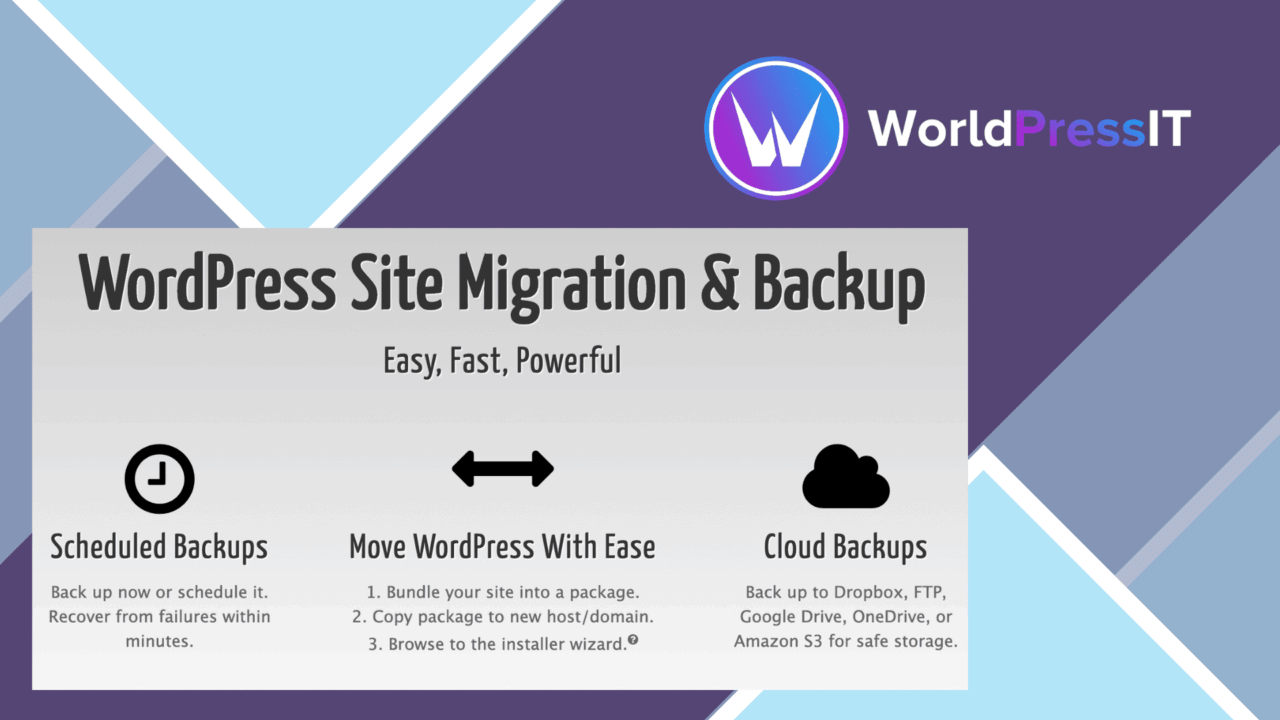
A site migration often involves more than moving theme and plugin files. Duplicator Pro packages the work around WordPress files and database data, with tools for backups, cloning and transfers to local or remote servers. Its feature set is aimed at developers, agencies and site owners who need a repeatable way to move or preserve complete sites rather than handle each component separately.
Packaging the whole site
The central idea is a package that brings the site files and database together. That suits a host migration, a duplicate development install or a backup that needs to represent the site as a whole. One-click migration is presented as the main workflow, and the destination can be local or remote. For a team moving several sites, the value is less about a single transfer and more about having the same packaging approach available across projects.
Duplicator Pro also includes custom installer and archive options. Those controls matter when a standard package does not match the requirements of a particular site. Advanced handling for serialized data and database replacement addresses the parts of a WordPress move that are easy to mishandle when URLs or installation details change.
Backups and storage
Scheduled backups give the plugin a role beyond one-off migrations. A site owner can establish recurring backup jobs instead of remembering to create an archive manually. Cloud storage integrations extend that workflow beyond the WordPress installation, with support listed for Google Drive, Dropbox and OneDrive.
- Scheduled backups for recurring site protection.
- Cloud storage connections for Google Drive, Dropbox and OneDrive.
- Site cloning for testing and development work.
- Database replacement and serialized-data handling for migrations.
- Multi-site support for WordPress networks.
- Custom installer and archive settings for different packaging needs.
These features make the plugin more than a simple export button. It covers the archive, the destination and some of the database adjustments required during a move, while the interface is designed to keep those operations in one WordPress workflow.
Useful for development
Cloning is a practical fit for testing and development because it gives a project a separate copy to work against. Agencies managing WordPress networks also get multi-site support, which keeps the product relevant when the work extends beyond a single installation. The same combination of cloning, migration and database replacement supports a workflow in which a site is copied for development and later moved to another location.
What to weigh
The breadth of the package workflow is also its main responsibility. A complete site archive includes database content as well as files, so each backup and migration needs sensible storage planning and a clearly chosen destination. Cloud integrations add another place to manage stored copies, rather than removing that administrative task.
Scheduled backups require decisions about how often archives are created and which copies remain useful. The listing does not specify retention controls, archive size limits or restoration procedures, so those details deserve attention before relying on it as a complete backup policy. Likewise, one-click migration simplifies the starting point, but database replacement and serialized-data handling are technical operations; a careless destination or replacement rule still has consequences.
Who it suits
Duplicator Pro is a strong fit for developers and agencies that regularly package, clone or relocate WordPress sites, especially where local and remote destinations, cloud storage or network installations are part of the work. Individual site owners also get a structured backup option, provided they are prepared to manage archive storage and verify the migration details. It is less compelling for someone who only needs a narrowly focused file backup, since its useful feature set is built around complete site packages and the decisions that accompany them.
The verdict
Download Duplicator Pro Plugin and see for yourself
You get the full Duplicator Pro Plugin release (v5.0.6), ready to install, plus every update that follows. One click and it is yours.
Download Duplicator Pro Plugin v5.0.6- Instant download
- Original developer files
- Updated 27 Oct 2026
Related reviews
Browse all
IThemes BackupBuddy
Complete WordPress backups, scheduled jobs, cloud storage, migration and one-click restoration in one plugin, with malwa…
All in One WP Migration Unlimited Extension
Moves large WordPress sites past common PHP upload and execution limits, with server-side restores and WP-CLI commands f…
MainWP Clone
Copies complete WordPress site setups across a managed network, including themes, plugins, settings, content and media,…