SchedulePress Pro
Plan WordPress posts on a visual calendar, automate recurring schedules and social sharing, and give teams reminders and performance figures for published content.
Instant access Original unmodified files Free future updates
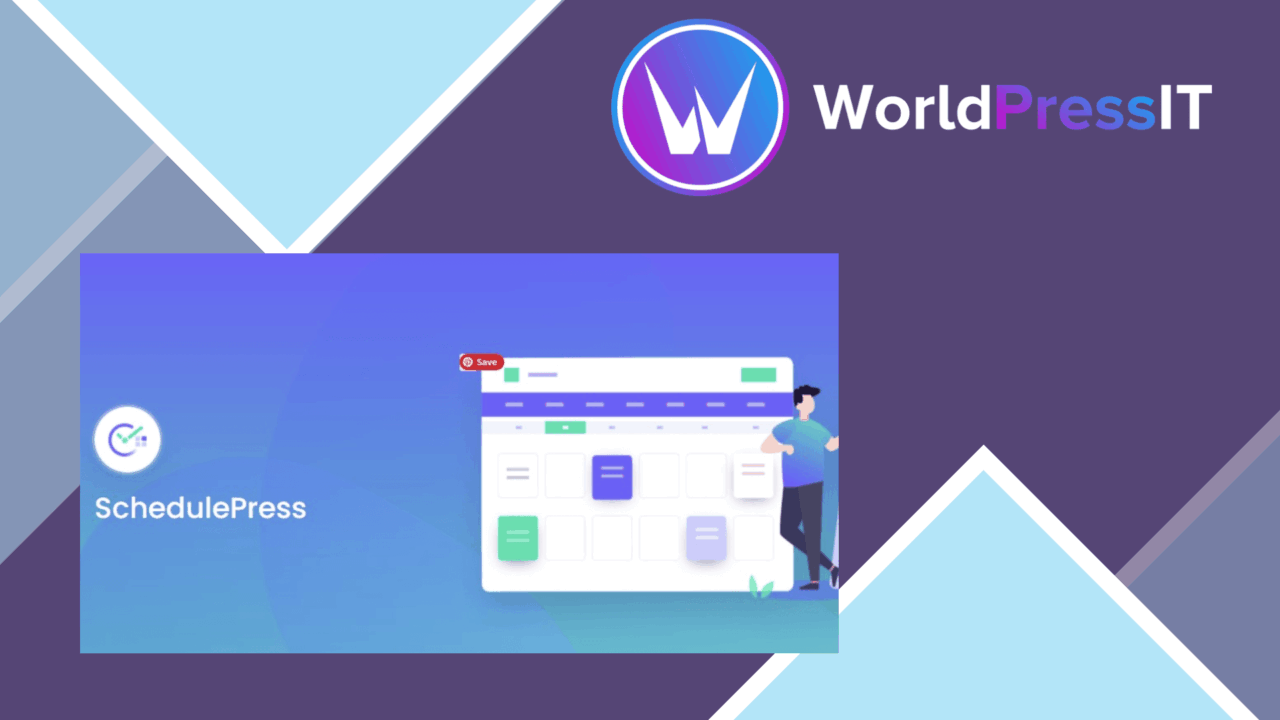
SchedulePress Pro puts WordPress publishing plans into a calendar-based workspace. It is built for bloggers, marketers, businesses, and editorial teams that need to organise upcoming articles, set specific publishing times, and keep scheduled work visible instead of relying on scattered post screens. The plugin combines scheduling controls with social sharing, notifications, and post performance information, so the publishing process extends beyond choosing a date in the editor.
Scheduling at a glance
The calendar is the clearest part of the product’s proposition. It gives editors a visual view of scheduled posts and a place to manage the publishing queue. That matters for sites with a regular editorial rhythm: an editor can see which dates are occupied, identify gaps, and keep planned articles in one view. The calendar also suits teams that need a shared picture of what is due without checking individual posts one by one.
More than fixed dates
SchedulePress Pro supports specific time settings as well as recurring posts. Recurring scheduling is useful for content that follows a repeatable pattern, while precise time controls support campaigns or articles that need to appear at a particular moment. The combination gives the plugin a wider role than a simple list of future posts.
- A calendar view for creating, managing, and scheduling posts.
- Recurring schedules and specific publishing times.
- Automatic sharing of scheduled posts to popular social media platforms.
- Performance and engagement metrics for published posts.
- Customisable reminders for upcoming scheduled content.
- Multiple-author support for collaborative publishing.
Social and team workflows
Automatic social sharing connects a scheduled WordPress post with promotion beyond the site itself. The vendor describes support for popular social platforms, although it does not name the services in the supplied information. For a small marketing team, that pairing keeps the article schedule and its planned distribution in the same workflow.
Multiple-author support gives the plugin a practical editorial angle. Authors can contribute to a shared publishing process, while customisable notifications remind the people involved about upcoming posts. These features address coordination rather than writing itself: SchedulePress Pro helps a team keep track of timing, ownership, and follow-up around scheduled content.
Performance information
The analytics feature covers post performance and engagement metrics. That gives an editor a way to review how published content is doing after it leaves the schedule. It is a useful complement to the calendar because it links future planning with the results of earlier posts. A team can use those figures when deciding which topics or publishing patterns deserve more attention.
The plugin is also described as compatible with major WordPress themes and plugins, and it includes multi-language support for global users. Those claims make it relevant to varied WordPress setups, though the supplied information does not identify particular integrations or languages.
What to weigh
The broad feature set is also the main trade-off. A calendar, recurring rules, social sharing, analytics, notifications, multiple authors, and language support create more settings to organise than a basic scheduling tool. Teams should allow time to establish a clear workflow rather than treating the plugin as a single-purpose date picker.
The analytics scope is another limitation worth keeping in view: the stated metrics concern post performance and engagement, not a complete reporting system for every aspect of a website or social campaign. Social sharing is similarly described at a high level, without a named platform list in the available information. That makes the exact fit for a particular promotion stack something to confirm before adopting it.
Who it suits
SchedulePress Pro fits WordPress sites that publish regularly and need more structure than the standard scheduling controls provide. It is particularly suited to editorial teams, marketing-led blogs, and businesses managing recurring content, social distribution, and reminders together. Sites that only schedule an occasional article will find much of its wider workflow unnecessary, but organisations with a visible content calendar and several contributors get a clearer reason to use it.
The verdict
Download SchedulePress Pro and see for yourself
You get the full SchedulePress Pro release (v5.3.2), ready to install, plus every update that follows. One click and it is yours.
Download SchedulePress Pro v5.3.2- Instant download
- Original developer files
- Updated 19 Oct 2026
Related reviews
Browse all
WP Sheet Editor
Frontend table editing for WordPress, with bulk changes, CSV transfer, responsive layouts and role controls for shared d…

WP Sheet Editor Users Premium
Bulk-edit WordPress user profiles, roles, and metadata, with CSV import/export, filtering, custom fields, and connection…

WP Sheet Editor Comments Pro
Bulk-edit, filter, import, and export WordPress comments from one management workflow, with custom statuses and fields f…