WP Sheet Editor
Frontend table editing for WordPress, with bulk changes, CSV transfer, responsive layouts and role controls for shared data management.
Instant access Original unmodified files Free future updates
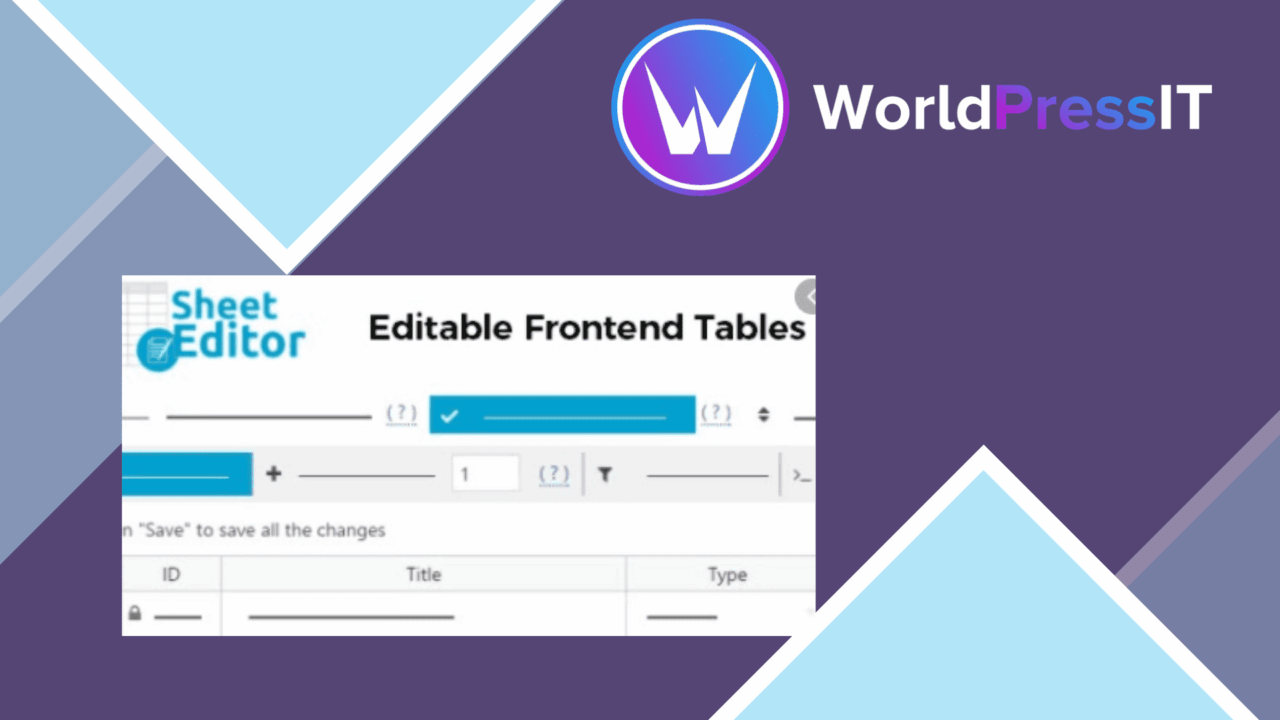
WP Sheet Editor – Editable Frontend Tables puts table maintenance in the frontend rather than requiring every editor to work inside the WordPress backend. It is aimed at sites that organise documents, events, marketplaces, company records or other structured information in rows and columns. The central idea is practical: give authorised users a table-shaped workspace for managing data, while keeping the presentation aligned with the rest of the site.
What it handles
The plugin is built around direct editing of table content. Users can work with rows and columns from the frontend, which suits organisations where contributors need to maintain records but should not be given broad access to WordPress administration. Customisable table layouts provide room to match the site’s design and the shape of the information being presented.
Bulk editing is the main productivity feature. Instead of changing records one at a time, users can update multiple rows and columns together. That matters for recurring changes across a directory or catalogue, although the value depends on having a consistent table structure in the first place.
Useful data tools
- Frontend editing keeps table changes accessible without backend access.
- Bulk operations apply updates across multiple rows and columns.
- Customisable layouts adapt the table to a site’s design and data requirements.
- CSV import and export support migration, editing outside WordPress and backups.
- Role-based access controls determine who is allowed to edit tables.
- Responsive presentation is intended to keep tables usable on mobile devices.
CSV import and export gives the plugin a useful bridge to spreadsheet-based workflows. It supports moving data into or out of the site and provides a straightforward way to keep a separate copy of table content. Responsive design is also important here: a table that works only on a desktop would be a poor fit for public directories and operational records accessed on phones.
Permissions and integrations
Role-based access control is a sensible inclusion for frontend editing. It lets site owners separate people who view a table from those who can alter it, reducing the risk that a public-facing editing interface becomes an unrestricted data-entry point. The vendor also describes integrations with popular WordPress plugins, so the tables are intended to sit alongside other parts of a WordPress setup rather than operate as an isolated display component.
Documentation and support are included as part of the product’s positioning. That is relevant because table layouts, permissions, imports and connected plugins create more decisions than a simple static table. The available information does not identify specific integrations or explain how each connection is configured, so those details should be checked against the particular plugins in use.
Where it falls short
The broad feature list leaves important implementation details unresolved. It does not specify which popular plugins are supported, how frontend permissions are configured, or how conflicts between table edits and imported CSV data are handled. That makes the integration claim less useful for a site with a specific data source or an established editorial workflow.
Frontend editing also introduces a governance trade-off: the easier it is for contributors to change records, the more carefully roles and table access need to be set. CSV exchange brings a second trade-off. It is convenient for bulk movement and backup, but it adds another place where duplicate, outdated or incorrectly structured data can appear. The plugin supplies the editing surface and access controls; it does not remove the need for a clear ownership process.
Who should use it
WP Sheet Editor fits site owners and content teams managing structured information that changes regularly and benefits from a spreadsheet-like interface. It is particularly suited to directories, event information, document collections, company listings and other records where bulk updates are common. The responsive layouts support public access across devices, while frontend editing keeps occasional contributors away from the full WordPress administration area.
Choose it when the main problem is maintaining tables, not building a general-purpose application. Its strongest case combines recurring row-level edits, CSV workflows and controlled access. Sites that need named integrations, detailed data validation or a precisely documented permission model should verify those requirements before relying on the product.
The verdict
Download WP Sheet Editor and see for yourself
You get the full WP Sheet Editor release (v2.4.46), ready to install, plus every update that follows. One click and it is yours.
Download WP Sheet Editor v2.4.46- Instant download
- Original developer files
- Updated 21 Oct 2026
Related reviews
Browse all
WP Sheet Editor Users Premium
Bulk-edit WordPress user profiles, roles, and metadata, with CSV import/export, filtering, custom fields, and connection…
WP Sheet Editor Comments Pro
Bulk-edit, filter, import, and export WordPress comments from one management workflow, with custom statuses and fields f…
WP Sheet Editor – Taxonomy Terms Pro
Bulk-edit categories, tags and custom taxonomy terms in a spreadsheet-style WordPress interface, with filters plus CSV i…