WP Sheet Editor Premium
Bulk-edit posts, pages, and custom post types in a WordPress spreadsheet, with filters, CSV transfer, custom fields, taxonomies, and revision history.
Instant access Original unmodified files Free future updates
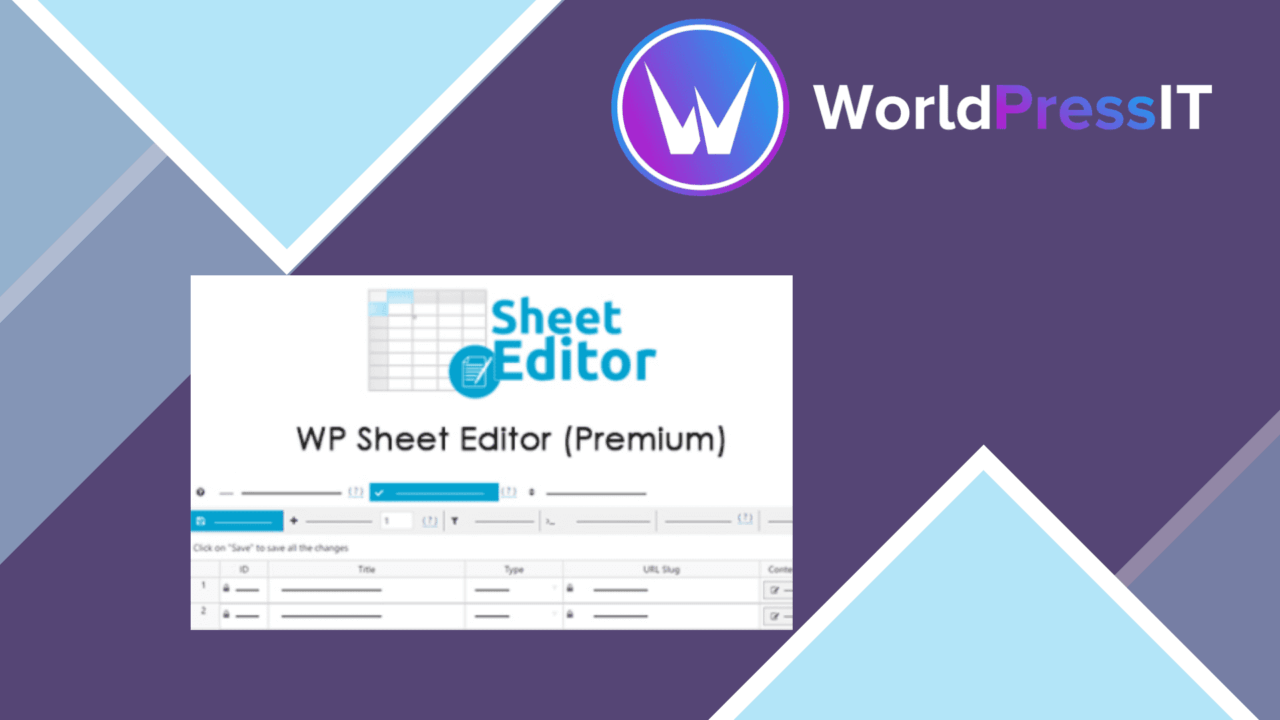
Bulk-editing WordPress content is the central job here. WP Sheet Editor Premium presents posts, pages, and custom post types as rows in a spreadsheet-style interface, giving an editor one place to change many records instead of opening them individually. That approach suits sites where routine work involves titles, fields, taxonomies, or other repeated content changes rather than long-form writing.
A spreadsheet for WordPress
The plugin turns content management into a table-based task. Each entry appears alongside the others, so the working context is the collection of records rather than one post at a time. For a site with a substantial catalogue of content, that is a more practical starting point for maintenance than navigating through separate edit screens.
Its scope extends beyond the standard post and page types. Custom post types are included, which makes the editor relevant to sites built around structured content such as listings, resources, or other specialised records. The vendor also describes compatibility with popular page builders and themes, although the supplied information does not identify the integrations or explain which fields each one exposes.
Useful bulk controls
Filtering and sorting are important parts of a spreadsheet workflow. They help narrow a large collection to the records that need attention, then arrange those records in a useful order before editing. Customisable columns add another practical control: the screen can focus on the fields relevant to the current task rather than showing every available column.
- Edit posts, pages, and custom post types in a spreadsheet interface.
- Filter and sort records to locate specific content.
- Choose which columns appear in the editor.
- Work with custom fields and taxonomies.
- Import and export content in CSV format.
- Track changes with revision history and revert when necessary.
Structured content handling
Support for custom fields and taxonomies gives the plugin value beyond simple title or status changes. Those data types often carry the information that makes a custom post type useful, so having them in the same editing environment keeps more of the content model visible during maintenance.
CSV import and export adds a route for moving data between WordPress and a spreadsheet application. That is useful when a content team needs to prepare changes outside the dashboard or keep a working data file. Real-time updates also mean edits are reflected on the site immediately, while revision history provides a way to track changes and revert them when necessary.
What to weigh
A spreadsheet is well suited to structured, repeated edits, but it is not a natural replacement for the individual WordPress editor when the task is composing or reviewing long prose. A dense table also puts more responsibility on the editor to identify the correct rows and columns before making a broad change. The immediate update model leaves less room for a separate review pause, so careful filtering matters.
CSV support introduces a separate file-handling step rather than removing one. Exporting, changing, and importing data requires attention to the fields being transferred, and the vendor copy does not describe how every custom field or taxonomy is represented in a CSV. The same uncertainty applies to page-builder and theme compatibility: broad compatibility is claimed, but the supplied details do not establish the depth of each integration.
Who it suits
WP Sheet Editor Premium is aimed at WordPress owners, bloggers, and developers responsible for maintaining collections of content. It is most convincing for routine catalogue work: finding a group of records, exposing the relevant columns, changing structured values, and keeping a revision trail. Sites that mainly need to write individual articles will gain less from the spreadsheet approach.
For administrators managing posts, pages, or custom post types at scale, the combination of filtering, custom columns, custom-field support, CSV handling, and revision history addresses the repetitive parts of content maintenance directly. The trade-off is a workflow that rewards precision and structured data awareness rather than the more guided experience of editing one page at a time.
The verdict
Download WP Sheet Editor Premium and see for yourself
You get the full WP Sheet Editor Premium release (v2.26.1), ready to install, plus every update that follows. One click and it is yours.
Download WP Sheet Editor Premium v2.26.1- Instant download
- Original developer files
- Updated 23 Oct 2026
Related reviews
Browse all
MainWP Pro
Manage multiple WordPress installations from one dashboard, with team roles, client reports, bulk updates and activity l…
Pwork
Internal document sharing, messaging, permissions and activity tracking gathered into a WordPress intranet for teams, sc…

GetPaid Square Payment Gateway
Square payments brought into a WordPress site for small businesses, freelancers and online shops that need branded forms…