Extended Widget Options
Control widget visibility, styling, placement and reusable settings across WordPress pages, with rules for user roles, devices and personalised content.
Instant access Original unmodified files Free future updates
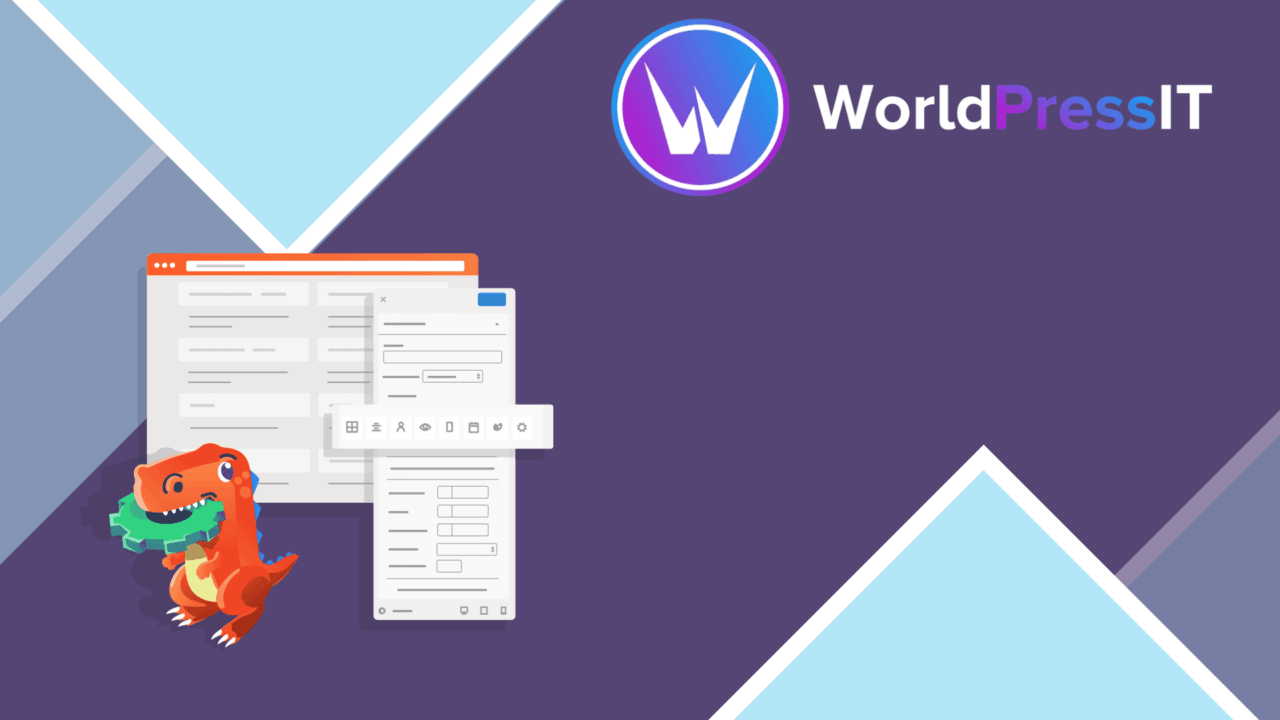
Extended Widget Options expands WordPress widget management with controls for visibility, styling, placement and reuse. Its feature set is aimed at sites where a widget should not appear identically for every visitor, page or device. The plugin also brings widget controls closer to page-builder workflows through stated compatibility with Elementor and WPBakery.
More control per widget
The main strength is the number of decisions available at widget level. Instead of treating a widget area as a fixed collection of items, the plugin lets site managers arrange widgets through a drag-and-drop interface and create multiple instances for the same area. That suits sites with several versions of a notice, callout, navigation block or promotional panel that need different settings without being folded into one configuration.
Visibility controls are the most practical part of the package. Rules based on user roles and device types give administrators a way to show different widgets to different audiences. The vendor also describes support for other visibility conditions, although the supplied information does not detail the full rule set. For a membership-oriented site, a device-specific layout or a page with audience-specific messaging, this is more precise than displaying the same sidebar content everywhere.
Styling without a theme edit
Extended Widget Options includes advanced styling controls and custom CSS for individual widgets. That separates widget presentation from broad theme styles, which is useful when one callout needs its own spacing, colours or typography treatment. Custom CSS also gives a developer a direct way to handle an isolated widget without changing the appearance of every widget of that type.
The plugin supports saved widget settings as templates, so a configuration built for one page can be reused elsewhere. This is a useful pairing with multiple widget instances: one version can serve as a starting point while individual placements retain their own visibility or styling choices.
Dynamic and builder-friendly
Built-in support for dynamic content is intended for widgets that display personalised information rather than one fixed message. The description does not specify which dynamic sources or personalisation rules are included, so this should be treated as a broad capability rather than a detailed content system.
Compatibility with Elementor and WPBakery makes the plugin relevant to sites whose layouts are managed through either builder. The value here is consistency between widget controls and page-building work, especially when a layout needs widget-level visibility or presentation rules alongside its normal page structure.
What to weigh
The breadth of the controls brings a management cost. User-role and device rules create more display variations to document and maintain, particularly when several widget instances occupy the same area. A simple blog with one consistent sidebar may find that level of control unnecessary.
Custom CSS is useful but assumes someone is comfortable maintaining styles outside the theme’s standard controls. The template system also makes reuse easier without removing the need to review each placement, because a copied configuration can carry visibility and presentation choices into a context where they no longer fit. Finally, the listing confirms Elementor and WPBakery compatibility but gives no detail about supported builder features or edge cases, so complex layouts deserve closer checking before a large rollout.
Who it suits
Extended Widget Options fits administrators and developers managing content that changes by audience, device or placement. It is a stronger match for sites with several widget variations, repeated layouts and a need for per-widget CSS than for a small site that only needs a basic sidebar. The combination of conditional visibility, reusable templates, multiple instances and dynamic content gives it a clear role as a detailed widget control layer rather than a simple rearrangement tool.
The verdict
Download Extended Widget Options and see for yourself
You get the full Extended Widget Options release (v5.3.4), ready to install, plus every update that follows. One click and it is yours.
Download Extended Widget Options v5.3.4- Instant download
- Original developer files
- Updated 13 Nov 2026
Related reviews
Browse all
WPBakery Page Builder Clipboard
Copy WPBakery elements, stacked layouts and design settings between pages or posts, while keeping reusable snippets avai…
Superfly Menu
Responsive WordPress navigation with vertical and horizontal layouts, visual styling controls, icons, animations and bre…
Tiva Crowdfunding
A WordPress crowdfunding plugin for front-end campaign submissions, direct PayPal donations, and admin-managed categorie…