PDF viewer for WordPress
Embed PDFs in WordPress with a responsive reader, search, downloads and annotations for ebooks, manuals, catalogues, reports and business documents.
Instant access Original unmodified files Free future updates
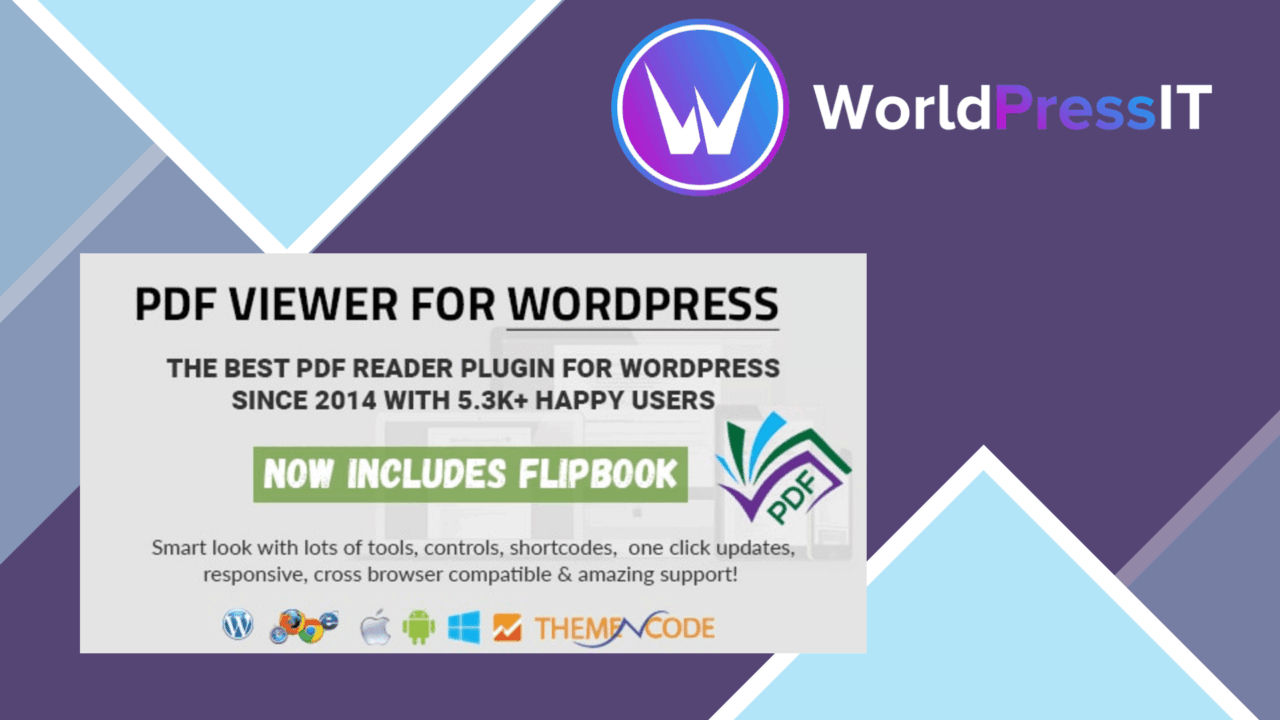
Embedding a PDF in a page is straightforward; presenting it as a document people can read, search and annotate is the more useful distinction. PDF viewer for WordPress is built for that second job. It places PDF files inside a dedicated reader rather than treating them as ordinary links, with a responsive layout intended for desktop, tablet and smartphone screens.
What it puts on the page
The plugin is aimed at sites that need to show documents without making a download the first step. That covers a broad set of publishing tasks: an ebook library, an invoice, a flyer, a brochure, a product catalogue, a manual, a service quote, a proposal, a restaurant menu, an SEO report or a résumé. The common thread is that the PDF remains part of the page experience while the visitor decides how to use it.
It also supports multiple PDF files, so the viewer is not limited to one document on one page. A collection of manuals or a small document library fits the stated model better than a single one-off attachment.
Reader tools
The useful controls are focused on finding and handling information inside a document. Built-in search lets a visitor look for specific content within the PDF, which is more practical than paging through a long report or manual. Download options remain available for readers who need an offline copy, while the embedded reader serves visitors who only need to consult the document.
Annotation support adds another layer to the reading experience. Users can highlight text and add notes directly within the viewer. That is relevant for documents people review rather than simply scan, such as proposals, reports and technical documentation. Viewer settings are customisable too, including dimensions and toolbar options, allowing the presentation to be adjusted to the surrounding page.
Useful document coverage
This is a presentation tool with a clear document-first focus. Responsive behaviour matters for menus, brochures and catalogues as much as it does for formal reports, because these files are often opened from phones rather than a desktop workstation. Multi-language support broadens the audience for organisations publishing documents for readers in different languages.
The settings also give site owners some control over how much of the reader interface appears. A page that needs a full set of controls can expose them, while a more focused document presentation can use a more limited toolbar. The vendor describes the plugin as compatible with existing WordPress themes and plugins, though the actual fit will still depend on the surrounding site.
Where it falls short
The scope is also the main limitation. This is a PDF viewing layer, not a broader document workflow. The supplied feature list covers reading, searching, annotation, downloading and presentation settings; it does not describe document editing, approvals, version control or access management. Organisations needing those functions will need other tools around the viewer.
There is a second trade-off in the reader’s flexibility. Downloading is supported, which is useful for offline access but means the embedded display is not a way to keep every visitor inside the page. Responsive design improves access across screen sizes, but it does not change the nature of a PDF: a dense or wide document still asks the reader to navigate a fixed document format on a small screen.
Who it suits
PDF viewer for WordPress suits publishers, educators and businesses that regularly place finished documents on a WordPress site and want more control than a plain PDF link provides. It is particularly relevant for manuals, catalogues, proposals, reports and other files where search, notes or a visible reader are useful. Choose it for document presentation rather than document management, and its feature set has a clear purpose: make PDFs easier to consult while keeping familiar options for search, annotation and download.
The verdict
Download PDF viewer for WordPress and see for yourself
You get the full PDF viewer for WordPress release (v12.6.5), ready to install, plus every update that follows. One click and it is yours.
Download PDF viewer for WordPress v12.6.5- Instant download
- Original developer files
- Updated 21 Nov 2026
Related reviews
Browse all
Formidable
Turn Formidable Forms entries into responsive tables, lists, charts and graphs, with shortcodes, styling controls and up…
PDF Embedder Premium
Embed PDFs inside WordPress pages with a responsive viewer, page navigation, zoom, annotations and optional access contr…
AI Power
AI-powered content creation, SEO suggestions, visitor chatbots and user-behaviour insights gathered in one WordPress plu…