BWL Advanced FAQ Manager
Create searchable, categorised FAQs with collapsible answers, multimedia content and usage analytics, giving visitors a clearer route to common questions.
Instant access Original unmodified files Free future updates
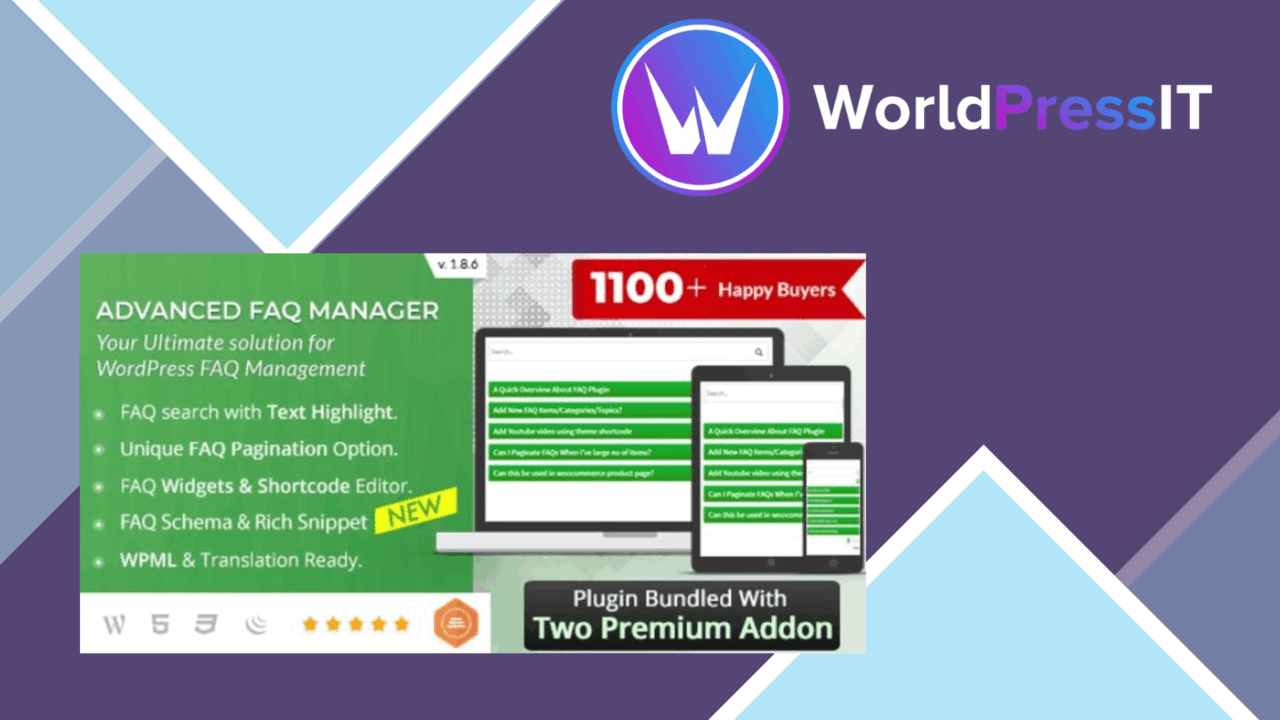
A structured FAQ section gives visitors a direct route to answers, and BWL Advanced FAQ Manager is built around that job. It lets you create an unlimited number of FAQ posts, organise them into categories and place the resulting questions on pages or posts with shortcodes. The emphasis is practical: keep recurring information in one managed area, then present it in a compact format.
Organised question banks
Categories are the foundation of the plugin. They let you separate questions by subject rather than presenting one undifferentiated list, which is useful when a site has several services, products or support topics. Individual FAQs can also be enabled or disabled, so an answer does not have to remain visible simply because it has already been created.
The collapsible layout supports the same organisational goal. Visitors see the questions first and open the answers they need, keeping a long FAQ page more readable than a wall of expanded text. This is particularly suited to support pages where many questions belong together but only a few are relevant to each visitor.
Search and shortcodes
Search gives visitors a second route through the collection. Instead of browsing every category, they can look for a specific question or term. That feature matters most as the FAQ library grows, because categories alone do not remove the need to scan within a topic.
Shortcode support keeps placement separate from content management. FAQs can be added to a page or post without rebuilding the entries themselves, allowing the same managed information to sit in the parts of a site where visitors already look for help. The supplied interface is intended to keep creation and display straightforward rather than requiring a custom FAQ layout.
More than plain text
The plugin accepts multimedia content inside FAQ answers, including images and videos. That gives an answer room for a visual explanation instead of forcing every instruction into paragraphs. A product question, for example, can include supporting media alongside its written response, while the collapsible presentation keeps that richer material out of sight until it is needed.
Built-in analytics add a usage view to the FAQ collection. The feature is described as tracking FAQ usage and user engagement, so site owners have a way to consider which questions attract attention rather than treating the FAQ as static documentation. The combination of search, categories and analytics gives the content team several signals for deciding how the question bank should be arranged.
What to weigh
The breadth of the feature set brings some practical decisions. An unlimited collection is useful for a growing knowledge base, but it also makes category naming and question maintenance more important; without a clear structure, search and collapsible panels are left to compensate for a crowded list. The plugin provides the tools for organisation, not the subject taxonomy itself.
Multimedia support also increases the upkeep of an answer. Images and videos can explain a point clearly, but they require their own content review and need to remain relevant when the written answer changes. Analytics is another convenience rather than a complete measurement system: the description promises FAQ usage and engagement tracking, but does not specify the reports or metrics available. Those limits are worth clarifying before treating the feature as a basis for detailed content analysis.
Who it suits
BWL Advanced FAQ Manager fits sites that repeatedly answer the same questions and want those answers separated from ordinary page copy. It is a sensible match for a support or information area that needs categories, search and expandable answers, with shortcode placement for bringing selected FAQ content into pages and posts.
It is less compelling for a small site with only a handful of static questions, where a normal page already provides enough structure. Its value grows with the size and variety of the question bank: text answers, images, videos, selective visibility and usage tracking all have a place when FAQ content is an active part of the site’s user experience.
The verdict
Download BWL Advanced FAQ Manager and see for yourself
You get the full BWL Advanced FAQ Manager release (v3.0.5), ready to install, plus every update that follows. One click and it is yours.
Download BWL Advanced FAQ Manager v3.0.5- Instant download
- Original developer files
- Updated 9 Oct 2026
Related reviews
Browse all
GetPaid Digital Downloads
Sell eBooks, software, and music from WordPress with file delivery, payment gateways, discount codes, customer records,…

Super Speedy Filters
Configurable AJAX filters help visitors narrow posts, products and other content through checkboxes, dropdowns and slide…
pentest-upload
A WordPress upload-related listing with no documented feature set, compatibility information or stated use case, so its…