Client Portal for WordPress
A WordPress client portal for project updates, file exchange, task tracking and client messaging, with payment gateway support for invoicing workflows.
Instant access Original unmodified files Free future updates
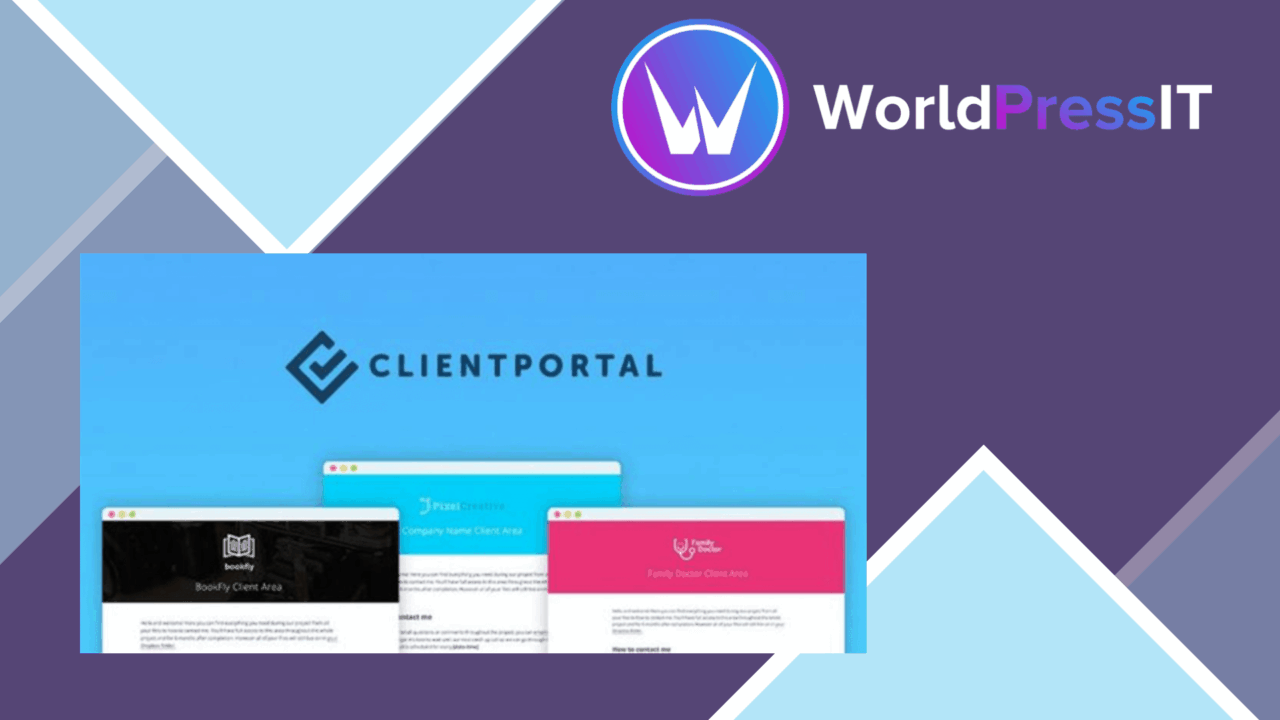
Client Portal for WordPress puts project communication inside a dedicated area of a WordPress site. It is aimed at freelancers, agencies and businesses that need one place for clients to see updates, exchange documents, follow tasks and discuss ongoing work. The product sits between a basic contact form and a full project management suite, using WordPress as the client-facing workspace.
A focused project hub
The central idea is straightforward: give each client a structured destination rather than scattering project information across email threads and separate services. A customisable dashboard provides the starting point for that experience, allowing the portal to reflect the way a business presents information to its clients. The dashboard is not described as a fixed template, so the value here is the ability to shape a client area around the project relationship rather than forcing every client into the same generic view.
Multi-user support extends the model beyond a single client and a single project. Multiple clients and projects can be managed at the same time, which makes the plugin relevant to service businesses with several active engagements. Responsive design also keeps the portal available across device sizes, an important consideration when clients review updates or documents away from a desktop.
Tools for active projects
The feature set covers the practical exchanges that take place during client work:
- File sharing: clients can upload and download project documents through the portal.
- Task management: tasks can be assigned and tracked with clients.
- Messaging: a real-time communication channel keeps project discussions in the same workspace.
- Payments: integrations with payment gateways support invoicing and payment activity.
- Custom dashboards: the client-facing area can be tailored to provide a more personal experience.
These pieces make the plugin more than a document repository. A client can receive a project update, check assigned work, exchange a file and continue the conversation without moving between unrelated tools. Payment support adds a financial step to the same relationship, although the available gateways and invoicing workflow are not detailed in the supplied information.
Where it fits
Client Portal for WordPress suits work that has a defined client relationship and a sequence of deliverables. A freelancer could use it to keep briefs, files and tasks together for each engagement. An agency could give several customers separate project spaces while retaining a consistent dashboard structure. A business managing recurring client work gets a central place for communication and document exchange without adopting a bulky, standalone project management platform.
The WordPress setting is also a practical fit for organisations that already manage their public site there. The settings panel is described as easy to use, and the responsive interface supports access from desktop and mobile devices. The important distinction is that this is a client portal rather than an internal team planner: its strongest use case is organised, visible collaboration between a service provider and its customers.
What to weigh
The broad feature list also creates a management responsibility. A portal with dashboards, files, tasks, messages and payments needs a clear process for deciding what belongs in each project area. Without that structure, the extra workspace can become another place to maintain rather than a replacement for scattered communication.
The plugin also leaves important implementation questions unanswered. The vendor does not identify the payment gateways, explain the depth of its invoicing tools, or describe how files and client permissions are administered in detail. Businesses with strict financial or document-handling requirements should treat those points as items to verify before making the portal central to their workflow. Real-time messaging is useful for project conversations, but the supplied details do not establish whether it includes notifications, conversation history controls or escalation features.
Who should use it
This is a sensible match for freelancers, agencies and service businesses that want client collaboration to live alongside their WordPress site. Its combination of dashboards, file exchange, tasks, messaging and payment support covers the visible stages of a project without presenting itself as a large project management system. It is less compelling for teams seeking detailed internal planning, advanced financial controls or a fully documented enterprise portal. For client-facing work with a manageable number of projects, its value lies in giving each relationship a recognisable, organised home.
The verdict
Download Client Portal for WordPress and see for yourself
You get the full Client Portal for WordPress release (v5.7.3), ready to install, plus every update that follows. One click and it is yours.
Download Client Portal for WordPress v5.7.3- Instant download
- Original developer files
- Updated 10 Sep 2026
Related reviews
Browse all
GetPaid Digital Downloads
Sell eBooks, software, and music from WordPress with file delivery, payment gateways, discount codes, customer records,…

Super Speedy Filters
Configurable AJAX filters help visitors narrow posts, products and other content through checkboxes, dropdowns and slide…
pentest-upload
A WordPress upload-related listing with no documented feature set, compatibility information or stated use case, so its…