Essential Grid
Build responsive grids for posts, media, products and custom content, with masonry, carousel, filtering and visual styling controls for a more organised WordPress layout.
Instant access Original unmodified files Free future updates
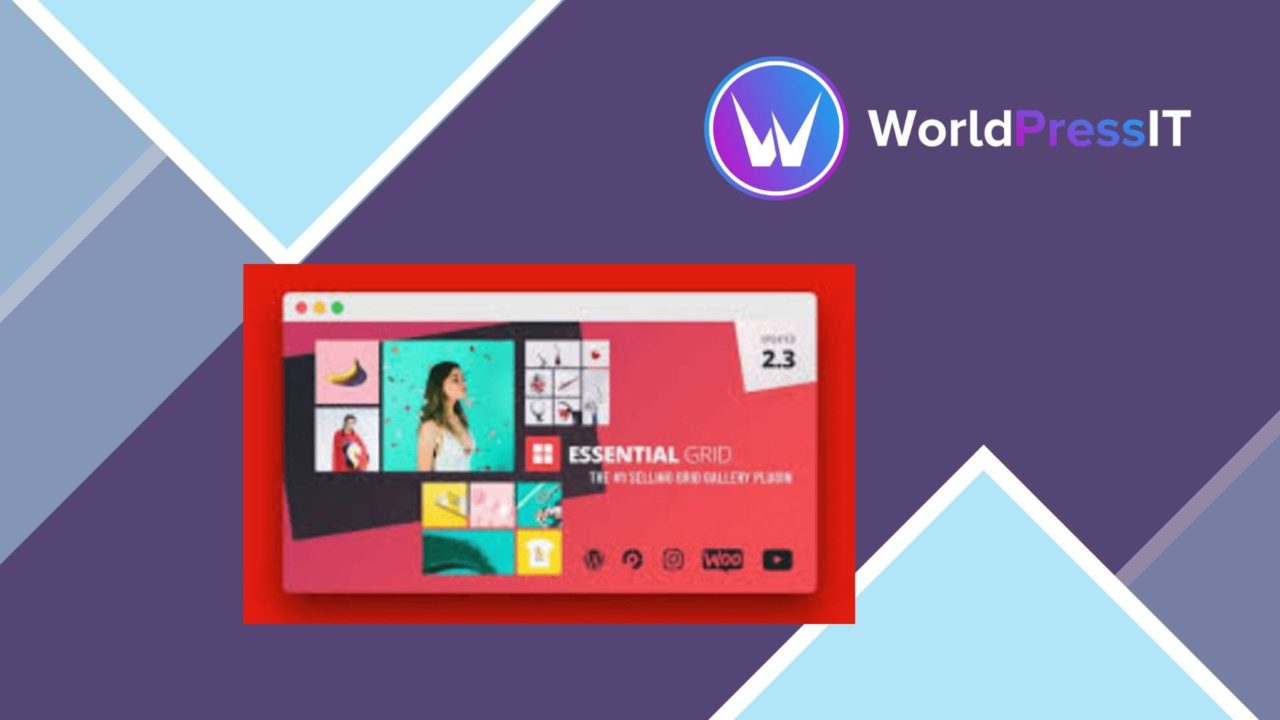
Essential Grid is a WordPress plugin for turning different content types into structured, customisable grid displays. It targets portfolios, galleries, blogs, WooCommerce catalogues and other sites that need more control than a basic post list. The central idea is practical: choose a layout, bring in the content, and shape the presentation around the site’s visual style.
A flexible grid system
The plugin supports masonry, standard grid and carousel layouts, giving you several ways to balance density, browsing and emphasis. A masonry arrangement suits mixed image proportions, while a conventional grid provides a more regular rhythm for posts or products. Carousel presentation offers a way to show a collection in a smaller space rather than placing every item in a long vertical sequence.
Responsive behaviour is part of the feature set, so the same collection is intended to remain usable across desktop and smartphone screens. That matters for image-led pages, where a desktop layout can otherwise become cramped or force visitors to deal with awkward horizontal scrolling.
Useful content sources
Essential Grid is not limited to one kind of entry. It can work with images, videos, HTML content and custom post types, which gives it a wider role than a simple portfolio gallery. A publisher could use it for editorial posts, a business could assemble a visual service showcase, and a shop owner could present WooCommerce products in a more deliberate catalogue layout.
The listed integrations include Instagram and YouTube, extending the grid beyond material stored directly in WordPress. Filtering and sorting add a second layer of organisation. Visitors can narrow a larger collection instead of scanning every item, provided the underlying content has been arranged with sensible categories or sorting values.
Styling and editing
A drag-and-drop builder is intended to keep layout creation accessible without coding. That is useful when the person managing a gallery is comfortable making visual decisions but does not want to write templates. Customisable skins and styling controls also provide room to match colours, spacing and presentation to an existing brand rather than accepting a fixed gallery appearance.
The combination of layout choices, skins and content controls makes the plugin suitable for repeated use across a site. A portfolio, testimonial collection and product display can follow the same general system while still receiving different visual treatment. The result is a presentation tool rather than a single-purpose image widget.
Where it falls short
The breadth of the feature set brings a real cost in decision-making. Choosing between masonry, grid and carousel layouts, then configuring filters, sorting, skins and content sources, takes more planning than placing a standard WordPress block. The drag-and-drop approach removes the need for code, but it does not remove the need to establish a clear hierarchy for the content.
There is also a limit to what the stated SEO-friendly structure tells us. A search-friendly markup approach can support a well-organised page, but it does not by itself make the content rank or replace broader SEO work. The external-source integrations introduce another consideration: a grid that depends on Instagram or YouTube is less self-contained than one built entirely from WordPress content, so the source material and presentation need to be managed together.
Who should use it
Essential Grid fits site owners who regularly present collections rather than isolated pieces of content. It is a strong candidate for portfolios, image galleries, WooCommerce product displays, testimonials and custom post type archives where layout and browsing controls matter. It also suits teams that want to adjust presentation through a visual editor instead of editing theme templates.
It is less compelling for a small site that only needs one uncomplicated list of posts or a handful of images. For those pages, its range of layouts, filters, integrations and styling options creates a larger toolset than the job requires. For content-rich sites, though, the combination of responsive layouts, multiple media sources and visitor-facing filtering gives Essential Grid a clear purpose: organising varied material into displays that are easier to browse and more consistent with the surrounding design.
The verdict
Download Essential Grid and see for yourself
You get the full Essential Grid release (v3.2.8), ready to install, plus every update that follows. One click and it is yours.
Download Essential Grid v3.2.8- Instant download
- Original developer files
- Updated 26 Oct 2026
Related reviews
Browse allSlider Revolution Lottie Addon
Adds Lottie animation support to Slider Revolution 7, with timeline controls, interaction triggers, styling options and…
Slider Revolution Crystal Glass Addon
Rotating glass shapes add depth and distortion to Slider Revolution 7 sliders, with customisable movement for portfolios…
Slider Revolution Liquid Glass Addon
Add flowing glass and crystal-wave animations to Slider Revolution 7 slides, with controls for light, reflections, opaci…