Essential Pricing Plan Switcher for Elementor
Create switchable pricing tables for monthly, yearly, and one-time plans, with Elementor controls for branding, responsive layouts, and plan emphasis.
Instant access Original unmodified files Free future updates
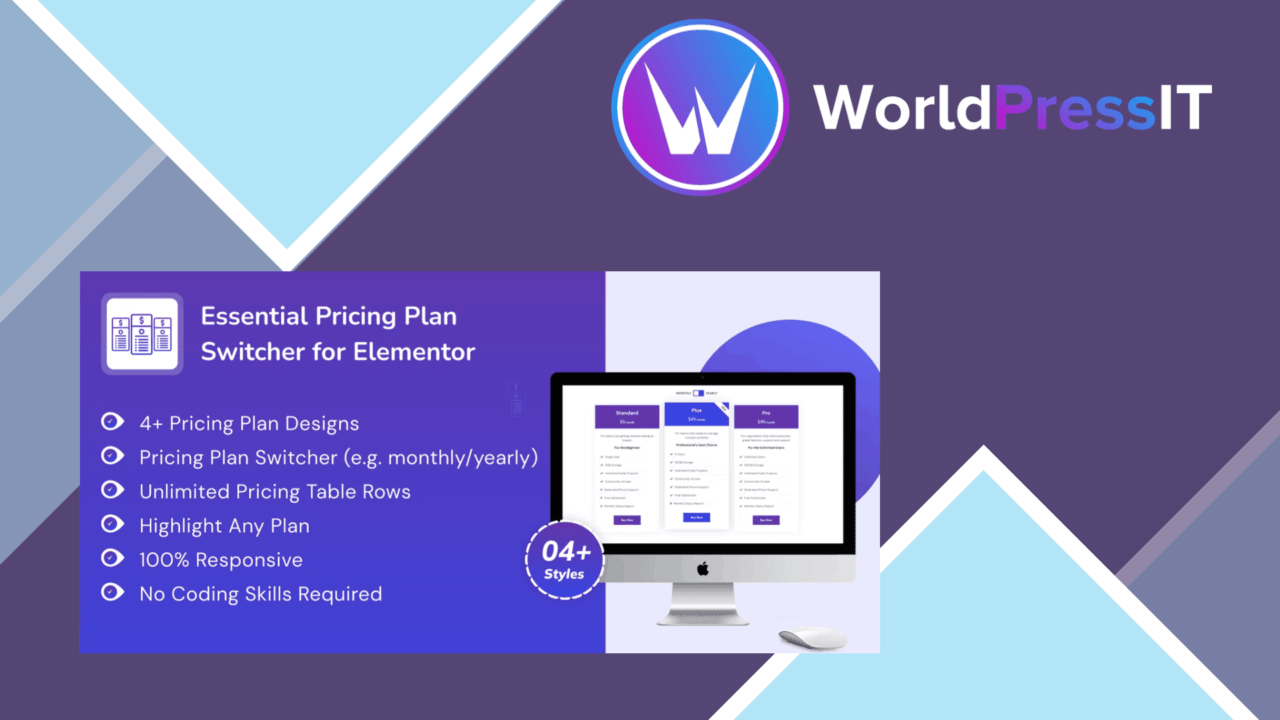
Essential Pricing Plan Switcher for Elementor is built for presenting several payment options in one pricing table rather than sending visitors between separate sections or pages. The plugin adds a plan-switching layer to Elementor, giving businesses and freelancers a way to show monthly, yearly, and one-time options in a single, interactive presentation.
What it is for
The main use case is a service or product with related plans that share a basic structure but differ in billing period or included value. The vendor specifically positions it for financial services, internet plans, web hosting, subscriptions, and cloud storage. That focus makes the plugin more relevant to comparison-led sales pages than to a general-purpose content layout.
Visitors can switch between available pricing options without navigating away from the table. For a page with several billing periods, that keeps the comparison in one place and gives the pricing section a clearer interaction model than displaying every variation at full length.
Plan presentation
The plugin’s useful controls centre on the table itself. Its feature list includes support for multiple plans, custom styling, responsive behaviour, and highlighted plans. Those options cover the practical requirements of a pricing block: show the choices, fit the site’s visual identity, keep the layout usable on smaller screens, and give one plan stronger visual emphasis.
- Monthly, yearly, and one-time payment options
- Customisable pricing tables for matching site branding
- Responsive layouts for desktop and mobile viewing
- Highlighted plans for directing attention to a particular option
- Elementor drag-and-drop setup without coding knowledge
The highlighting option is particularly useful when a business has a preferred plan but still wants to display alternatives. It gives the table a defined visual priority without removing the surrounding choices.
Elementor workflow
Setup is handled through Elementor’s drag-and-drop editor, so the intended workflow stays close to the page-building process. Someone already assembling landing pages in Elementor should find the plugin’s role easy to understand: add the pricing switcher, define the plans, and adjust the appearance to fit the surrounding design.
The interface is described as intuitive and does not require coding knowledge. That makes it suitable for editors who need to maintain plan details themselves rather than asking a developer to change each pricing variation.
Tracking and payments
Two features extend the switcher beyond presentation. The vendor lists integration with popular payment gateways for transactions and built-in analytics for tracking engagement with pricing options. Together, those features aim to connect the pricing table with both the next step in the purchase journey and the question of which options attract attention.
The analytics feature is most useful when a site owner wants to compare interest in different plans, while payment integration keeps the table closer to a conversion point. The supplied information does not identify the supported gateways or explain the available analytics reports, so those details deserve checking before the switcher becomes part of a payment-critical page.
What to weigh
The first trade-off is that the plugin is designed around Elementor. That is a sensible fit for Elementor-built pages, but it narrows its usefulness for sites using another page builder or a block-based editing workflow.
The second reservation is the limited detail about the payment and analytics features. “Popular payment gateways” is not a specific compatibility list, and “built-in analytics” does not explain whether the reports cover individual plan selections, dates, or broader engagement summaries. A site with particular reporting or checkout requirements should confirm those capabilities rather than treating the labels as a complete specification.
There is also a design trade-off in making the pricing table interactive: visitors must switch views to compare some plan variations. That keeps the page compact, but a business with many differences between plans may still need supporting text elsewhere so important conditions are not hidden behind the switcher.
Who should use it
Essential Pricing Plan Switcher for Elementor suits freelancers, service businesses, and subscription-based sites that need a compact comparison table with more than one billing model. It is a practical fit when Elementor is already the editing environment and responsive pricing presentation matters.
It is less compelling for a site that needs a builder-neutral component, a documented list of payment integrations, or detailed analytics requirements from the start. For the narrower job of putting monthly, yearly, and one-time plans into a branded Elementor section, its feature set is appropriately focused.
The verdict
Download Essential Pricing Plan Switcher for Elementor and see for yourself
You get the full Essential Pricing Plan Switcher for Elementor release (v1.0.6), ready to install, plus every update that follows. One click and it is yours.
Download Essential Pricing Plan Switcher for Elementor v1.0.6- Instant download
- Original developer files
- Updated 1 Sep 2026
Related reviews
Browse all
GetPaid Digital Downloads
Sell eBooks, software, and music from WordPress with file delivery, payment gateways, discount codes, customer records,…

Super Speedy Filters
Configurable AJAX filters help visitors narrow posts, products and other content through checkboxes, dropdowns and slide…
pentest-upload
A WordPress upload-related listing with no documented feature set, compatibility information or stated use case, so its…