Groovy Mega Menu
Build responsive WordPress navigation with drag-and-drop layouts, widgets, shortcodes, icons and images for content-heavy sites and online shops.
Instant access Original unmodified files Free future updates
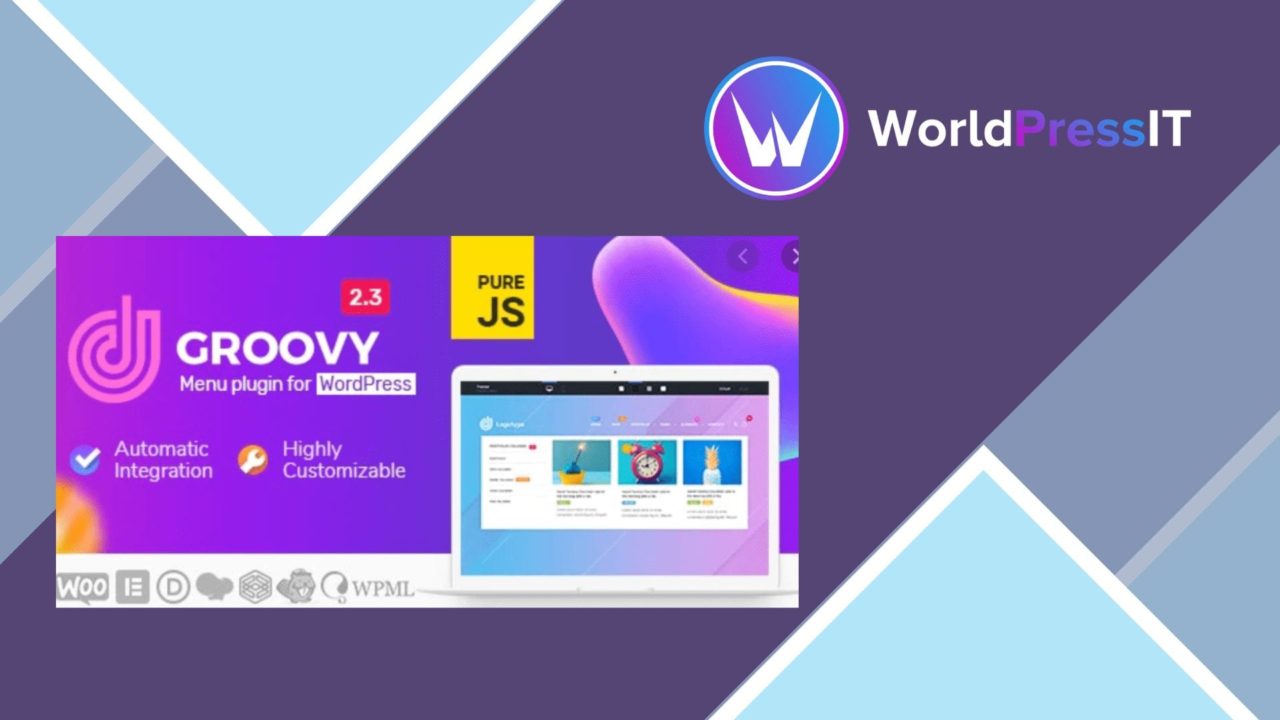
Groovy Mega Menu is a WordPress navigation plugin for sites that have outgrown a simple list of links. It combines a drag-and-drop builder with horizontal and vertical layouts, responsive behaviour, styling controls and support for richer menu content. The result is a menu system aimed at website owners, designers and developers who need navigation to carry more than page titles.
Navigation beyond links
The plugin’s main purpose is to organise complex navigation without requiring every menu item to remain a plain text link. Menu blocks can include widgets and shortcodes, while individual items support icons and images. That gives a site more room to present grouped content, visual cues and dynamic elements directly within its navigation.
Groovy Mega Menu also supports both horizontal and vertical menu layouts. This matters for sites with different header structures or for navigation that needs to occupy a sidebar rather than a conventional top bar. The responsive design is intended to adapt the menu for desktop and mobile screen sizes, so the same navigation system is not limited to one type of display.
Controls for the design
The drag-and-drop builder is the clearest route into the plugin. It is designed for menu customisation without coding knowledge, allowing the structure to be arranged visually rather than assembled entirely through standard WordPress menu fields. The styling controls cover the parts visitors notice first:
- Colours and fonts for matching the site’s visual identity.
- Hover effects for showing interaction states.
- Icons and images for menu items.
- Horizontal and vertical layout choices.
- Widgets and shortcodes inside menu blocks.
These controls make the plugin more suitable for branded navigation than a basic menu editor. A designer can work on the appearance of the menu while a site owner uses the same structure to organise categories, pages or other content.
Builder and shop compatibility
Compatibility is a significant part of the product’s positioning. Groovy Mega Menu is described as working with Elementor, Divi, WPBakery, Gutenberg, WPML and WooCommerce. That gives it a place on sites already using a visual builder, a block-based editing workflow, multilingual content or an online shop. WooCommerce support is particularly relevant where product categories and store sections need prominent navigation.
The integrations do not turn the plugin into a page builder or a multilingual system of its own. Their value is in fitting the menu into an existing WordPress setup, while widgets and shortcodes provide additional ways to place content inside menu blocks.
What to weigh
The breadth of the feature set brings two practical trade-offs. First, a menu with multiple layouts, styling choices, widgets, shortcodes, icons and images requires more design decisions than a standard WordPress menu. That flexibility suits a carefully planned navigation system, but it also makes a simple menu needlessly elaborate.
Second, compatibility with several builders and content systems creates more parts to keep consistent. A site using Elementor, WooCommerce, WPML and custom widgets has more menu content to review when its structure or branding changes. The vendor copy also describes the plugin as highly customisable, but it does not specify which builder features are supported in detail, so advanced integrations should be checked against the intended setup before making the menu central to the site.
Who it suits
Groovy Mega Menu is a strong fit for content-heavy sites, shops and branded websites that need navigation with more structure than the standard WordPress menu interface provides. It is especially relevant when the menu needs visual styling, different orientations, widget content or builder compatibility. Sites with only a few straightforward links will find fewer reasons to accept the additional configuration. For larger navigation systems, the combination of responsive layouts, visual editing and richer menu blocks gives this plugin a clear, specific role.
The verdict
Download Groovy Mega Menu and see for yourself
You get the full Groovy Mega Menu release (v2.6.3), ready to install, plus every update that follows. One click and it is yours.
Download Groovy Mega Menu v2.6.3- Instant download
- Original developer files
- Updated 24 Oct 2026
Related reviews
Browse allWP Brain
Create no-code visibility rules for pages, posts and campaigns using user, device, location and date conditions, with ne…
Advanced Google Maps Plugin for WordPress
Embed styled Google Maps with custom markers, directions and geolocation, giving business, event and property sites a cl…
Interactive World Maps
Create responsive interactive maps with coloured markers, country and region views, and location-based information for p…