Interactive World Maps
Create responsive interactive maps with coloured markers, country and region views, and location-based information for posts, pages, and visual data displays.
Instant access Original unmodified files Free future updates
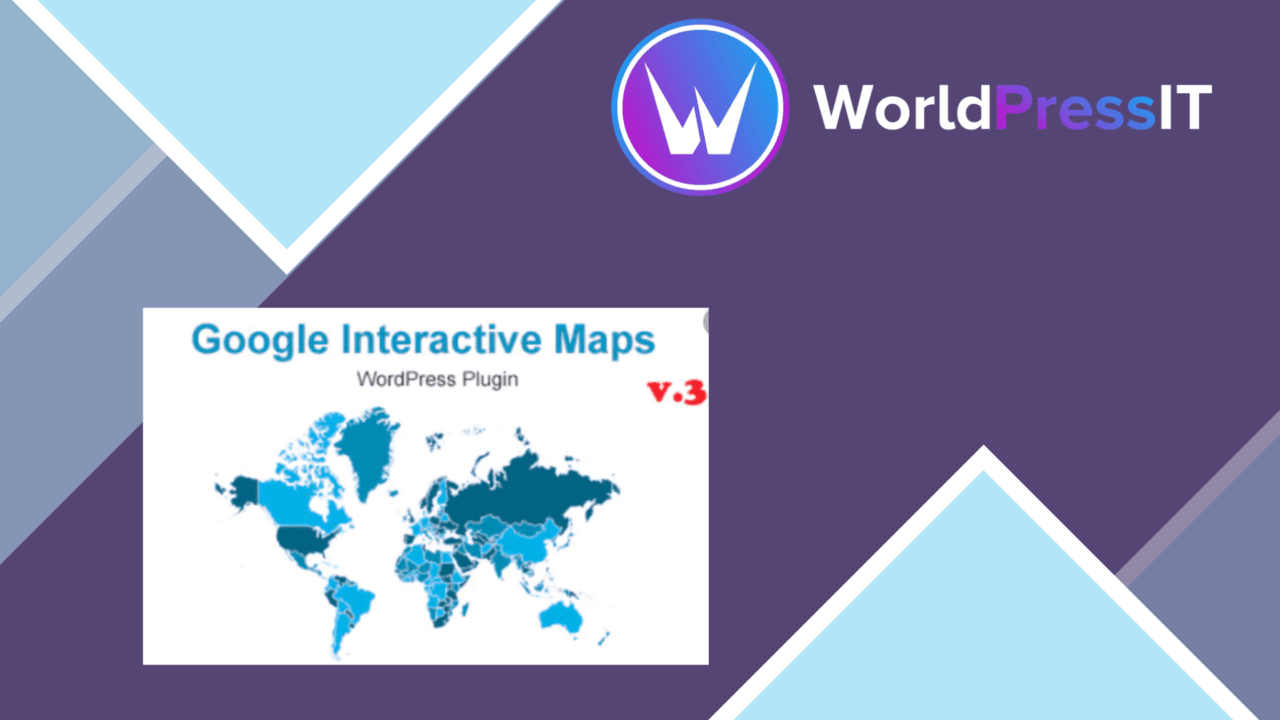
Interactive World Maps turns geographical information into a map visitors can explore rather than a static image they can only look at. It is aimed at educators, businesses, and bloggers who need to present countries, regions, continents, or individual locations in a more visual format. The focus is on configurable maps, clickable markers, and straightforward placement inside WordPress content.
Maps with a clear purpose
The plugin covers several common mapping jobs without limiting the presentation to one visual style. Political, physical, and custom maps give you different starting points, while configurable colours help bring the result closer to an existing site design. That combination suits a geography lesson, a regional service page, or an article that compares locations across a wider area.
The useful distinction is between showing a place and explaining it. Markers display additional information when clicked, so a visitor can move from a broad view to details about a particular location. Coloured markers and map regions also provide a way to separate categories or draw attention to selected areas, although the supplied information does not describe the available marker fields or styling controls in detail.
Controls for map data
Interactive World Maps includes import and export features for map data in various formats. That matters for sites where location information already exists elsewhere, or where a map needs to be maintained separately from the page content. The format list is not specified, so the first practical check is whether the supported options match the data your organisation already uses.
- Political, physical, and custom map types
- Clickable markers with additional information
- Customisable map styles and colours
- Import and export for map data
- Multi-language support for international audiences
Embedding and presentation
Shortcode support gives the plugin a direct route into posts and pages, without requiring a map to be built into a particular page layout. Elementor compatibility is also stated, which gives page-builder users another placement option. Responsive design is intended to keep maps usable across device sizes, an important consideration for maps that invite panning, clicking, and reading marker information.
Google Maps integration adds another route for sites that need that service alongside the plugin’s own map types. Used selectively, it broadens the possible mapping setup; the product description does not explain which Google Maps functions are covered, so treat it as an integration point rather than a detailed feature promise.
What to weigh
Dense maps are easy to make visually busy. A page containing many coloured regions and markers needs a clear hierarchy, otherwise the visitor has to decode the map before finding the relevant location. The plugin supplies the visual ingredients, but the content and marker structure still need editorial care.
There is also a trade-off between flexibility and preparation. Multiple map types, custom colours, import and export options, multilingual content, and Google Maps integration create more possible configurations than a single-purpose map embed. The vendor copy does not specify the supported data formats, the depth of the custom-map tools, or the exact Google Maps features, so projects with detailed geographic requirements should confirm those points before committing to the workflow.
Who it suits
This is a sensible fit for a site where location is part of the explanation: a teacher showing countries, a business presenting service regions, or a publisher adding geographic context to an article. It is less suited to a page that only needs one simple static location graphic, where interactive markers, multiple map types, and data handling would add unnecessary decisions. For the right use case, its strongest feature is the combination of clickable location detail and flexible placement in WordPress content.
The verdict
Download Interactive World Maps and see for yourself
You get the full Interactive World Maps release (v2.4.14), ready to install, plus every update that follows. One click and it is yours.
Download Interactive World Maps v2.4.14- Instant download
- Original developer files
- Updated 24 Oct 2026
Related reviews
Browse allWP Brain
Create no-code visibility rules for pages, posts and campaigns using user, device, location and date conditions, with ne…
Advanced Google Maps Plugin for WordPress
Embed styled Google Maps with custom markers, directions and geolocation, giving business, event and property sites a cl…
Groovy Mega Menu
Build responsive WordPress navigation with drag-and-drop layouts, widgets, shortcodes, icons and images for content-heav…