Justified Image Grid – Premium WordPress Gallery
A justified gallery layout for presenting images, videos and HTML content in responsive rows, with lightbox viewing, lazy loading and visual styling controls.
Instant access Original unmodified files Free future updates
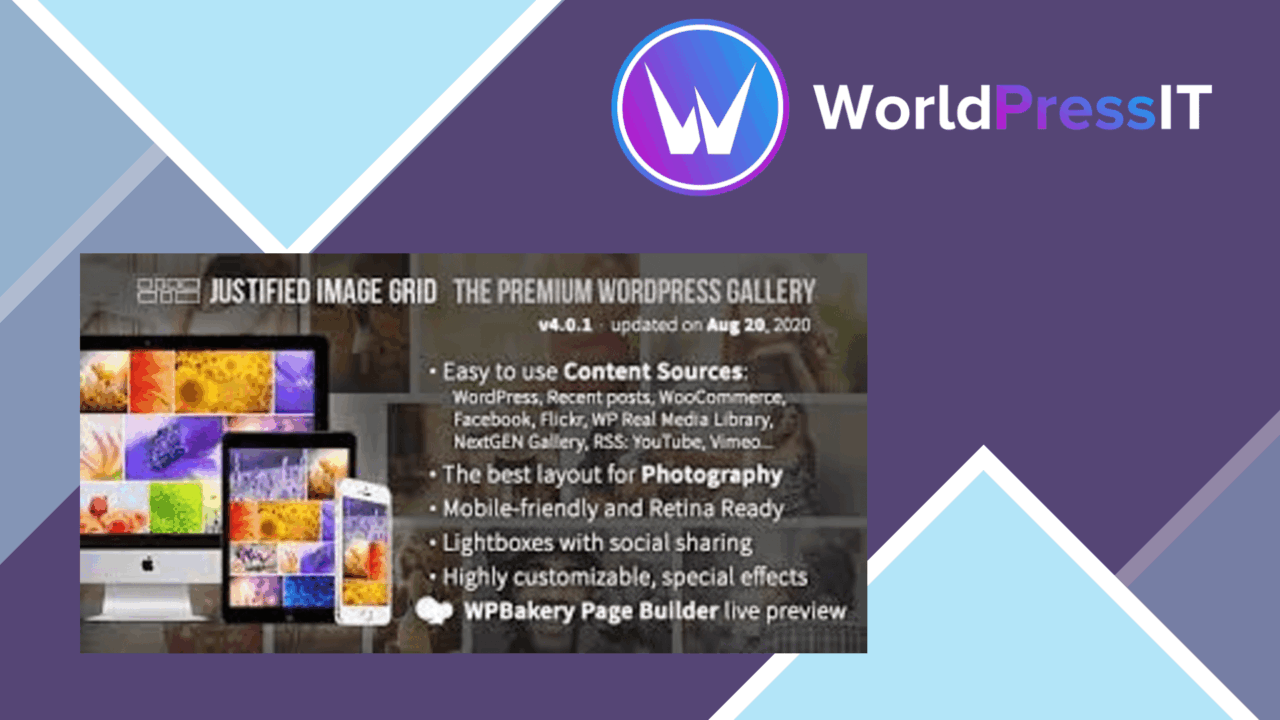
Justified Image Grid – Premium WordPress Gallery arranges visual content into a tidy, row-based layout rather than leaving images in a loose masonry or standard thumbnail grid. Its main appeal is control over presentation: images keep their proportions while the gallery creates an organised display that suits photography, design work, portraits, architecture and other image-led content.
Rows built around images
The plugin is centred on automatic image justification. That means the gallery works from the images themselves to create an even grid, giving each row a considered relationship between image width and height. The result is a layout that presents photographs in their entirety instead of forcing every item into the same crop.
Responsive behaviour is part of the design, so the gallery adapts as the available screen size changes. This matters for image-heavy pages where a desktop arrangement cannot simply be reduced for a phone. The layout remains focused on the collection as a whole, while the individual images retain their visual character.
Control over presentation
Justification is only the starting point. The available settings cover the details that determine how the gallery sits within a page:
- Spacing controls for the gaps between images.
- Alignment options for shaping the overall arrangement.
- Image-size settings for adjusting the balance between density and prominence.
- Hover effects and animations for adding movement as visitors interact with gallery items.
- Lightbox integration for opening images in a larger, full-screen-oriented view.
These controls give the same image collection different possible treatments. A portfolio can favour a compact sequence of work, while a gallery with fewer large photographs can give each item more room. Hover styling adds an extra visual cue, and the lightbox keeps the larger view available without requiring a separate page for every image.
More than photographs
The plugin supports images, videos and HTML content, which makes it more flexible than a gallery limited to still images. A collection can therefore combine visual assets with embedded content rather than treating the grid as a single-format container. That is useful for portfolios and editorial layouts where a gallery needs to carry more than a sequence of photographs.
Lazy loading is included to load images as they become visible in the viewport. On pages containing a substantial collection, this approach avoids treating every image as immediately visible content. The structure is also described as SEO-friendly, giving image-based pages a foundation that is more considerate of search visibility than a purely decorative display.
Where it falls short
The same range of controls that makes the grid adaptable also creates more decisions than a basic gallery. Spacing, alignment, image size, hover behaviour and animation all affect the page, so achieving a restrained result requires choosing those settings deliberately rather than accepting a single default treatment.
Mixed content introduces a second trade-off. Images, videos and HTML content do not carry the same visual weight, and putting them into one justified arrangement can make the collection feel less consistent than an image-only gallery. Lazy loading also means that content outside the current viewport is deferred, which suits long galleries but makes the initial view the most important part of the page design.
Who it suits
This is a strong fit for site owners who want the gallery itself to shape the presentation of their work. Photographers get a layout that respects varied image proportions; designers and agencies get spacing, alignment and hover controls; and publishers can combine images with video or HTML content in the same visual system.
It is less suited to anyone looking for a barebones thumbnail block with no presentation choices. Justified Image Grid is built around visual arrangement, responsive behaviour and an enlarged viewing experience. For an image-led site where the relationship between items matters as much as the individual files, those are the features worth considering.
The verdict
Download Justified Image Grid – Premium WordPress Gallery and see for yourself
You get the full Justified Image Grid – Premium WordPress Gallery release (v4.8), ready to install, plus every update that follows. One click and it is yours.
Download Justified Image Grid – Premium WordPress Gallery v4.8- Instant download
- Original developer files
- Updated 25 Oct 2026
Related reviews
Browse allImage Map Pro for WordPress
Create interactive image maps with custom shapes, pins and tooltips, then present detailed content through responsive mo…

Soliloquy Lightbox
A responsive lightbox for WordPress images, videos and HTML content, with styling controls, keyboard navigation and soci…

Soliloquy Schedule
Schedule slider slides by date, time, and recurring interval so promotions and seasonal images appear only during the wi…