LayerSlider Responsive WordPress Slider Plugin
Create responsive sliders, animated galleries, landing pages and visual sections with a drag-and-drop editor, layered effects and support for images, video and HTML.
Instant access Original unmodified files Free future updates
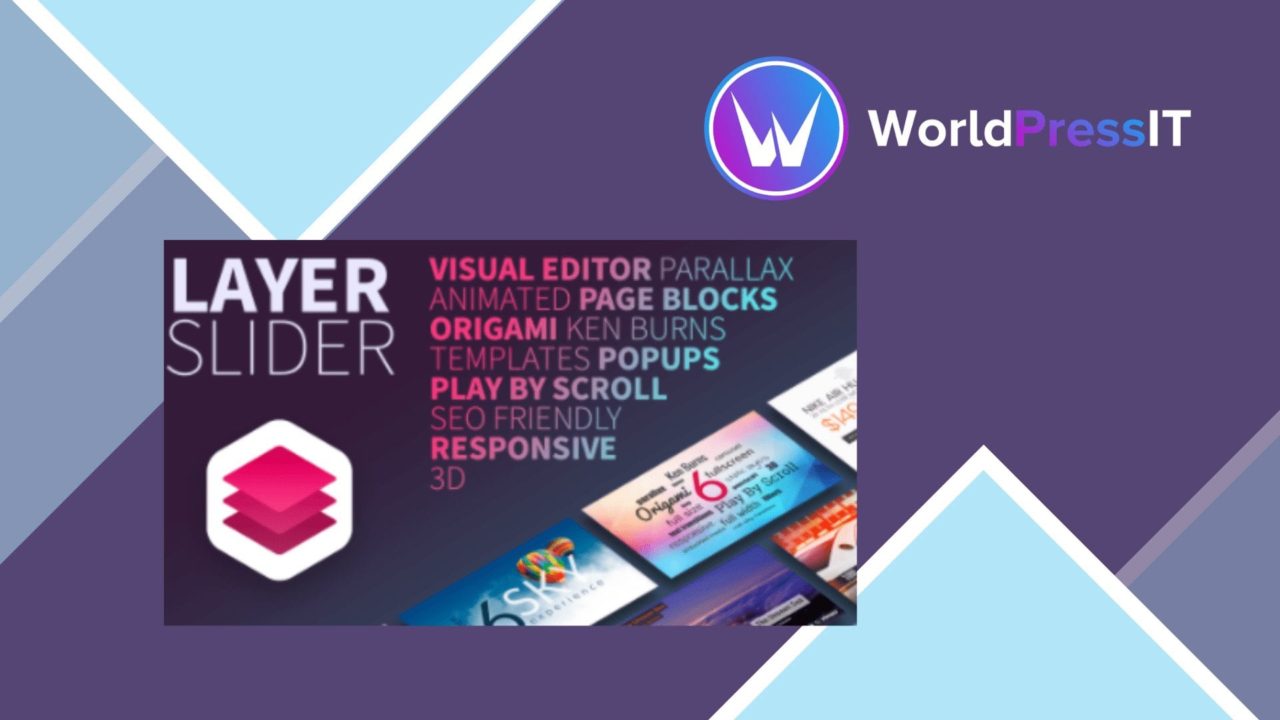
Animated sliders, image galleries and landing pages are the core use cases here. LayerSlider combines a drag-and-drop editor with layered animation controls, so a site owner can assemble visual sections without writing code. It also supports images, videos and HTML content, giving the same tool a broader role than a basic image rotator.
What it is
LayerSlider is a visual content-building plugin for WordPress. Its interface is aimed at users who want to create animated presentations without coding, while its layer system provides more precise control for people who need to arrange text, media and other elements across a slide. The responsive design is intended to adapt those compositions to different screen sizes, including mobile devices.
Build visual stories
The editor is the main attraction. Drag-and-drop authoring lowers the technical barrier, and pre-built templates and animations provide a starting point for professional-looking layouts. That combination suits a quick promotional banner as well as a more considered sequence of slides.
- Responsive layouts for desktop and mobile screen sizes.
- Drag-and-drop editing without a coding requirement.
- Pre-built templates and animations for faster setup.
- Support for images, video and HTML content.
- Layer-level control over animation and transitions.
- SEO-oriented features and multilingual support.
- Integration with popular WordPress themes and plugins.
The media support is useful when a slider needs to do more than display a row of photographs. Video can add motion, while HTML content allows text and other page elements to be composed within the slide. Advanced layer options then give the author control over how those pieces enter, leave and transition.
Beyond the slider
LayerSlider is positioned for more than a single homepage carousel. The stated use cases include animated slideshows, impact-focused galleries and animated landing pages, with enough flexibility to contribute to a complete website. SEO-friendly features address the discoverability side of publishing, while multilingual support makes the tool relevant to sites serving more than one language.
Theme and plugin integration also matters for a visual component that needs to sit inside an existing WordPress design. The vendor describes compatibility with popular WordPress themes and plugins, though it does not identify a specific compatibility list in the supplied information.
Where it falls short
The broad feature set brings a larger design surface than a simple slider. A drag-and-drop editor removes the coding requirement, but it does not remove the need to plan slide composition, hierarchy and timing. Users who only need a static image carousel could find the animation and layer controls more involved than necessary.
There is also a trade-off between visual ambition and maintenance. Combining images, video, HTML, templates and layered transitions creates more elements to keep consistent across screen sizes and languages. Responsive adaptation helps address different devices, but it still leaves the author responsible for checking that each composition remains readable and appropriately paced. The supplied material also describes SEO-friendly features rather than a detailed SEO workflow, so it should not be treated as a replacement for a dedicated search-optimisation tool.
Who it suits
LayerSlider fits designers, bloggers and business owners who need animated visual content but do not want to build each effect in code. It is particularly suited to landing pages, promotional presentations and image-led galleries where layered movement contributes to the message. Teams wanting only a minimal, low-maintenance slider should weigh the broader editor carefully; teams that value templates, media flexibility and detailed transitions will find a more appropriate match.
The verdict
Download LayerSlider Responsive WordPress Slider Plugin and see for yourself
You get the full LayerSlider Responsive WordPress Slider Plugin release (v8.3.0), ready to install, plus every update that follows. One click and it is yours.
Download LayerSlider Responsive WordPress Slider Plugin v8.3.0- Instant download
- Original developer files
- Updated 8 Sep 2026
Related reviews
Browse allSlider Revolution Lottie Addon
Adds Lottie animation support to Slider Revolution 7, with timeline controls, interaction triggers, styling options and…
Slider Revolution Crystal Glass Addon
Rotating glass shapes add depth and distortion to Slider Revolution 7 sliders, with customisable movement for portfolios…
Slider Revolution Liquid Glass Addon
Add flowing glass and crystal-wave animations to Slider Revolution 7 slides, with controls for light, reflections, opaci…