MEC
Square card payments added to a WordPress store, with configurable checkout styling, currency support and transaction tracking through a connected Square account.
Instant access Original unmodified files Free future updates
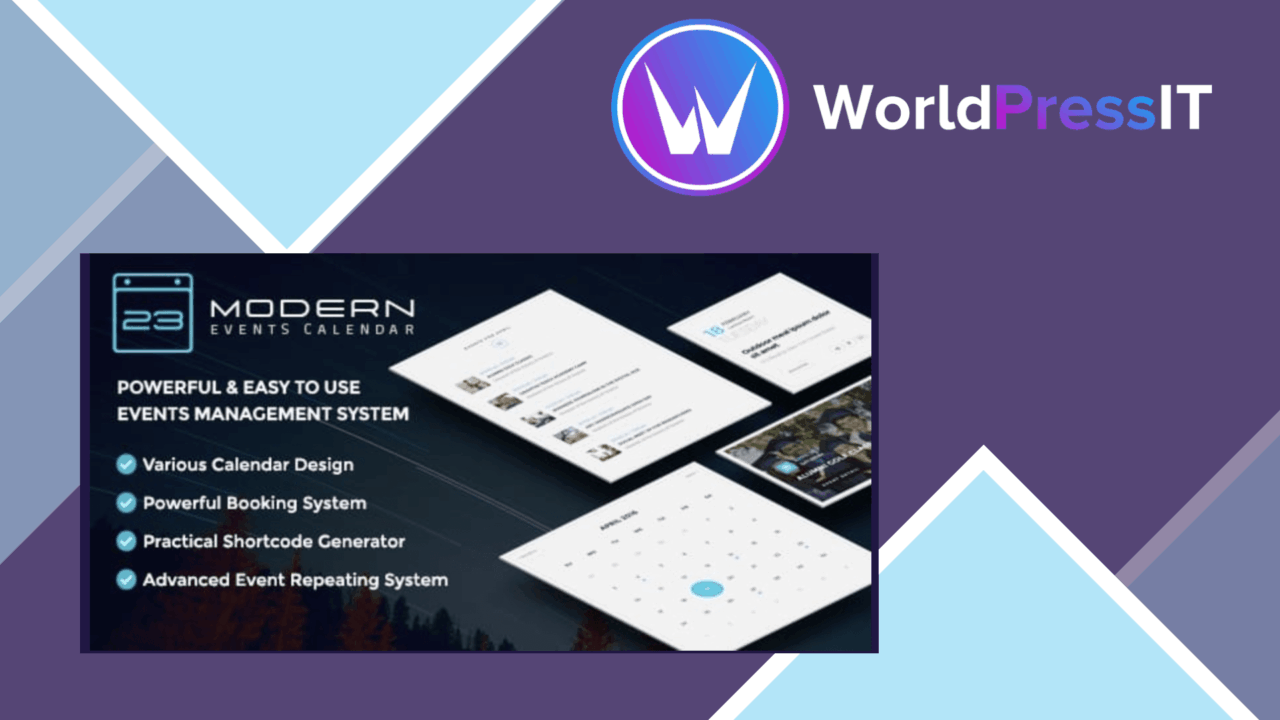
MEC – Square Payment adds Square card processing to a WordPress store, giving customers a way to pay by card during checkout. It is aimed at eCommerce businesses and service providers that want Square connected to their existing website rather than a separate payment destination.
Square at checkout
The central feature is direct integration with the Square payment gateway. Once the Square account details are connected, the add-on is intended to handle transaction processing from the WordPress site. That gives a store a familiar card-payment route while keeping the purchase flow within its own checkout.
The vendor also describes support for multiple currencies. That is useful for businesses serving customers in more than one market, although the listing does not specify the supported currency set or how currency selection is managed. Square’s payment infrastructure also brings SSL-encrypted processing, which addresses the basic need to protect card information as it passes through the payment flow.
Useful store controls
MEC – Square Payment is not limited to switching on a payment method. Its listed controls cover several parts of the checkout and payment administration:
- Square gateway integration for card transaction processing.
- Multiple-currency support for an international customer base.
- Checkout customisation to match the site’s branding.
- Real-time transaction tracking for monitoring payments.
- Dashboard-based configuration for the connected Square account and payment settings.
- Compatibility with WooCommerce and a broad range of WordPress themes.
These features give the add-on a practical role beyond a single payment toggle. A store owner can keep the checkout visually consistent, review transaction activity and manage the connection from WordPress rather than treating payment processing as an entirely separate system.
WooCommerce fit
WooCommerce is the clearest use case in the supplied information. The plugin is presented as a payment gateway option for WooCommerce stores, so it fits sites that already use WooCommerce for products or services and need Square as an additional route for card payments. The stated theme compatibility is also useful for stores with an established front end, since adding payment functionality should not require abandoning the current design.
The setup is described as a dashboard configuration process: connect the Square account, then adjust the payment options and checkout presentation. That is a sensible arrangement for site administrators who want payment settings alongside the rest of their WordPress store controls.
What to weigh
Square remains a required part of the arrangement. This is an integration with Square, not an independent card processor, so the store’s payment operation depends on having a Square account and keeping that connection correctly configured. Businesses comparing gateways will also need to check that Square supports their market and preferred currencies; the listing says multiple currencies are supported but gives no regional or currency details.
Checkout customisation is another trade-off. Matching the checkout to a brand is useful, but the amount of control is not described, so the feature should not be treated as a full design system. Real-time transaction tracking is helpful for payment oversight, but the listing does not present it as broader accounting, reporting or reconciliation software. Those boundaries matter for a store that needs more than payment status and transaction visibility.
Who it suits
MEC – Square Payment is a focused choice for a WordPress store or service site that already uses, or plans to use, Square and needs card payments inside a WooCommerce-oriented checkout. Its strongest points are the Square connection, configurable checkout, currency support and transaction tracking. It is less suitable as a standalone commerce solution or as a replacement for the wider financial tools surrounding a payment account.
The verdict
Download MEC and see for yourself
You get the full MEC release (v1.2.0), ready to install, plus every update that follows. One click and it is yours.
Download MEC v1.2.0- Instant download
- Original developer files
- Updated 17 Nov 2026
Related reviews
Browse allSmart Gift and Promotion for WooCommerce
WooCommerce stores can set conditional free-gift offers, let shoppers choose from gift pools at checkout, and track rede…
Top Bar for WooCommerce
A configurable WooCommerce announcement bar for promotions, discounts and store messages, with responsive display, sched…
WPC Smart Inventory Manager Premium
WooCommerce stock tracking, alerts, bulk updates and sales analysis in one inventory tool for stores managing products,…