Top Bar for WooCommerce
A configurable WooCommerce announcement bar for promotions, discounts and store messages, with responsive display, scheduling, triggers and performance tracking.
Instant access Original unmodified files Free future updates
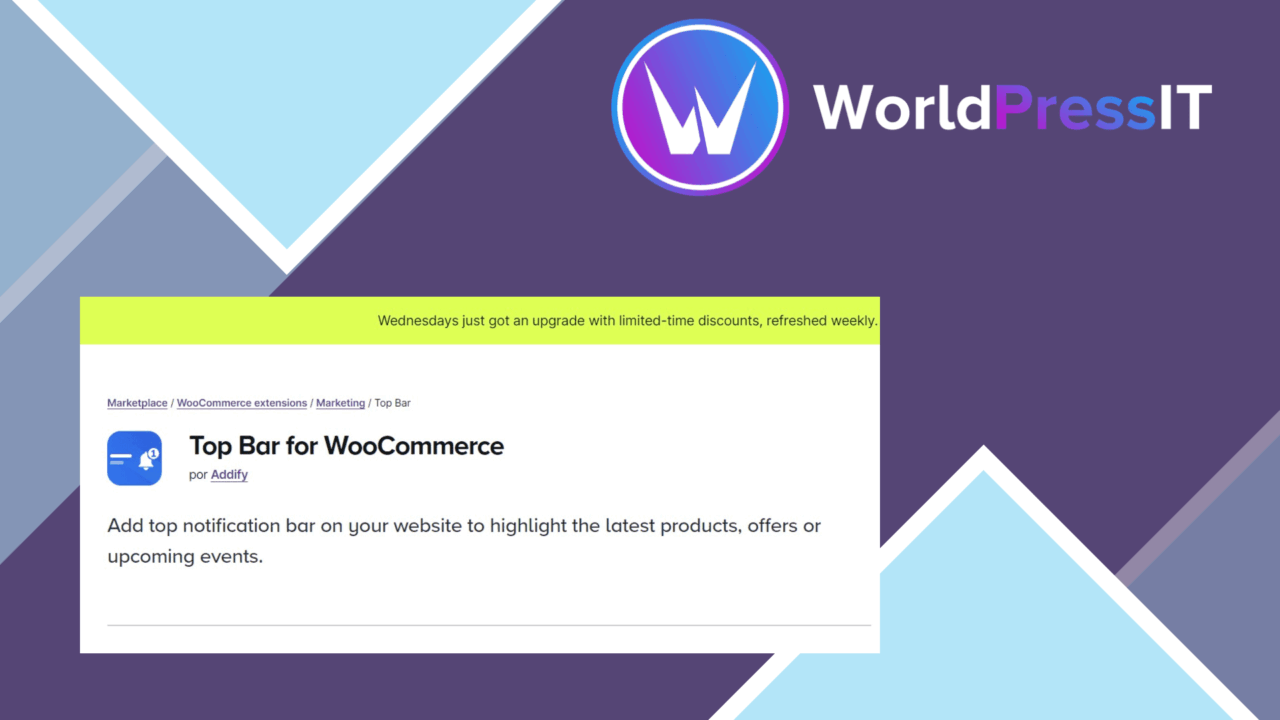
A configurable message bar gives a WooCommerce shop a visible place for promotions, discounts and announcements without changing the main page content. Top Bar for WooCommerce is built around that focused job, with controls for appearance, timing, display conditions and store-related messages.
A visible message area
The plugin addresses a straightforward problem: important information is easy to miss when it is placed only in a banner, product description or checkout notice. A top bar keeps a short message near the top of the storefront, making it suitable for seasonal campaigns, limited offers, shipping announcements or general store information.
Brand matching is part of the feature set, so the bar is intended to follow the visual style of the site rather than act as a fixed, unrelated element. Responsive behaviour is also specified for mobile devices and tablets, which matters because a bar that works on a wide desktop layout still has to fit above a compact storefront.
Controls for campaigns
The useful detail here is the collection of display controls rather than the bar itself. Top Bar for WooCommerce supports:
- Customisable presentation options for matching the site’s branding.
- Promotional messages, discount notices and general announcements.
- Time-delay and scroll-position triggers for controlling when the bar appears.
- Scheduled messages for specific dates or times, including seasonal promotions.
- WooCommerce-related messages such as cart updates or special offers.
- Multiple languages for stores serving international customers.
These settings give a store owner more control than a permanently displayed notice. A campaign can be timed around a promotion, while a scroll trigger reserves the message until a visitor has started browsing. The WooCommerce connection also makes the bar more relevant to shopping activity than a generic site-wide announcement widget.
Performance feedback
Built-in analytics are listed as part of the plugin, with the stated purpose of tracking how top-bar messages perform. That provides a way to compare the attention received by different promotions or announcements instead of treating every message as equally effective. It is best understood as feedback about the bar’s messages, not a replacement for wider WooCommerce sales reporting or a complete marketing measurement system.
Multilingual support adds practical value for international shops. Messages can be prepared for more than one language, helping the bar serve customers who do not use the site’s primary language.
Where it falls short
A top bar is deliberately prominent, and that prominence is also its main risk. Frequent promotions or long announcements can compete with navigation and shopping content, particularly on smaller screens. The responsive design addresses presentation across devices, but it does not remove the need to keep messages short and relevant.
The plugin also introduces a campaign-management layer that needs attention. Triggers, scheduled dates and multiple messages create more opportunities for an old offer or poorly timed notice to remain visible. Its built-in analytics offers performance tracking, but the supplied information does not describe the reporting depth or the specific metrics available. Stores needing detailed attribution will still need broader analytics tools.
Who should use it
Top Bar for WooCommerce suits store owners who regularly run promotions, publish time-sensitive notices or need a visible channel for cart-related information. It is a practical fit for seasonal campaigns because scheduling and display triggers are included rather than left to manual timing. Shops with a multilingual audience also have a clear reason to consider it.
It is less compelling for a store that rarely changes its messaging. In that case, a static theme notice may cover the requirement with less campaign upkeep. For active WooCommerce stores, however, the combination of targeted display, scheduling, responsive presentation and message-level performance tracking gives the top bar a defined role.
The verdict
Download Top Bar for WooCommerce and see for yourself
You get the full Top Bar for WooCommerce release (v1.5.3), ready to install, plus every update that follows. One click and it is yours.
Download Top Bar for WooCommerce v1.5.3- Instant download
- Original developer files
- Updated 17 Nov 2026
Related reviews
Browse allSmart Gift and Promotion for WooCommerce
WooCommerce stores can set conditional free-gift offers, let shoppers choose from gift pools at checkout, and track rede…
MEC
Square card payments added to a WordPress store, with configurable checkout styling, currency support and transaction tr…
WPC Smart Inventory Manager Premium
WooCommerce stock tracking, alerts, bulk updates and sales analysis in one inventory tool for stores managing products,…