Ninja Tables Pro Plugin
Create responsive WordPress tables with sorting, filtering, CSV tools, Google Sheets updates, custom columns and multilingual support for clearer data presentation.
Instant access Original unmodified files Free future updates
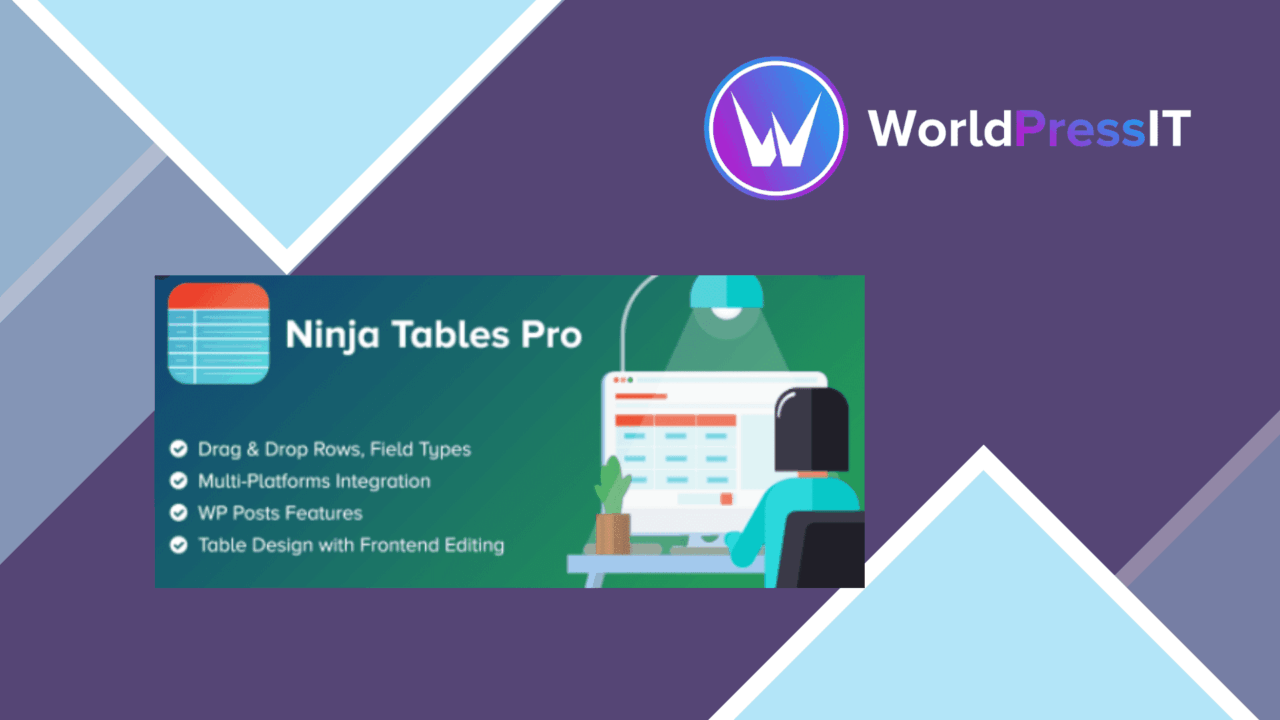
Table management becomes more practical when content needs to be sorted, filtered, styled and kept readable across screen sizes. Ninja Tables Pro Plugin is built for that job, giving WordPress users a visual table builder alongside data import tools, external spreadsheet integration and several ways to control how information appears.
Building tables
The drag-and-drop builder is the central attraction. It gives bloggers, businesses and developers a way to assemble tables without treating every layout change as a code task. Column content is not limited to plain text either. Advanced column types support images, buttons and custom HTML, so a table can present product details, linked actions or richer records rather than a basic grid of words and numbers.
That flexibility is useful for tables that need a defined visual structure. It also puts more control in the hands of the person creating the table: columns, content types and presentation choices all sit within the same table-building workflow.
Readable data display
Responsive design is important for tables because wide rows often become difficult to read on phones. Ninja Tables Pro includes responsive table layouts intended for different device sizes, helping the same information fit a desktop page and a smaller screen. The style system adds themes and colour options, giving you a way to distinguish headings, rows or actions from the surrounding page.
Sorting and filtering are the more practical display tools. A visitor looking for one entry does not have to scan the full dataset, while sorting provides a clearer order for names, values or other table fields. These controls are especially relevant when a table contains enough records that a fixed, unstructured list becomes cumbersome.
Sources and formats
The plugin supports both local file handling and an external spreadsheet workflow. CSV import and export provide a familiar route for moving tabular data in and out of WordPress. Google Sheets integration is aimed at tables that need real-time data updates, keeping the spreadsheet as a relevant source for information that changes regularly.
Multilingual tables are supported through WPML compatibility. That gives sites using WPML a more suitable foundation for presenting table content across languages, rather than treating the table as an isolated block of untranslated data.
What to weigh
The feature range brings a few trade-offs. A drag-and-drop builder with themes, colour controls, custom HTML, buttons and images offers useful freedom, but it also means more decisions to maintain when a site has many tables. Custom HTML and interactive columns require closer editorial care than ordinary text cells, particularly when several people update the same content.
Google Sheets integration is useful for frequently changing data, but it introduces a dependency on the spreadsheet as part of the table workflow. CSV import and export are practical for file-based changes, though they are a transfer method rather than an ongoing data connection. Responsive layouts also address the table container, not the quality of the data itself; long labels, crowded columns and inconsistent entries still need attention from the site owner.
Who it suits
Ninja Tables Pro fits WordPress sites that publish structured information and need more than a static HTML table. It suits catalogues, comparison lists, directories of internal data and regularly updated records where sorting, filtering or spreadsheet-fed content has a clear purpose. The combination of visual styling, responsive layouts, CSV support, Google Sheets updates and multilingual capability makes it a broad table tool rather than a narrowly styled grid.
Choose it when table presentation is part of the site’s user experience and the content needs regular organisation. For a single small table with no filtering, external data source or styling requirement, its wider feature set is likely more than the task demands.
The verdict
Download Ninja Tables Pro Plugin and see for yourself
You get the full Ninja Tables Pro Plugin release (v5.2.17), ready to install, plus every update that follows. One click and it is yours.
Download Ninja Tables Pro Plugin v5.2.17- Instant download
- Original developer files
- Updated 9 Oct 2026
Related reviews
Browse all
GetPaid Digital Downloads
Sell eBooks, software, and music from WordPress with file delivery, payment gateways, discount codes, customer records,…

Super Speedy Filters
Configurable AJAX filters help visitors narrow posts, products and other content through checkboxes, dropdowns and slide…
pentest-upload
A WordPress upload-related listing with no documented feature set, compatibility information or stated use case, so its…