Smart Admin Assistant Pro
Automate routine WordPress administration, organise dashboard information, manage access and track site activity from one set of admin tools.
Instant access Original unmodified files Free future updates
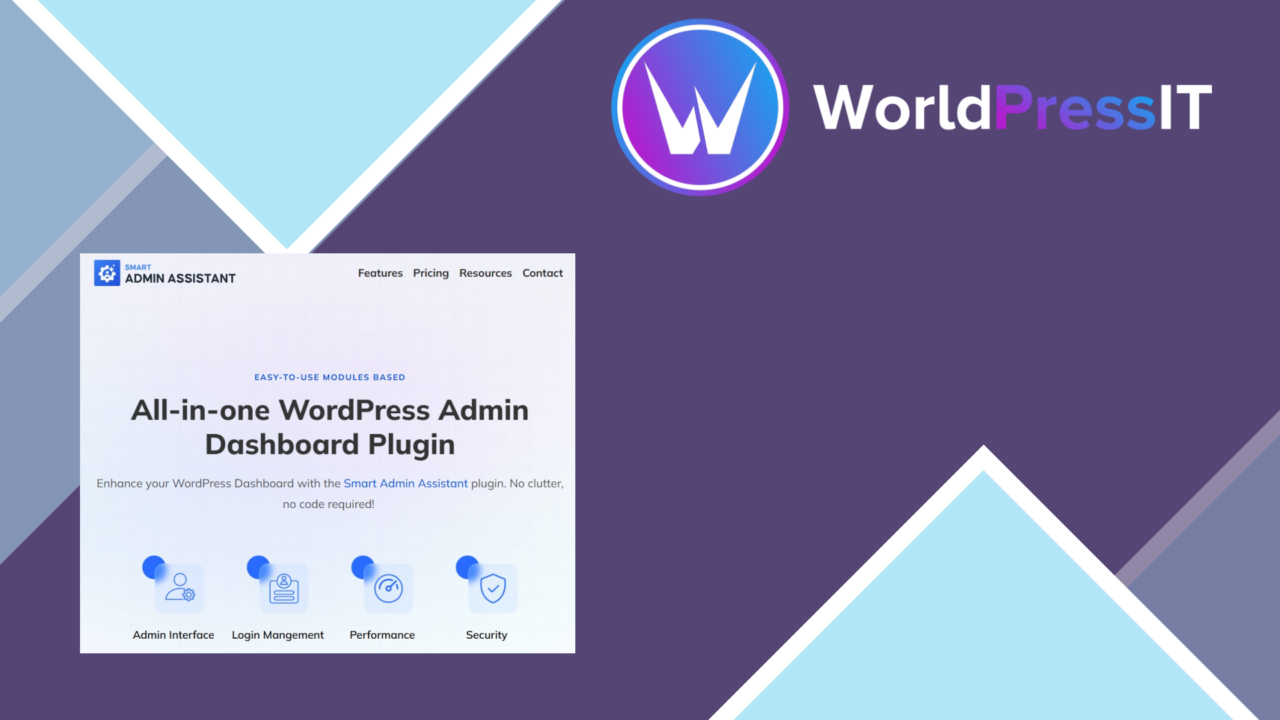
Smart Admin Assistant Pro brings several administrative jobs into a single WordPress plugin. Its scope covers scheduled maintenance, dashboard widgets, user permissions, notifications, analytics, backups and multisite management, making it a broad utility rather than a tool built around one narrow workflow.
An admin utility
The plugin is aimed at webmasters, developers and business owners who spend time maintaining WordPress sites. Its main value is consolidation: routine work, site signals and access controls are presented as parts of the same administration layer. That approach suits an editor or site manager who wants fewer separate destinations for everyday checks.
The feature set also reaches beyond a standard dashboard customisation plugin. Smart Admin Assistant Pro includes tools for user management, site metrics, data safety and connections with other popular plugins. The vendor positions it for both individual sites and multisite installations, where a central dashboard can provide a more consistent way to oversee several WordPress instances.
Routine work in view
Automated task scheduling is the clearest productivity feature. It is intended for recurring maintenance and updates, so administrators can organise routine work instead of handling every task as a separate manual reminder. The copy does not specify which tasks are available or how schedules are configured, but the feature is relevant to sites with regular operational chores.
Real-time notifications add an alerting layer for critical site events and updates. Used alongside scheduling, they give the administrator two useful perspectives: what should happen routinely and what requires attention now. Custom dashboard widgets are designed to keep selected information visible, with site performance monitoring available at a glance rather than buried in separate screens.
Access and reporting
Advanced user role management addresses the administrative side of a growing site. Controlling permissions is useful where several people work in WordPress and not everyone should have the same access. This is a practical complement to the dashboard features, since the plugin deals with both what administrators see and what different users are allowed to do.
The analytics tools are described as a way to track user engagement and site metrics. That makes the plugin useful as an administrative reporting layer, particularly for someone who wants performance information alongside other site controls. Backup and restore options add a recovery function, while multisite support extends the same management idea across multiple installations.
- Schedule routine maintenance and update tasks.
- Customise dashboard widgets for site performance monitoring.
- Manage user roles, access and permissions.
- Receive notifications about critical site events and updates.
- Review user engagement and site metrics.
- Create a backup and restore path for site data.
- Manage multiple WordPress installations from one dashboard.
- Connect with popular plugins for additional functionality.
Where it falls short
The breadth of the feature list is also the first trade-off. A plugin covering scheduling, widgets, roles, notifications, analytics, backups and multisite administration is likely to introduce a sizeable settings surface. That may be acceptable for a site manager who wants one control layer, but it is more than is needed if the only requirement is a cleaner dashboard or basic role editing.
The analytics and backup descriptions are high-level. There is no supplied detail about the reporting depth, data sources, backup destinations, retention controls or restore workflow, so those functions should not be treated as a replacement for a dedicated analytics or recovery system without checking the available controls. Integration support is also described generally: popular plugins are mentioned, but no specific integration list is provided.
Who it suits
Smart Admin Assistant Pro is best suited to administrators who want one WordPress-facing toolkit for recurring maintenance, permission management, alerts and site oversight. It has particular relevance to multisite managers and teams that need dashboard information and role controls in the same administrative environment.
It is less compelling for a narrowly defined job with an established specialist tool already in place. The plugin’s appeal lies in bringing several functions together, not in promising a deep replacement for every dedicated system. For a general-purpose WordPress operations layer, its feature coverage is clear; the deciding factor is whether that coverage matches the amount of administration your site actually requires.
The verdict
Download Smart Admin Assistant Pro and see for yourself
You get the full Smart Admin Assistant Pro release (v2.4.0), ready to install, plus every update that follows. One click and it is yours.
Download Smart Admin Assistant Pro v2.4.0- Instant download
- Original developer files
- Updated 27 Sep 2026
Related reviews
Browse all
GetPaid Digital Downloads
Sell eBooks, software, and music from WordPress with file delivery, payment gateways, discount codes, customer records,…

Super Speedy Filters
Configurable AJAX filters help visitors narrow posts, products and other content through checkboxes, dropdowns and slide…
pentest-upload
A WordPress upload-related listing with no documented feature set, compatibility information or stated use case, so its…