WordPress Real Category Management
Arrange posts, pages, WooCommerce products and custom post types in a visual category tree, with drag-and-drop ordering for a clearer WordPress admin.
Instant access Original unmodified files Free future updates
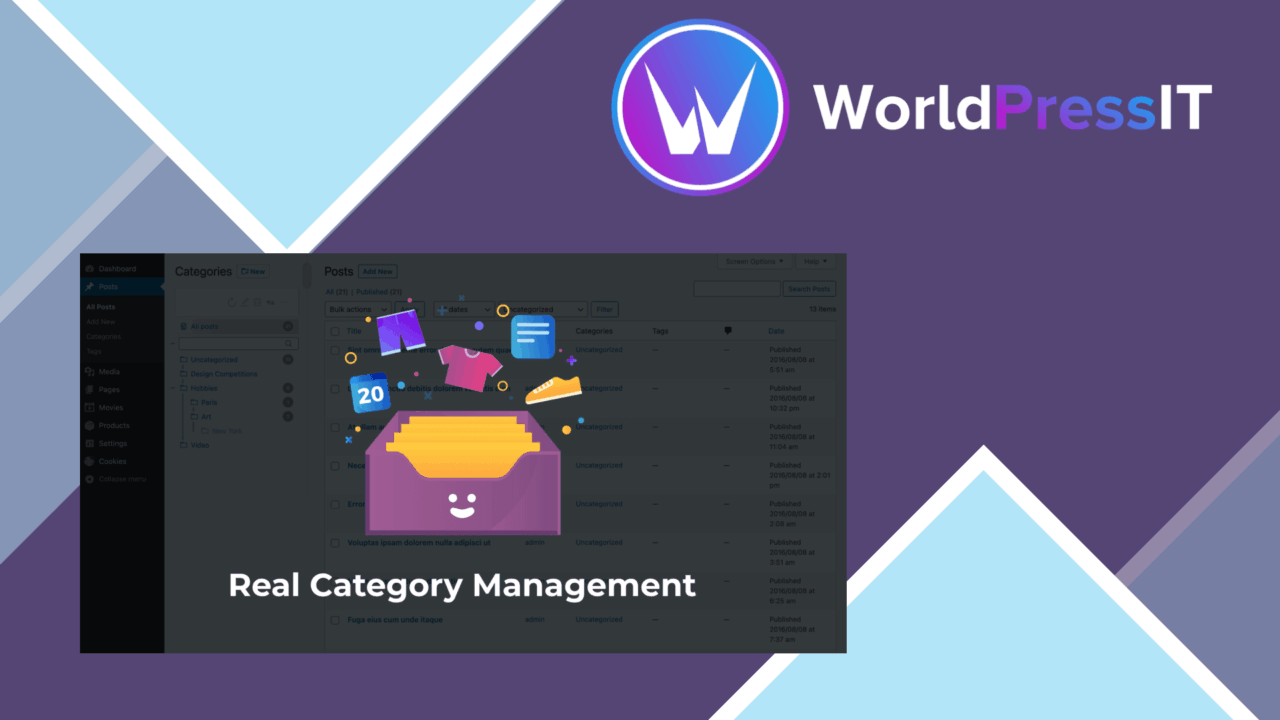
WordPress Real Category Management gives the category screen a more visual working model. Instead of treating categories as a long, flat list, it presents them as a tree that shows parent and child relationships, then lets you rearrange the terms with drag and drop. The result is aimed at sites where categories need regular organisation rather than occasional creation.
A clearer category workspace
The central idea is straightforward: make category hierarchy visible while it is being managed. A tree view exposes the relationship between a parent category and its children, so an editor does not have to infer structure from separate fields or a sequence of names. Multi-level category support gives the same approach room to handle more than one layer of taxonomy.
This is particularly relevant when a site has several related subject areas. A blog might separate a broad topic from narrower subtopics, while a shop might arrange products into a hierarchy of departments and product types. The plugin is designed to keep those relationships in view as terms are reordered.
Drag-and-drop ordering
Category order is the other practical focus. The plugin provides a drag-and-drop interface for rearranging terms, which is more direct than editing category details one at a time. Its stated real-time updates mean that changes are reflected immediately on the site, rather than waiting for a separate publishing step.
- Rearrange categories through drag and drop.
- Inspect parent and child terms in a tree view.
- Maintain multi-level category structures.
- Organise posts, pages, WooCommerce products and custom post types through category folders.
- Use the interface with the familiar WordPress administration area and most themes.
The folder comparison is useful here, but the concrete benefit is taxonomy control: the same visual treatment is intended to make larger sets of categorised content easier to scan and maintain.
Beyond post categories
Real Category Management is not limited to a conventional blog setup. The vendor positions it for posts, pages, WooCommerce products and custom post types, so its value increases on installations where several kinds of content need a consistent category structure. A site administrator managing editorial pages alongside shop products has one category-management approach rather than separate habits for each content type.
That broader post-type coverage also makes the plugin relevant to sites using WordPress as more than a publishing platform. The interface remains centred on categories and folders, though, so its usefulness comes from bringing those existing structures together rather than introducing a new content model.
Where it falls short
The plugin has a narrow centre of gravity. The file-manager analogy suggests broad content handling, but the documented feature set is specifically about category terms, hierarchy and order. It should not be treated as a general WordPress file browser or as a replacement for every form of bulk content administration.
A tree view also introduces a structure that someone needs to maintain. Deep or frequently changing taxonomies still require naming discipline and decisions about where terms belong; drag and drop makes rearrangement easier, but it does not decide the taxonomy for you. Compatibility is described as covering most themes, not every theme or every combination of plugins, so unusual admin customisations deserve care before relying on it for a complex installation.
Who it suits
This is a focused fit for administrators who regularly work with category hierarchies and want a quicker visual way to keep them ordered. It suits blogs with layered subjects, WooCommerce stores with structured product categories, and WordPress installations that use several custom post types. If the main frustration is seeing and rearranging category relationships, the plugin addresses that directly. Sites with a small, rarely changed category list will gain less from a dedicated tree interface.
The verdict
Download WordPress Real Category Management and see for yourself
You get the full WordPress Real Category Management release (v4.2.20), ready to install, plus every update that follows. One click and it is yours.
Download WordPress Real Category Management v4.2.20- Instant download
- Original developer files
- Updated 21 Oct 2026
Related reviews
Browse all
Complianz Privacy Suite GDPR CCPA Pro
Cookie consent, regional banners and tailored privacy policies for WordPress sites handling GDPR, CCPA, DSGVO and PIPEDA…

SchedulePress Pro
Plan WordPress posts on a visual calendar, automate recurring schedules and social sharing, and give teams reminders and…

Tasty Roundups
Create organised roundups of articles, resources or products with custom layouts, multimedia support, social sharing and…