Advanced Google Maps Plugin for WordPress
Embed styled Google Maps with custom markers, directions and geolocation, giving business, event and property sites a clearer way to present locations.
Instant access Original unmodified files Free future updates
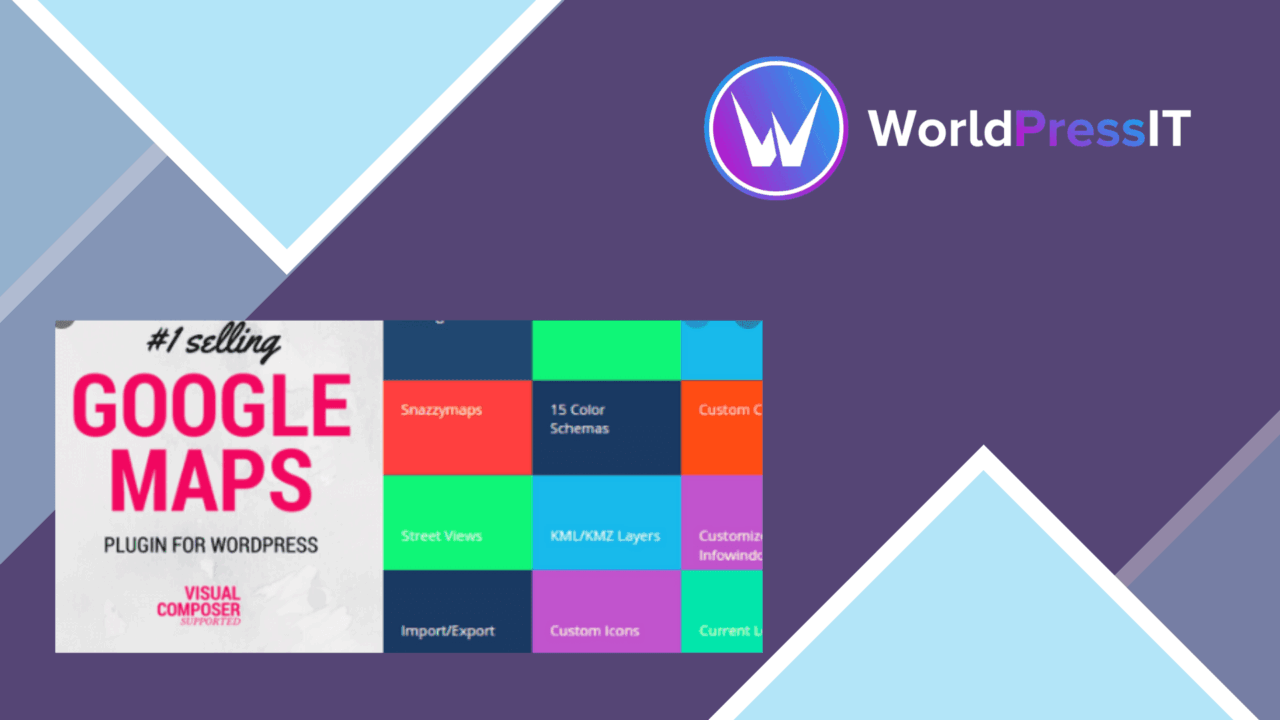
Customisable Google Maps sit at the centre of this plugin, with tools for presenting locations, routes and other place-based information inside a WordPress site. The feature set is aimed at businesses, event organisers and real estate websites that need more than a plain map embed, while still supporting shortcode-based placement and common page builders.
Maps with a defined purpose
The plugin treats a map as part of the site’s interface rather than as a fixed image. Map styles can be adjusted to match the surrounding design, and markers support custom icons and information windows. That gives a business room to distinguish branches, an event organiser a way to identify venues, and a property site a clearer method for showing relevant locations.
Multiple markers are particularly useful when one page needs to represent several places. Custom icons help visitors recognise different locations at a glance, while information windows provide a place for details attached to each marker. The supplied feature list does not describe a particular marker limit or data-import workflow, so this is best understood as a configurable map layer rather than a complete location database.
Directions and location awareness
Directions add a practical visitor-facing function to the map. A site can provide route guidance alongside its location information, which suits contact pages, venue details and property listings where the journey matters as much as the destination. Geolocation support adds another layer by displaying the user’s location on the map, helping visitors relate their position to the marked places.
These functions give the map a clearer job than simply displaying an address. A visitor can use the same interface to identify a place, compare it with other markers and work out how to reach it. The plugin also supports multiple languages and localisation options, an important consideration for sites serving audiences across different regions.
Embedding and design fit
Shortcode implementation keeps map placement straightforward for content editors working in the WordPress editor or in page layouts. Integration with Elementor and WPBakery extends that approach to visual page-building workflows, so maps fit into pages built with either of those tools rather than requiring a separate custom layout.
Responsive design is another useful part of the feature set. Maps are expected to adapt across desktop and smaller screens, which matters for directions and geolocation features used by visitors on mobile devices. The combination of responsive output, custom styles and builder support gives editors control over both presentation and placement.
Where it falls short
The main trade-off is focus. This plugin covers map presentation, markers, directions and geolocation, but the supplied information does not identify built-in directory search, filtering, bulk location management, event scheduling or property-specific data fields. A site that needs a large searchable location catalogue would therefore need to confirm those details before treating the plugin as its primary directory tool.
It is also tied to the Google Maps experience rather than offering a provider-neutral mapping layer. That makes sense for sites already committed to Google Maps, but it leaves less flexibility for a project that wants to change mapping providers or control every part of the underlying map service. The feature list also gives no detail about API configuration, usage limits or accessibility controls, so those operational questions deserve attention before a larger deployment.
Who should use it
Advanced Google Maps Plugin for WordPress fits sites where location information is central to the visitor journey. A local business can present several branches with branded markers, an event organiser can show venues and route guidance, and a real estate site can combine property locations with a responsive map. WooCommerce stores are also identified as a supported use case for displaying store locations and delivery areas.
It is a sensible shortlist candidate for editors who use Elementor, WPBakery or shortcodes and want map styling, custom markers, directions and geolocation in one plugin. Projects needing a full directory back end, extensive location data management or provider independence should first verify those requirements rather than assuming that the map features cover them.
The verdict
Download Advanced Google Maps Plugin for WordPress and see for yourself
You get the full Advanced Google Maps Plugin for WordPress release (v5.3.3), ready to install, plus every update that follows. One click and it is yours.
Download Advanced Google Maps Plugin for WordPress v5.3.3- Instant download
- Original developer files
- Updated 24 Oct 2026
Related reviews
Browse allWP Brain
Create no-code visibility rules for pages, posts and campaigns using user, device, location and date conditions, with ne…
Interactive World Maps
Create responsive interactive maps with coloured markers, country and region views, and location-based information for p…

Groovy Mega Menu
Build responsive WordPress navigation with drag-and-drop layouts, widgets, shortcodes, icons and images for content-heav…