WooCommerce Product Builder
Build a custom PC from selectable components, with filtered products, compatibility information and live pricing inside a WooCommerce store.
Instant access Original unmodified files Free future updates
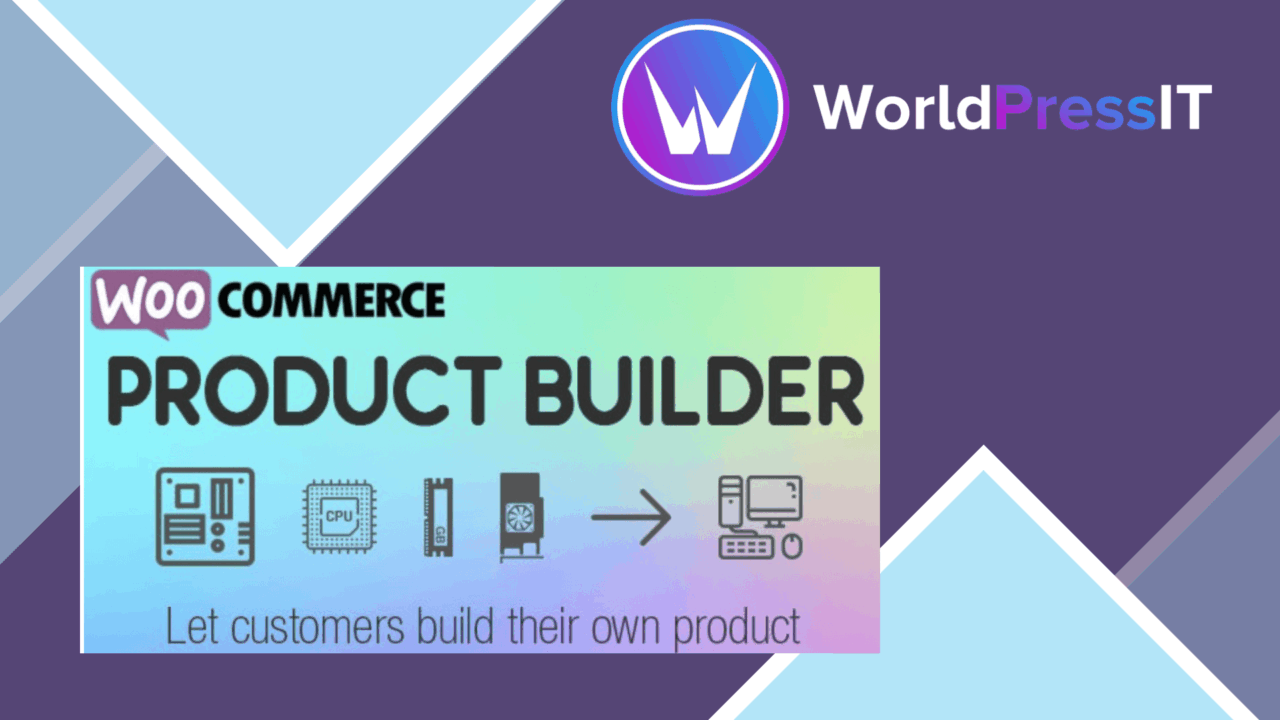
WooCommerce Product Builder – Custom PC Builder turns a collection of separate hardware products into a guided configuration experience. Customers can assemble a PC from parts such as CPUs, GPUs, motherboards and storage, while the product interface keeps the available choices together and updates the price as selections change.
What it builds
The plugin is aimed at stores selling component-based systems rather than single, fixed products. A retailer can present a collection of parts as one building process, giving customers a clearer route from individual specifications to a complete product set. That model suits custom computer sellers, hardware specialists and stores that want customers to choose their own configuration before purchase.
Its WooCommerce foundation matters here. The builder is designed to work with an existing WooCommerce catalogue, so the parts remain products in the store rather than entries in an entirely separate sales system. The vendor also describes the interface as responsive, which gives the builder a basis for use on phones and tablets as well as desktop screens.
Selection tools
The feature set focuses on reducing the work involved in browsing a large component catalogue. The main tools listed by the developer include:
- Drag-and-drop component selection for moving through a build.
- Configurable options for CPUs, GPUs, motherboards and other hardware.
- Real-time price changes as customers add or change components.
- Compatibility information for parts that need to work together.
- Attribute filters to narrow the available products.
- Detailed descriptions and specifications beside each component.
- A completed-product email feature for sending the finished configuration.
Filters and specifications are particularly relevant to PC hardware, where customers often begin with requirements such as a processor family, graphics option or storage type. Live pricing also gives the customer a running total instead of leaving the cost calculation until a later stage.
Store presentation
The builder is intended to sit within a WooCommerce shop rather than replace the shop around it. Responsive styling helps the component selector fit different screen sizes, while the stated compatibility with popular themes gives store owners a starting point for matching the builder to their existing design. The vendor also lists Elementor compatibility, which is useful for stores that use that page-building workflow around their product pages.
Product descriptions and specifications have an important role in this setup. A component selector without technical detail would force customers to leave the build interface to research each choice. Keeping those details with the parts makes the builder more suitable for a catalogue where model differences, capacities and hardware specifications influence the decision.
What to weigh
This is a focused tool, and that focus is its first limitation. The feature set is built around assembling product sets from parts, with PC hardware as the clearest example. A shop selling furniture bundles, gift boxes or other configurable products would need to judge whether the component-builder approach maps cleanly to its catalogue rather than assuming the PC terminology will translate directly.
The second trade-off is the preparation required from the store owner. Filters, specifications, product options and compatibility information only help when the underlying WooCommerce catalogue is organised and maintained carefully. The vendor copy names compatibility as a feature but does not explain how rules are created or how conflicting parts are handled, so stores with complex hardware relationships should clarify that workflow before relying on it.
Finally, a live builder adds another presentation layer to the normal product catalogue. That can make configuration easier for customers, but it also gives the store more interface content to keep coherent across themes, devices and product data. The responsive design claim is useful, though the supplied information does not describe the depth of styling controls available.
Who it suits
WooCommerce Product Builder is best matched to a computer retailer that wants customers to specify a machine rather than buy from a short list of fixed bundles. Its strongest case is the combination of component filters, compatibility information, technical descriptions and a changing total in one selection journey. Stores with well-structured parts and clear hardware relationships have the most to gain from that arrangement.
It is less compelling as a general-purpose product configurator until the catalogue model, compatibility rules and styling controls have been confirmed for the intended use. For PC-focused WooCommerce shops, however, it addresses the central problem directly: turning a technical list of separate components into a guided custom-build experience.
The verdict
Download WooCommerce Product Builder and see for yourself
You get the full WooCommerce Product Builder release (v2.3.7), ready to install, plus every update that follows. One click and it is yours.
Download WooCommerce Product Builder v2.3.7- Instant download
- Original developer files
- Updated 9 Nov 2026
Related reviews
Browse all
WooCommerce Give Products
Create WooCommerce products or variations that customers receive after making a donation, with flexible amounts, digital…

WooCommerce Notification
Real-time purchase, stock and offer notifications for WooCommerce stores, with branded messages, display controls and an…
Checkout Countdown
Countdown timers for WooCommerce sales and promotions, with product, cart and checkout placement, date controls, styles…