WooCommerce Notification
Real-time purchase, stock and offer notifications for WooCommerce stores, with branded messages, display controls and an engagement dashboard.
Instant access Original unmodified files Free future updates
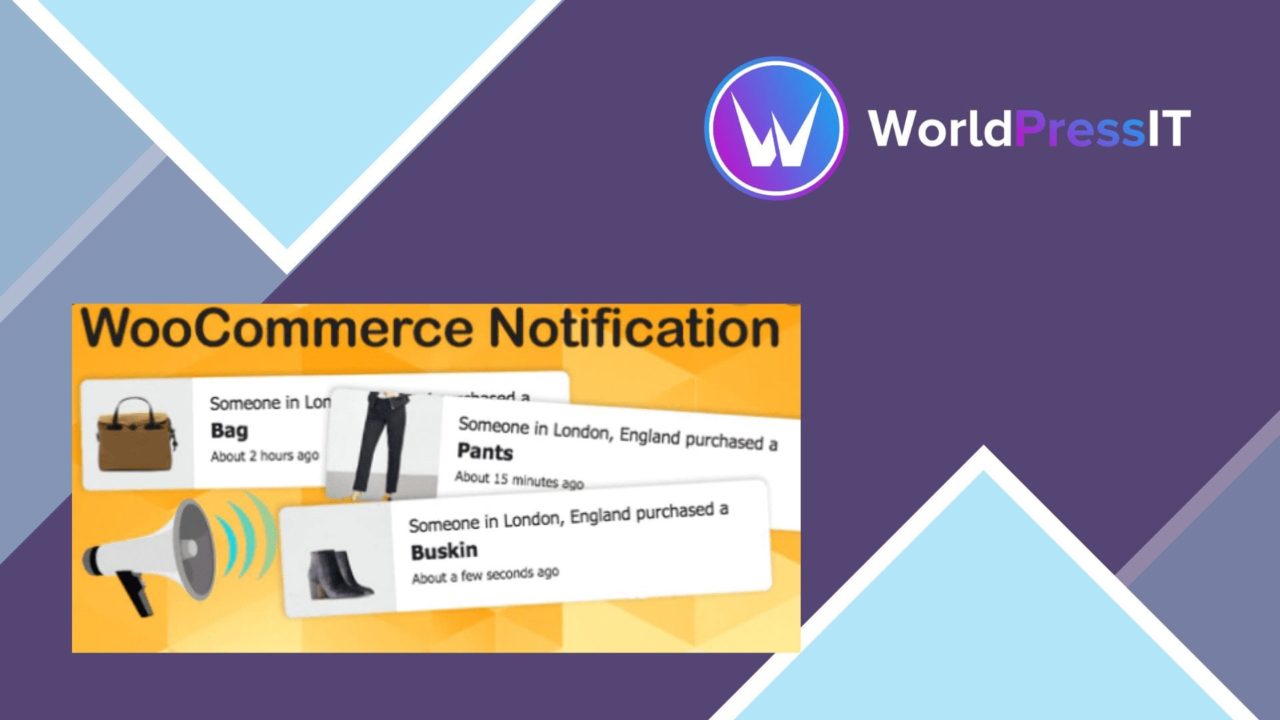
Real-time purchase, stock and offer notifications give a WooCommerce storefront a way to surface activity while visitors browse. WooCommerce Notification brings those alerts into the shop interface, using product data from WooCommerce and a set of controls for message style, placement and timing.
What it handles
The core feature is a stream of notices about recent purchases. That gives shoppers visible evidence that products are being bought, rather than leaving the catalogue feeling static. The plugin also covers other moments that matter in a shop: low-stock alerts, new product launches and special offers. Used selectively, those notices put timely information beside the product catalogue instead of relying only on banners or product descriptions.
Its scope is broader than a single recent-order popup. Store owners can choose which kind of event to present and adapt the wording to match the shop’s voice. The result is a notification layer built around product and order activity, rather than a collection of unrelated site messages.
Messages and display
Notification content is customisable, so the same purchase or stock event does not have to appear in generic wording. This matters for stores with a defined tone, particularly where a short alert needs to sound consistent with the rest of the storefront.
The display settings cover the practical details that determine how an alert behaves on the page:
- Notification duration controls how long each message remains visible.
- Position settings determine where the notice appears in the storefront.
- Animation effects shape how the alert enters and leaves the page.
- Responsive design keeps the notification presentation usable across device sizes.
- WooCommerce integration pulls product data directly for the notices.
These controls give the feature more flexibility than a fixed alert bar. A short duration and restrained animation suit a quiet catalogue, while a more prominent position gives time-sensitive stock or offer messages greater visibility.
Store activity and reporting
The plugin includes an analytics dashboard for tracking notification performance and customer engagement. That gives the store owner a place to review how the notification layer is performing, rather than treating every alert as an unmeasured visual effect.
This combination of live notices and reporting suits stores that want to connect storefront messaging with visitor response. Product data comes from WooCommerce, while the dashboard focuses on the notices themselves. The available feature set therefore covers both sides of the task: presenting activity to shoppers and reviewing engagement afterwards.
What to weigh
Notifications add another moving element to the storefront, and that is the first trade-off. Purchase, stock, launch and offer messages can compete with product information if too many appear together, so duration, position and animation need deliberate choices rather than maximum prominence.
The second trade-off is dependence on the underlying store activity. Purchase and stock notices are only as useful as the product and order data behind them; an empty, unsuitable or poorly timed stream gives visitors little context. The analytics dashboard also creates another reporting surface to interpret alongside the shop’s wider performance information, rather than replacing broader store analysis.
Who it suits
WooCommerce Notification is a focused fit for store owners who want visible activity around their products without building each notice manually. It is particularly relevant to catalogues that use recent purchases as social proof, need low-stock or launch alerts, or run regular special offers.
Stores with a clear messaging style should benefit from the custom text and display controls. Stores that prefer a minimal, distraction-free product page should be more selective, using the event types and presentation settings to keep the notification layer subordinate to the catalogue.
The verdict
Download WooCommerce Notification and see for yourself
You get the full WooCommerce Notification release (v1.7.1), ready to install, plus every update that follows. One click and it is yours.
Download WooCommerce Notification v1.7.1- Instant download
- Original developer files
- Updated 9 Nov 2026
Related reviews
Browse all
WooCommerce Give Products
Create WooCommerce products or variations that customers receive after making a donation, with flexible amounts, digital…
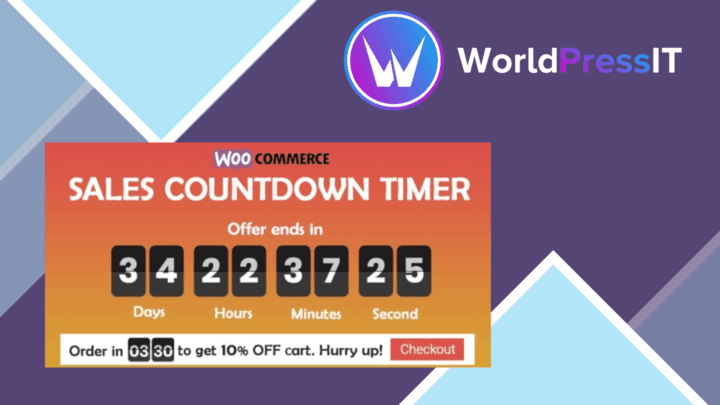
Checkout Countdown
Countdown timers for WooCommerce sales and promotions, with product, cart and checkout placement, date controls, styles…
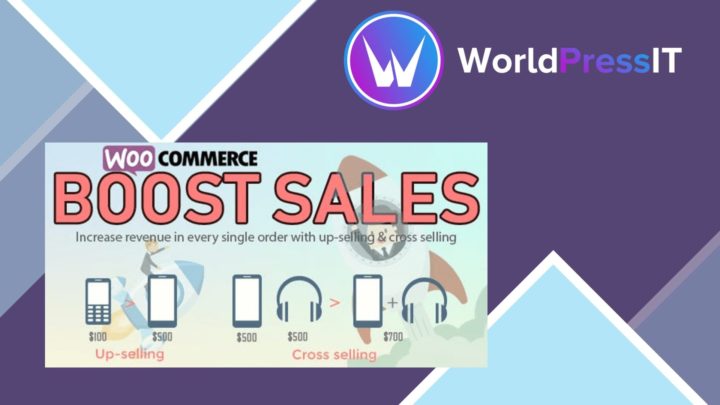
WooCommerce Boost Sales
Cart recovery reminders, checkout upsells, related-product suggestions and discount tools for WooCommerce stores seeking…