Checkout Countdown
Countdown timers for WooCommerce sales and promotions, with product, cart and checkout placement, date controls, styles and end-of-countdown messaging.
Instant access Original unmodified files Free future updates
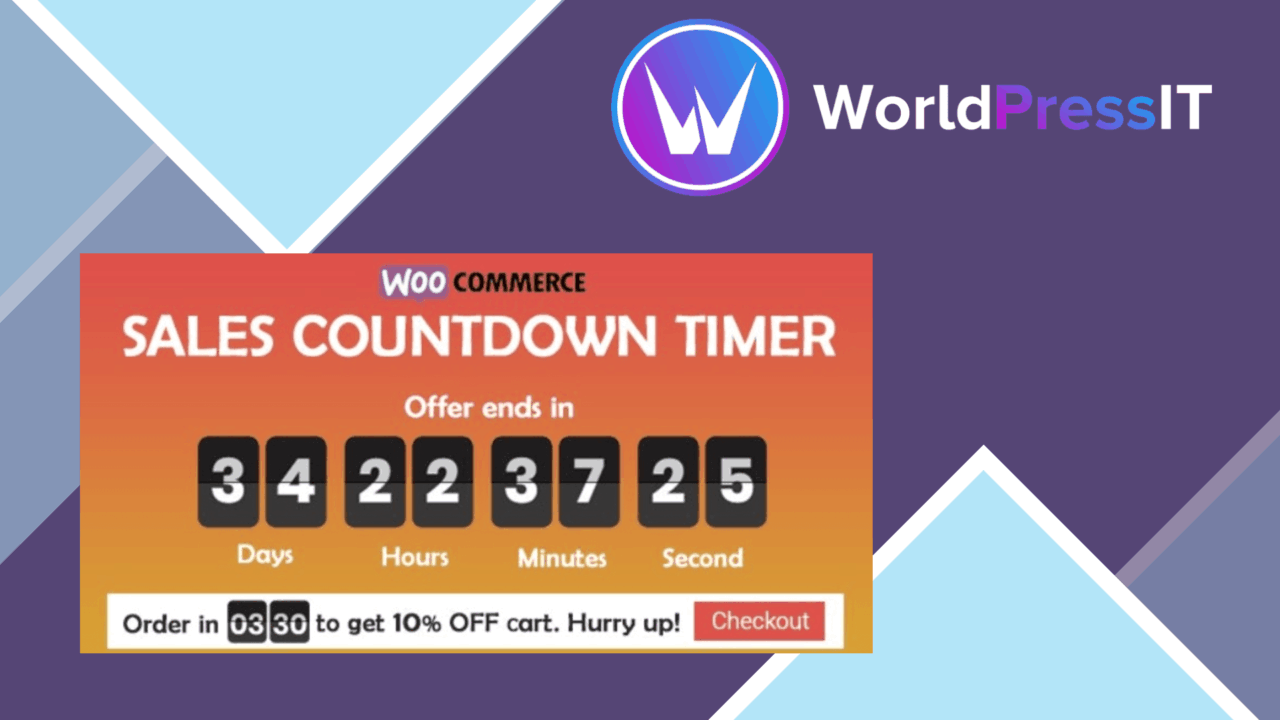
Checkout Countdown adds timed sales messaging to a WooCommerce or WordPress site. Its core job is straightforward: place a countdown beside an offer, set when the promotion starts and ends, and use the remaining time to give shoppers a clear reason to act.
Timed offers in context
The plugin is aimed at promotions that need more visibility than a static sale label provides. Timers can appear on product pages, cart pages and checkout pages, so the message can follow the customer from product discovery through the final purchase step. That placement is particularly relevant for stores where the offer applies to a defined campaign rather than to one permanently discounted product.
Display through shortcodes also gives the timer a broader role than a fixed WooCommerce widget. The vendor describes it as usable on any page with a shortcode, allowing a campaign message to sit on a landing page, promotional page or other content area alongside the store screens.
Controls for campaigns
Checkout Countdown brings the main campaign settings into one feature set:
- Start and end dates for controlling the active period of a promotion.
- Several timer styles and designs for adapting the display to the site’s visual treatment.
- End-of-countdown messages that can direct attention after the timer reaches zero.
- WooCommerce integration for applying discounts during countdown events.
- Responsive presentation for customers viewing the timer on mobile devices.
- Multiple-language support for stores serving an international audience.
- Shortcode placement for showing a timer beyond the standard product, cart and checkout locations.
The settings are described as suitable for configuration without code, which keeps the product focused on campaign setup rather than custom development. The combination of date controls, placement and end messaging covers the practical parts of a short-lived promotion.
Where it falls short
The feature list does not explain how discount rules are configured or how the plugin handles overlapping campaigns. Stores with several simultaneous offers will need to establish those rules carefully rather than assume that every promotion can share the same timer setup.
There is also little detail about the timer designs beyond the fact that multiple styles are available. That leaves unanswered questions about fine-grained typography, colours, placement controls and accessibility behaviour. A brand with strict design requirements may need more control than the supplied description confirms.
Finally, the urgency model is inherently campaign-specific. A countdown is useful when the deadline is genuine and clearly explained, but it is a poor substitute for a well-defined offer. The plugin supplies the time signal; it does not provide campaign reporting, audience targeting or guidance on which promotion will perform best.
Storefront fit
WooCommerce shops with regular flash sales, launch windows or seasonal promotions are the clearest fit. Product-page placement can make the deadline visible while a shopper is comparing an item, and cart or checkout placement keeps the campaign present closer to the purchase decision. The shortcode option broadens the same message to supporting content without requiring a separate timer system.
The responsive design matters for campaigns that reach shoppers on phones, while language support is relevant to stores presenting offers to more than one market. These are practical inclusions rather than separate marketing features, but they reduce the need to create different campaign messages for different viewing contexts.
Who should use it
Checkout Countdown suits a shop owner who wants a focused urgency layer around scheduled WooCommerce promotions. It is less suited to teams looking for campaign analytics, complex promotion logic or extensive design-system controls, since none of those capabilities are described. For a simpler brief—show the remaining time, place it at key buying stages and change the message when the offer ends—the feature set is appropriately narrow.
The verdict
Download Checkout Countdown and see for yourself
You get the full Checkout Countdown release (v1.1.10), ready to install, plus every update that follows. One click and it is yours.
Download Checkout Countdown v1.1.10- Instant download
- Original developer files
- Updated 9 Nov 2026
Related reviews
Browse all
WooCommerce Give Products
Create WooCommerce products or variations that customers receive after making a donation, with flexible amounts, digital…
WooCommerce Notification
Real-time purchase, stock and offer notifications for WooCommerce stores, with branded messages, display controls and an…
WooCommerce Boost Sales
Cart recovery reminders, checkout upsells, related-product suggestions and discount tools for WooCommerce stores seeking…