Kadence Slider Pro
Responsive WordPress sliders for images, videos and text, with drag-and-drop layouts, hero and carousel formats, and CSS-based transitions for a lighter visual layer.
Instant access Original unmodified files Free future updates
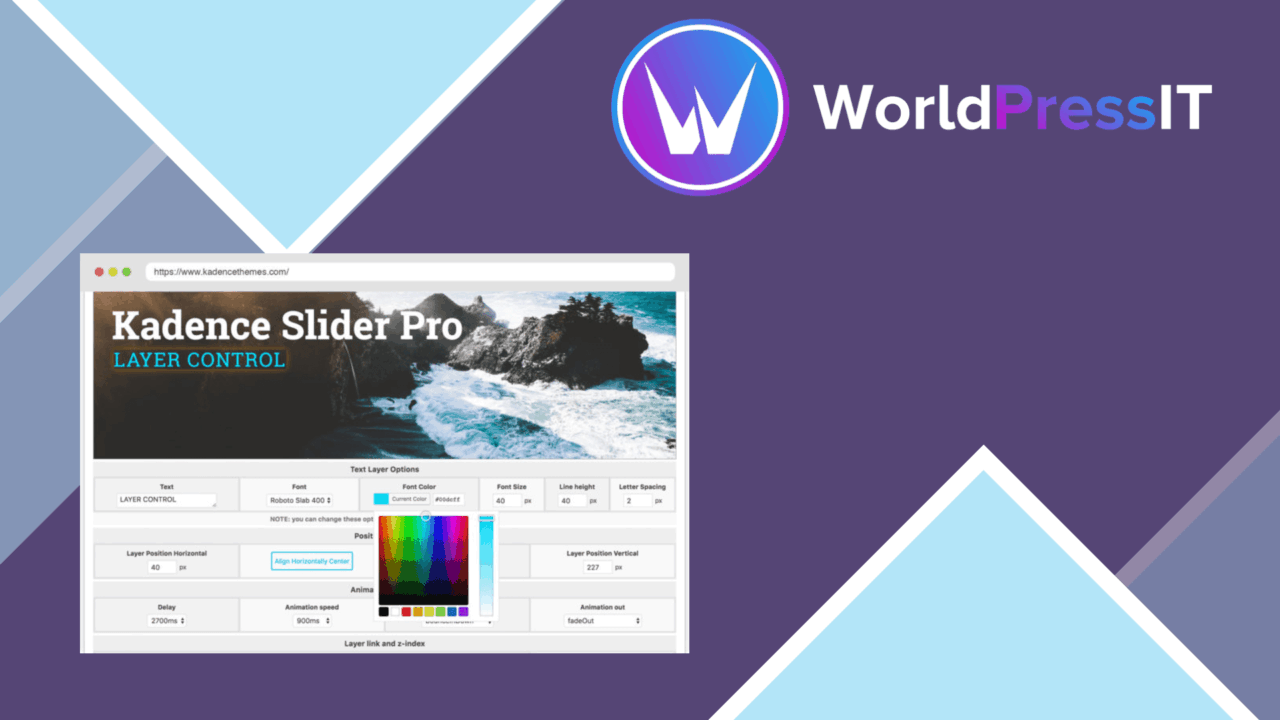
Kadence Slider Pro is a WordPress slider builder for presenting images, videos and text in a more structured visual format. It combines a drag-and-drop editing approach with responsive layouts, several slider types and CSS-based animations, giving site owners a way to build hero sections, carousels and full-width content displays without writing code.
What it builds
The plugin is aimed at sites that need more than a static image or a single promotional block. A slider can bring several pieces of content into one display, with text overlays and buttons placed over the slide content. That suits a homepage hero, a campaign panel, a featured-content strip or a visual introduction to a service.
Its core formats cover three familiar presentation patterns:
- Carousel sliders for moving through several items in a compact space.
- Full-width sliders for content that should span the available page area.
- Hero sliders for prominent introductory sections with images, text and buttons.
Responsive design is part of the feature set, so the same slider structure is intended to adapt across desktop and mobile screens. That is useful for layouts where a large desktop banner needs to remain usable when the available width becomes much narrower.
Animation and layout
Kadence Slider Pro is built around CSS animations rather than a heavier animation approach. The stated aim is to keep overhead low while retaining smooth transitions and broad browser support. In practice, that gives the plugin a clear focus: moving between slides should feel like part of the page design rather than a separate, elaborate interface.
Advanced animation options provide control over how one slide changes to the next. The layout editor adds another layer of control, with custom slide arrangements, text overlays and buttons. These options are useful when a slider needs to follow a particular visual hierarchy instead of displaying an image with a caption in a fixed pattern.
Content controls
The drag-and-drop builder is the main reason to choose this type of plugin. It gives non-developers a way to assemble slides visually, while the combination of images, videos and text supports different kinds of page content. A marketer can use the same slider structure for a campaign message and a product highlight, while a blogger can use it to bring selected visual posts forward.
The feature list also includes SEO-friendly settings. These are best understood as controls for preparing slider content for search-oriented presentation, not as a replacement for a broader SEO strategy. Integration with popular WordPress plugins is listed as part of the product, adding scope for fitting the slider into an existing site rather than treating it as an isolated page element.
What to weigh
A slider introduces movement and extra visual decisions to a page. Every additional transition, overlay and button needs a clear purpose; otherwise several messages compete inside the same area and the main point becomes harder to scan. The responsive promise also leaves the site owner responsible for checking how each custom layout reads on a narrow screen, especially when a desktop-oriented hero contains several text elements.
The drag-and-drop model is approachable, but the number of slider types, layouts and animation choices creates configuration work. A simple image rotation does not need the same planning as a full-width hero with video, overlays and calls to action. CSS-based animation keeps the implementation focused, yet animation still needs restraint where quiet reading or immediate access to content matters.
Who it suits
Kadence Slider Pro fits site owners, marketers and bloggers who want reusable visual sections without hand-coding each one. It is particularly relevant to sites with a strong homepage presentation, campaign-led content or several images and messages that belong in one compact display.
It is less compelling when the page needs one still image, a short block of text or a simple call to action. For those cases, a slider’s editing choices and moving presentation add work without adding much information. For sites that genuinely need hero, carousel or full-width displays, the responsive builder, overlay controls and CSS animation approach form a coherent set of tools.
The verdict
Download Kadence Slider Pro and see for yourself
You get the full Kadence Slider Pro release (v2.3.8), ready to install, plus every update that follows. One click and it is yours.
Download Kadence Slider Pro v2.3.8- Instant download
- Original developer files
- Updated 22 Nov 2026
Related reviews
Browse all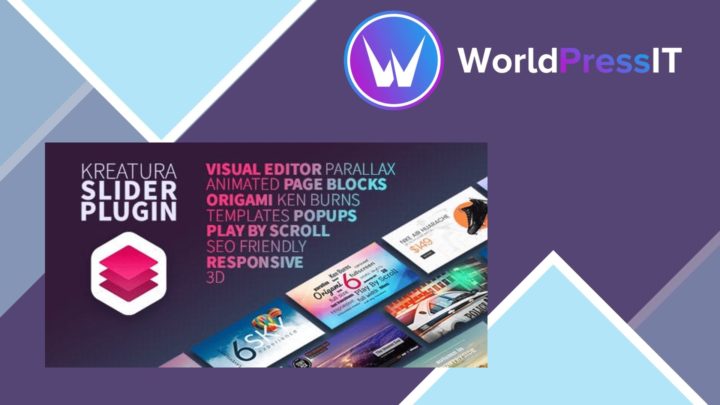
Kreatura Slider for WordPress LayerSlider
Responsive sliders, galleries and animated page sections for presenting images, video and HTML with drag-and-drop editin…
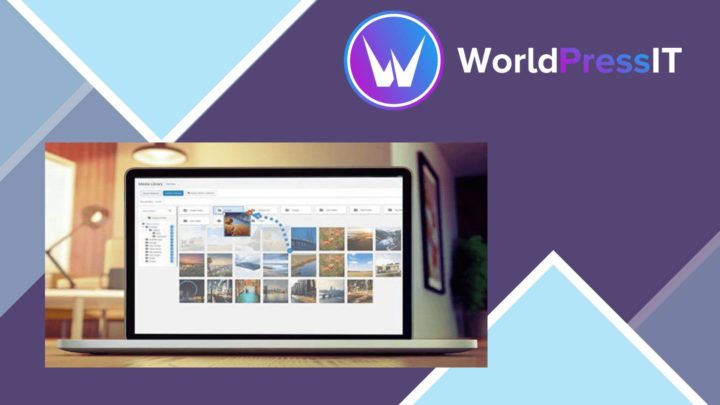
WP Media Folder Gallery Addon
Turn organised media folders into responsive WordPress galleries with grid, masonry, slider, lightbox and video support…
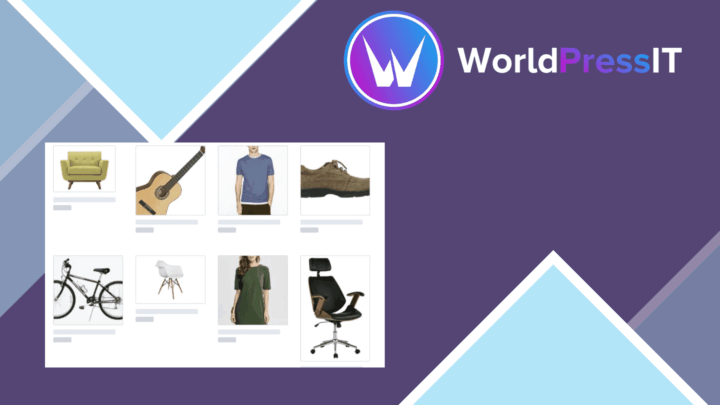
Smart Image Resize Pro
Resizes and compresses WordPress images for consistent product photography and smaller files, with bulk processing, prev…