WP Media Folder Gallery Addon
Turn organised media folders into responsive WordPress galleries with grid, masonry, slider, lightbox and video support for structured visual content.
Instant access Original unmodified files Free future updates
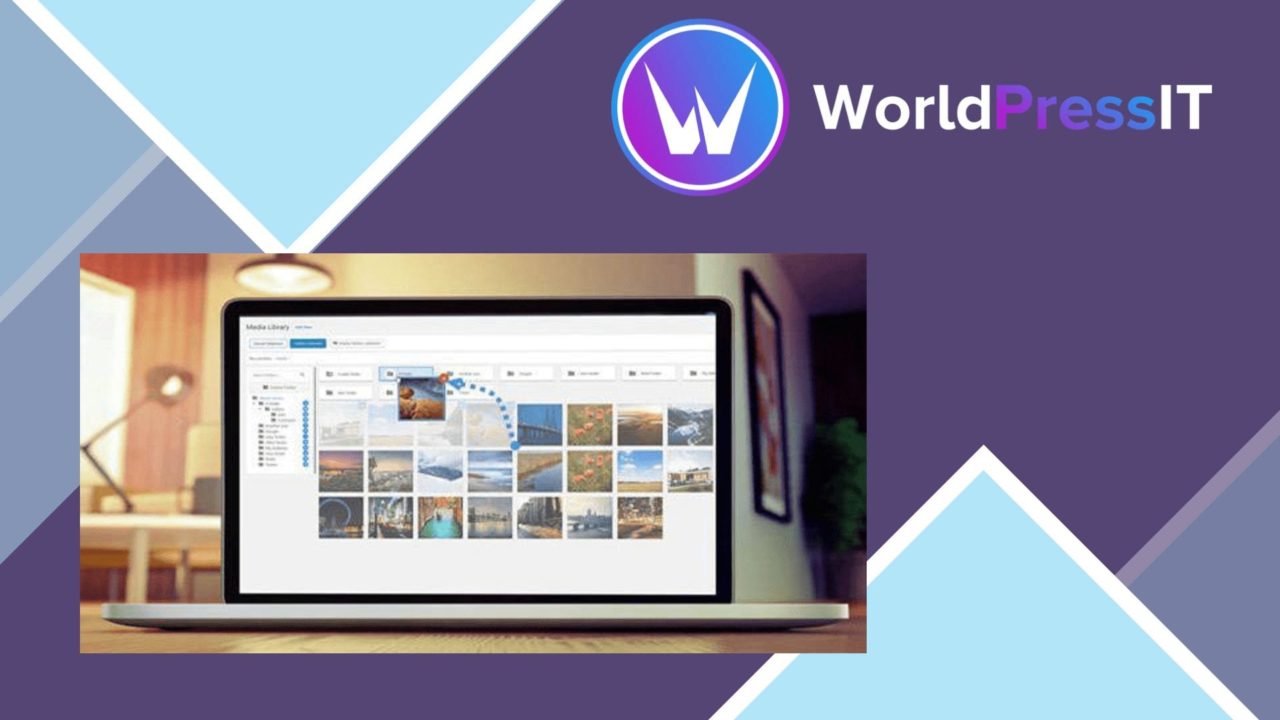
This add-on extends WP Media Folder with tools for turning organised media into publishable galleries. Its main appeal is the connection between folder structure and presentation: images already grouped in the media library can become galleries, while gallery themes can be applied across batches rather than configured one at a time.
From folders to galleries
The central workflow is straightforward. WP Media Folder Gallery Addon can import folders and their images, then transform those folders into galleries. That makes it a practical fit for sites where media is already separated by project, collection, client or subject. Instead of rebuilding each gallery from an empty selection, the existing folder arrangement becomes the starting point.
The batch theme option is useful for keeping a group of imported galleries visually consistent. It suits a portfolio or archive with several related collections, where applying the same presentation repeatedly matters more than designing every gallery as a one-off.
Layouts for visual content
The add-on covers several common ways to present images, with grid, masonry and slider layouts. A grid gives collections a regular structure, masonry accommodates images with differing proportions, and a slider presents media one item at a time. These options let the same folder-based content serve different page designs without changing the underlying media organisation.
- Grid, masonry and slider gallery layouts
- Custom image sizes and aspect ratios
- Lightbox viewing for larger media previews
- Support for video files alongside images
- Responsive presentation across device sizes
- Shortcodes for placing galleries in posts and pages
Control over presentation
Image sizes and aspect ratios provide control over how a collection is framed. That matters when a page needs a uniform visual rhythm or when the source files have noticeably different shapes. Lightbox functionality adds a larger viewing mode, so visitors can inspect media beyond the initial gallery layout.
Video support broadens the add-on beyond static photography. A gallery can contain multimedia content as well as images, which gives a project archive, editorial site or business portfolio a single place to present related visual material. The responsive design is intended to keep those galleries usable on smaller screens, while shortcode support gives editors a direct way to place a gallery inside a post or page.
What to weigh
The first trade-off is that this is an add-on for WP Media Folder, not a standalone media organiser. Its folder-import workflow depends on that wider media-management setup, so it makes the most sense for sites already using WP Media Folder or prepared to base gallery organisation around it.
The second is the amount of presentation choice. Grid, masonry, slider, lightbox, image sizing and aspect-ratio controls cover several use cases, but they also require decisions about how each collection should look. A site with many galleries will need a clear visual rule if different layouts and ratios are used across the same body of content. The supplied details also do not describe deeper gallery controls beyond these layout and display features, so teams seeking highly specialised presentation settings should check the available options before committing.
Who it suits
This add-on fits photographers, bloggers and businesses that need a structured way to publish collections from an organised media library. It is particularly well matched to sites with multiple folders, repeated gallery layouts or mixed image and video content. The combination of folder import, batch theme application, responsive layouts and shortcodes keeps the focus on turning existing media organisation into visible content.
For a smaller site with only one occasional gallery, its folder-based workflow and range of display choices may be more than necessary. For a growing archive where consistent presentation matters, the connection between media folders and galleries is the defining advantage.
The verdict
Download WP Media Folder Gallery Addon and see for yourself
You get the full WP Media Folder Gallery Addon release (v2.6.16), ready to install, plus every update that follows. One click and it is yours.
Download WP Media Folder Gallery Addon v2.6.16- Instant download
- Original developer files
- Updated 21 Nov 2026
Related reviews
Browse all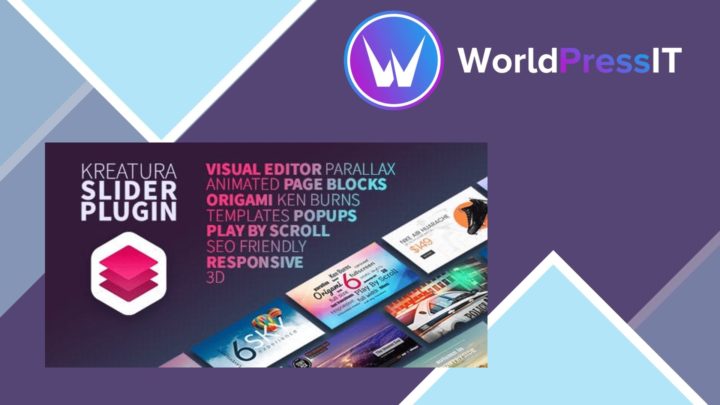
Kreatura Slider for WordPress LayerSlider
Responsive sliders, galleries and animated page sections for presenting images, video and HTML with drag-and-drop editin…
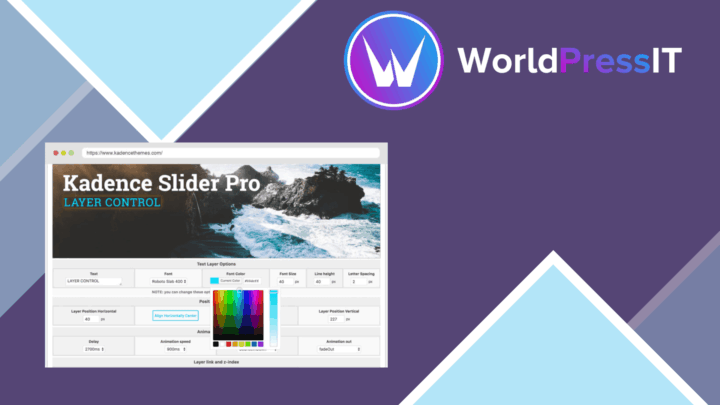
Kadence Slider Pro
Responsive WordPress sliders for images, videos and text, with drag-and-drop layouts, hero and carousel formats, and CSS…

Smart Image Resize Pro
Resizes and compresses WordPress images for consistent product photography and smaller files, with bulk processing, prev…