WooCommerce Checkout Upsell Funnel
Add discounted product recommendations and order bumps to WooCommerce checkout, using cart-based rules to raise order value without sending shoppers away.
Instant access Original unmodified files Free future updates
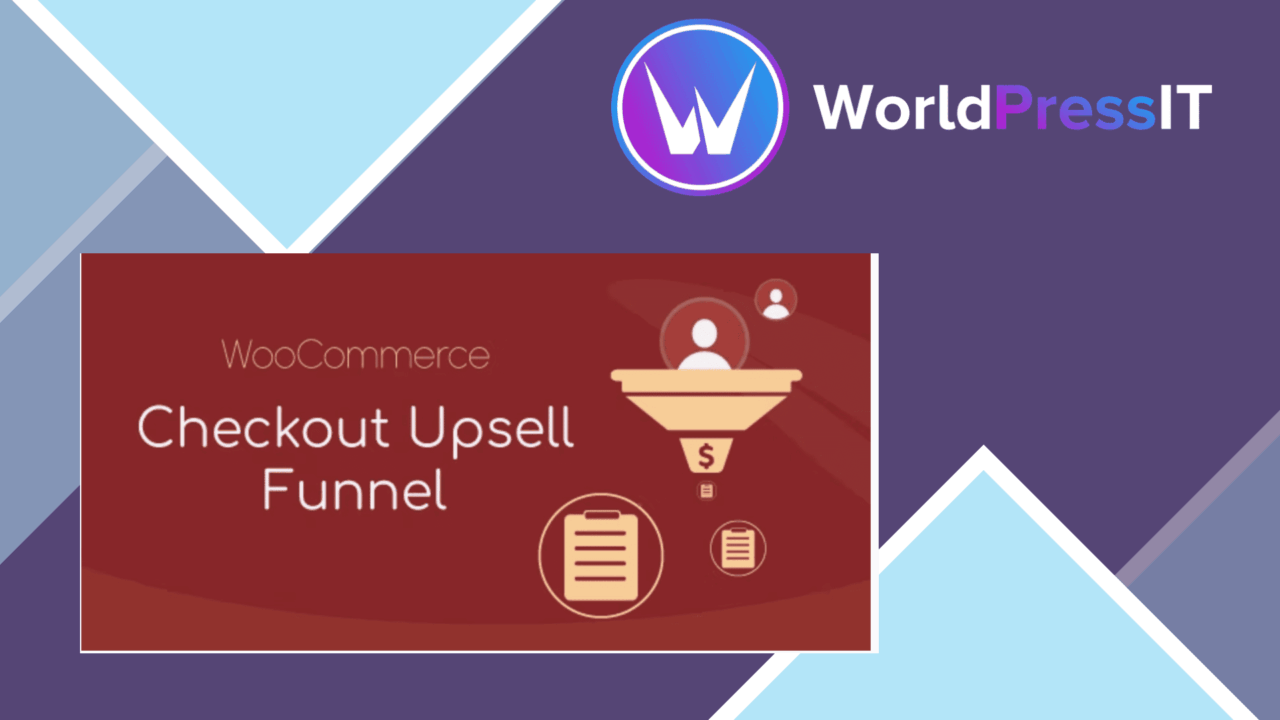
WooCommerce Checkout Upsell Funnel adds product recommendations and discounted order bumps to the WooCommerce checkout page. Its purpose is straightforward: present a relevant extra purchase while the customer is already reviewing the order, rather than relying on a separate sales page or follow-up campaign.
A checkout-focused offer layer
The plugin is aimed at store owners who want to increase average order value through an offer placed directly in checkout. Customers receive an invitation to buy an additional product alongside the items already in the cart, with the discount acting as the reason to accept the offer. The approach suits accessories, add-ons and complementary products that make sense beside the original purchase.
That placement is the main distinction from a general product recommendation tool. The offer appears during the final purchasing step, and the vendor describes it as a way to add products without interfering with the checkout process. In practice, the quality of the result rests on choosing offers that feel relevant rather than turning every checkout into a list of unrelated promotions.
Rules for relevant bumps
Conditional rules based on cart contents give the offer system more direction than a single site-wide promotion. A shop can build different upsell suggestions around what the customer has already selected, then attach an alluring discount to the additional product. That creates room for simple pairings, such as a related item shown only when a particular product is present in the cart.
- Present additional products during WooCommerce checkout.
- Apply discounted order bump offers.
- Set conditional upsell rules based on cart contents.
- Adjust the order bump presentation to match the store’s branding and style.
- Track campaign performance with real-time analytics.
- Support multiple payment gateways and a mobile-responsive checkout presentation.
Presentation and reporting
Branding controls are useful because an order bump needs to look like part of the shop rather than an unrelated advert. The listed customisation options cover the offer’s appearance, while the mobile-responsive design addresses customers completing checkout on smaller screens. Support for multiple payment gateways is also relevant for stores that already serve customers through more than one payment option.
Real-time analytics provide a way to follow the performance of upsell campaigns instead of judging them only by total sales. That makes the plugin more practical for stores running several offers or changing discounts over time. The feature list does not specify the available reports or the metrics included, so the analytics should be treated as a monitoring layer rather than a complete merchandising system.
Where it falls short
The first trade-off is added decision-making at checkout. Even a well-targeted bump introduces another choice at the point where some shoppers simply want to pay, so careless rules or weak product matches could make the page feel busier. The second is that conditional offers require ongoing catalogue planning: store owners need complementary products, sensible discounts and cart rules that do not overlap confusingly.
There is also limited detail about the analytics implementation. The listing promises real-time campaign tracking but does not describe dashboards, export options or the exact figures available. Finally, broad claims about theme and extension compatibility do not replace checking a particular store’s checkout customisations, payment setup and styling. Those integrations are central to the buying journey and deserve attention before relying on the offer system across a live catalogue.
Who should consider it
This plugin fits WooCommerce stores with complementary products and a clear reason to offer them together. It is most useful where a cart-based rule can produce a specific recommendation, such as an accessory, refill or related service, instead of a generic discount. Stores with a small catalogue and no natural pairings will have less to gain from the funnel concept.
It also suits operators who want offer presentation, checkout payment support and campaign tracking in one WooCommerce-focused add-on. The strongest use case is a shop prepared to maintain its rules and review the response to each campaign. For that audience, WooCommerce Checkout Upsell Funnel provides a focused order-bump layer; it is not a substitute for broader merchandising strategy or detailed analytics work.
The verdict
Download WooCommerce Checkout Upsell Funnel and see for yourself
You get the full WooCommerce Checkout Upsell Funnel release (v1.0.17), ready to install, plus every update that follows. One click and it is yours.
Download WooCommerce Checkout Upsell Funnel v1.0.17- Instant download
- Original developer files
- Updated 9 Nov 2026
Related reviews
Browse all
WooCommerce Give Products
Create WooCommerce products or variations that customers receive after making a donation, with flexible amounts, digital…
WooCommerce Notification
Real-time purchase, stock and offer notifications for WooCommerce stores, with branded messages, display controls and an…
Checkout Countdown
Countdown timers for WooCommerce sales and promotions, with product, cart and checkout placement, date controls, styles…