Kreatura Slider for WordPress LayerSlider
Responsive sliders, galleries and animated page sections for presenting images, video and HTML with drag-and-drop editing, templates and detailed timing controls.
Instant access Original unmodified files Free future updates
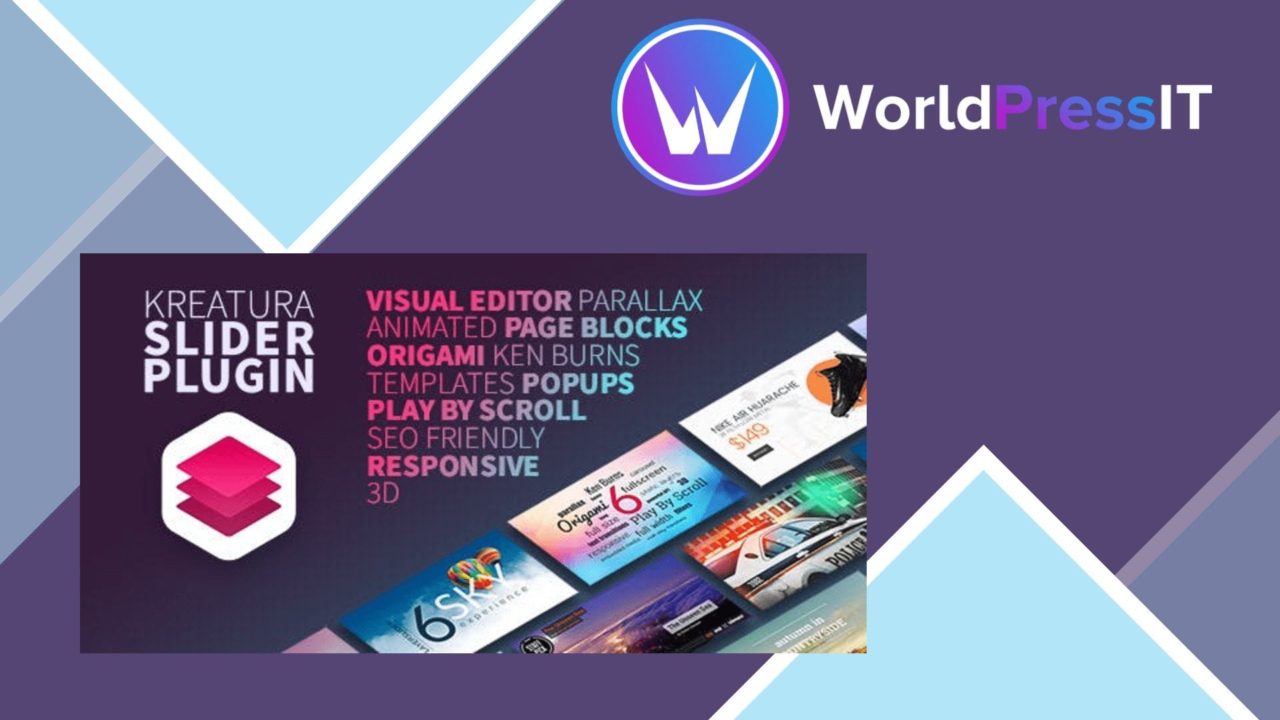
Responsive sliders, galleries and animated page sections sit at the centre of Kreatura Slider for WordPress LayerSlider. It is designed for site owners, bloggers and businesses that need more than a static image block, combining visual editing with support for images, video and HTML content.
More than a slider
LayerSlider is presented as a multi-purpose animation platform rather than a narrow carousel tool. Its stated use cases cover image galleries, slideshows, landing pages, animated page blocks and even complete websites. That range makes it relevant to a homepage hero, a product showcase, a promotional section or a more structured visual page.
The central idea is to build each presentation inside a drag-and-drop editor, then control how its content appears over time. Users can work with separate visual elements instead of treating every slide as one flat image. That gives a slider layout more room for headlines, media and HTML-based content while keeping the creation process inside WordPress.
Content and motion
The feature set covers the main building blocks expected from an animated slider. Images, videos and HTML are supported, so the presentation is not limited to a sequence of photographs. Advanced animation options provide different transitions and effects, while timing controls determine how long content remains visible and how the sequence progresses.
- Drag-and-drop editing for assembling slider content.
- Responsive layouts intended to adapt across devices.
- Animation options for transitions and visual effects.
- Support for images, videos and HTML.
- Built-in templates for starting a new design.
- Controls for timing, navigation and layout.
Navigation settings matter here because a visually rich slider still needs to remain understandable. Adjustable controls for timing, navigation and layout give the editor a way to shape both the presentation and how visitors move through it.
Templates and integration
Built-in templates reduce the need to start with an empty canvas. They provide an initial design direction for users who want to assemble a presentation quickly, while the editor and layout settings leave room for further changes. The listing also identifies integration with popular WordPress themes and plugins, which places the tool within an existing site rather than requiring a separate publishing system.
Responsive design is another important part of the offering. A slider that includes text, media and animation has to account for different screen sizes, and the plugin is described as adapting its presentation across devices. Its SEO-friendly features are intended to support search visibility, although the supplied description does not specify which settings or markup are involved.
What to weigh
The broad feature set brings two clear trade-offs. First, a tool that covers sliders, galleries, landing pages, animated blocks and full websites presents more design decisions than a simple carousel. Teams that only need rotating images could find the wider editor and animation controls unnecessary.
Second, advanced motion and mixed media require restraint. Video, layered HTML and animated transitions create more parts to manage than a static image sequence, and a busy design can compete with the message it is meant to present. The templates help with starting points, but they do not remove the need to choose sensible timing, navigation and visual hierarchy. The SEO claim also deserves a closer look before being treated as a complete optimisation solution.
Who it suits
Kreatura Slider for WordPress LayerSlider fits site owners who want one visual tool for several presentation formats. It is particularly suited to homepages, campaign pages, galleries and promotional layouts where images, video, HTML and motion need to work together. Bloggers and businesses with a stronger visual focus will get more from its templates and animation controls than users seeking only a basic image carousel.
The plugin is best considered a flexible visual construction system, not just a rotating banner. Its value rests on how much control a site needs over content, movement, navigation and layout. For that use case, the combination of responsive output, varied content types and drag-and-drop editing forms a coherent package.
The verdict
Download Kreatura Slider for WordPress LayerSlider and see for yourself
You get the full Kreatura Slider for WordPress LayerSlider release (v8.4.1), ready to install, plus every update that follows. One click and it is yours.
Download Kreatura Slider for WordPress LayerSlider v8.4.1- Instant download
- Original developer files
- Updated 22 Nov 2026
Related reviews
Browse all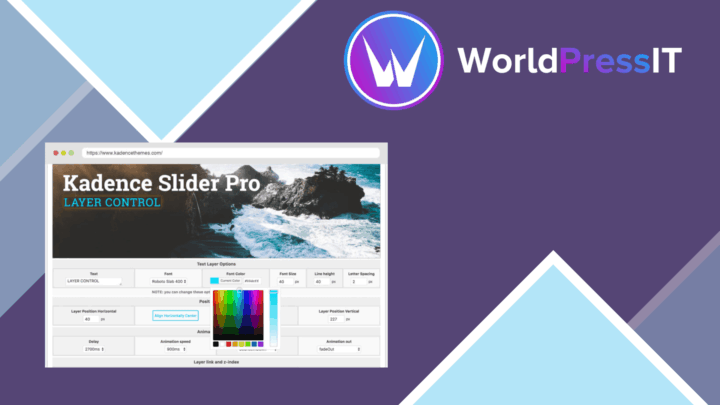
Kadence Slider Pro
Responsive WordPress sliders for images, videos and text, with drag-and-drop layouts, hero and carousel formats, and CSS…
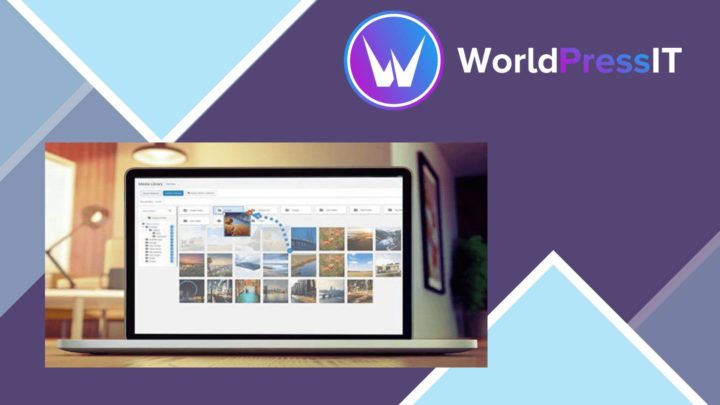
WP Media Folder Gallery Addon
Turn organised media folders into responsive WordPress galleries with grid, masonry, slider, lightbox and video support…
Smart Image Resize Pro
Resizes and compresses WordPress images for consistent product photography and smaller files, with bulk processing, prev…